AI Music Video · Occasion / Viral

    Make a Wedding Music Video from Your Song

    Upload your song, describe the moment, and Tunee turns it into a cinematic Wedding music video — no camera, no crew, no editing skills needed.
    ceremony momentsfirst dancevows exchangegolden hour portraitsromanticsentimental
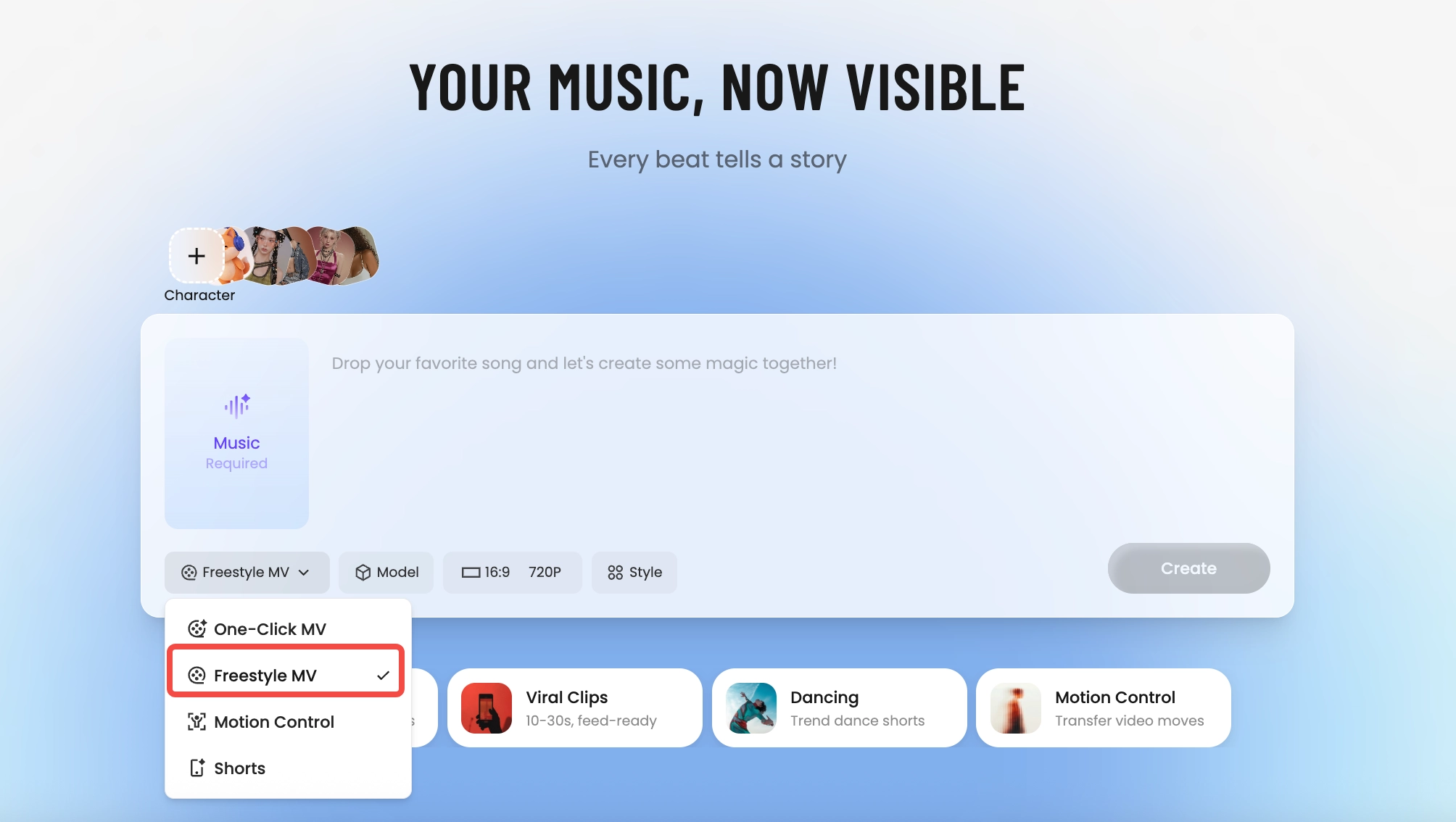
    Tunee AI music video producer — pick One-Click MV, Freestyle MV, Motion Control, or Shorts
    How It Builds

    How Tunee's AI music video producer works

    Four AI agents collaborate to turn your audio into a finished music video — you pick the moment and the direction, Tunee handles the rest.
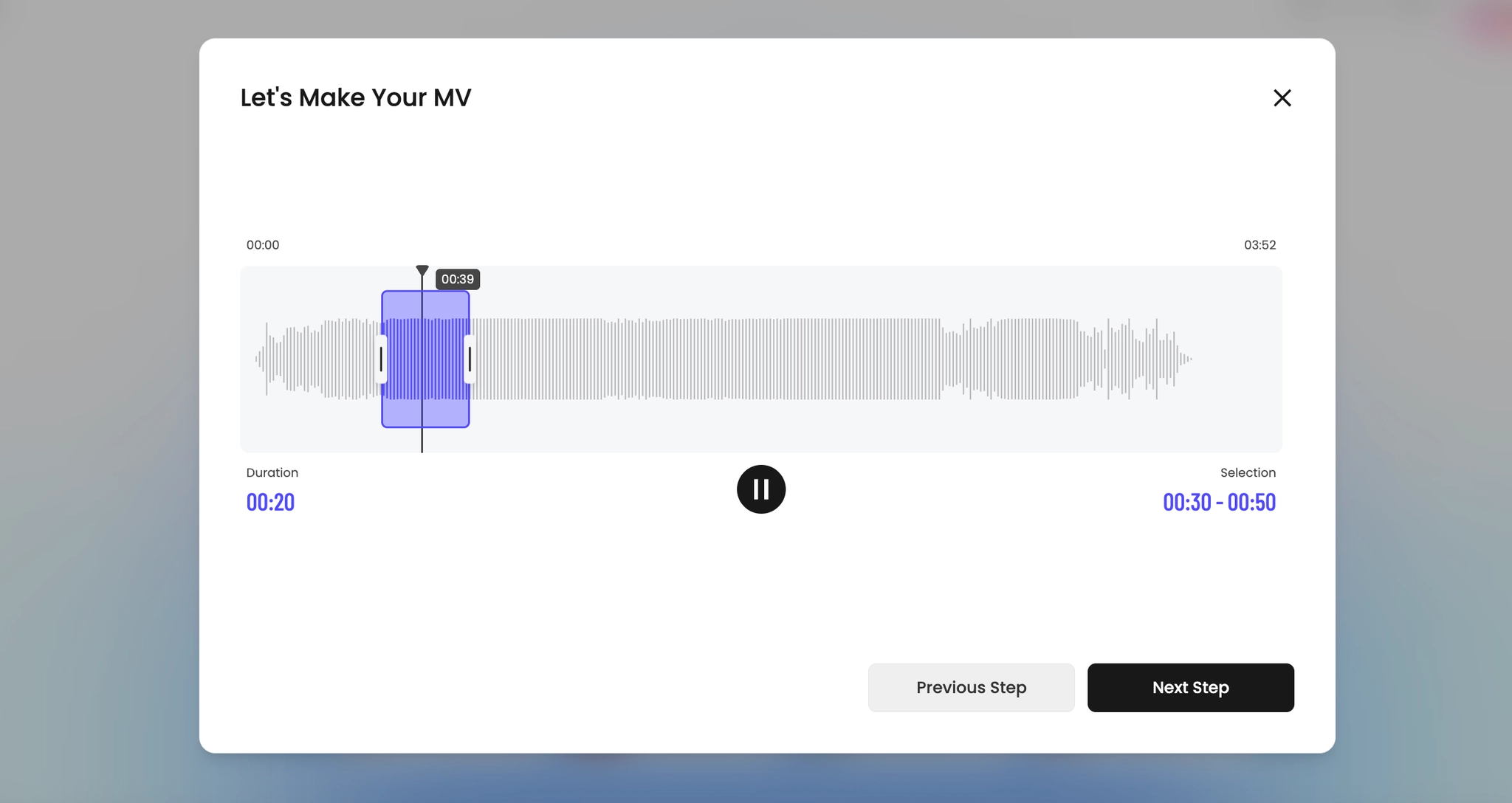
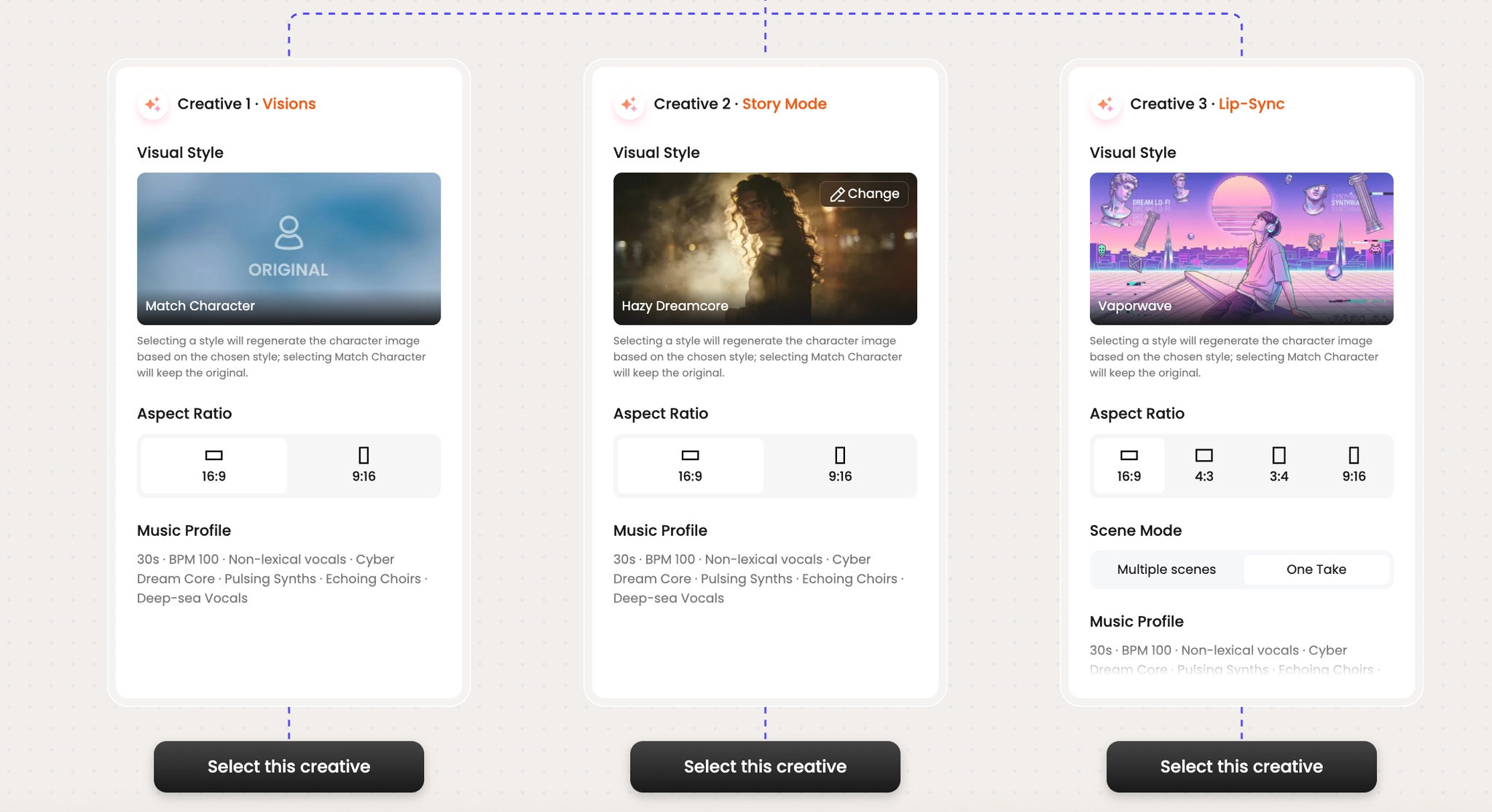
    Pick the moment
    01
    Pick the moment
    Drop your track and trim the segment that becomes your video. Tunee detects energy, key, and tempo automatically.
    Choose a creative direction
    02
    Choose a creative direction
    Browse three AI-suggested visual treatments. Pick a vibe, lock the aspect ratio, and you're set.
    AI generates the visuals
    03
    AI generates the visuals
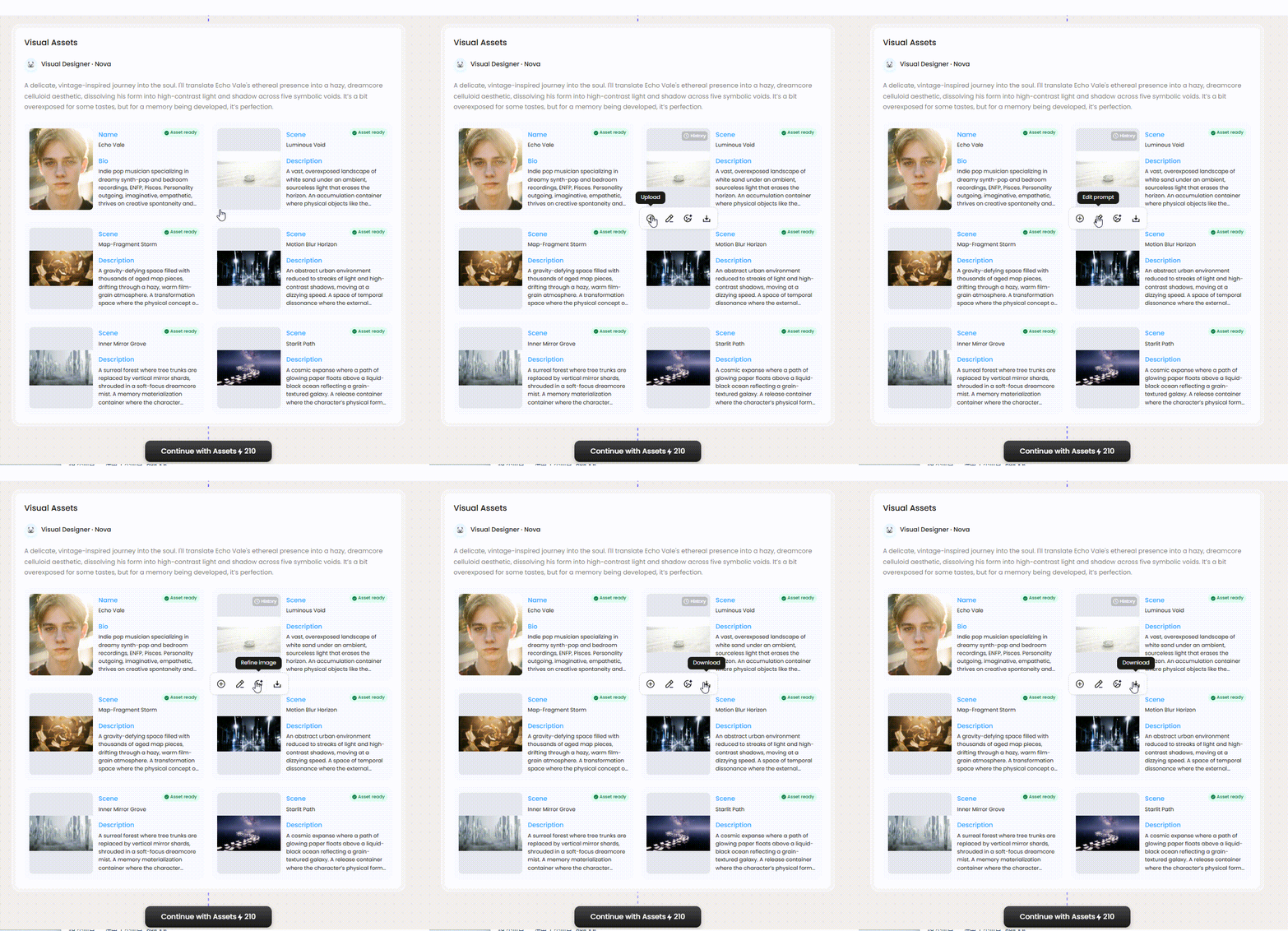
    Tunee's Visual Designer Nova spins up the cast and the scenes that fit your sound.
    AI builds the storyboard
    04
    AI builds the storyboard
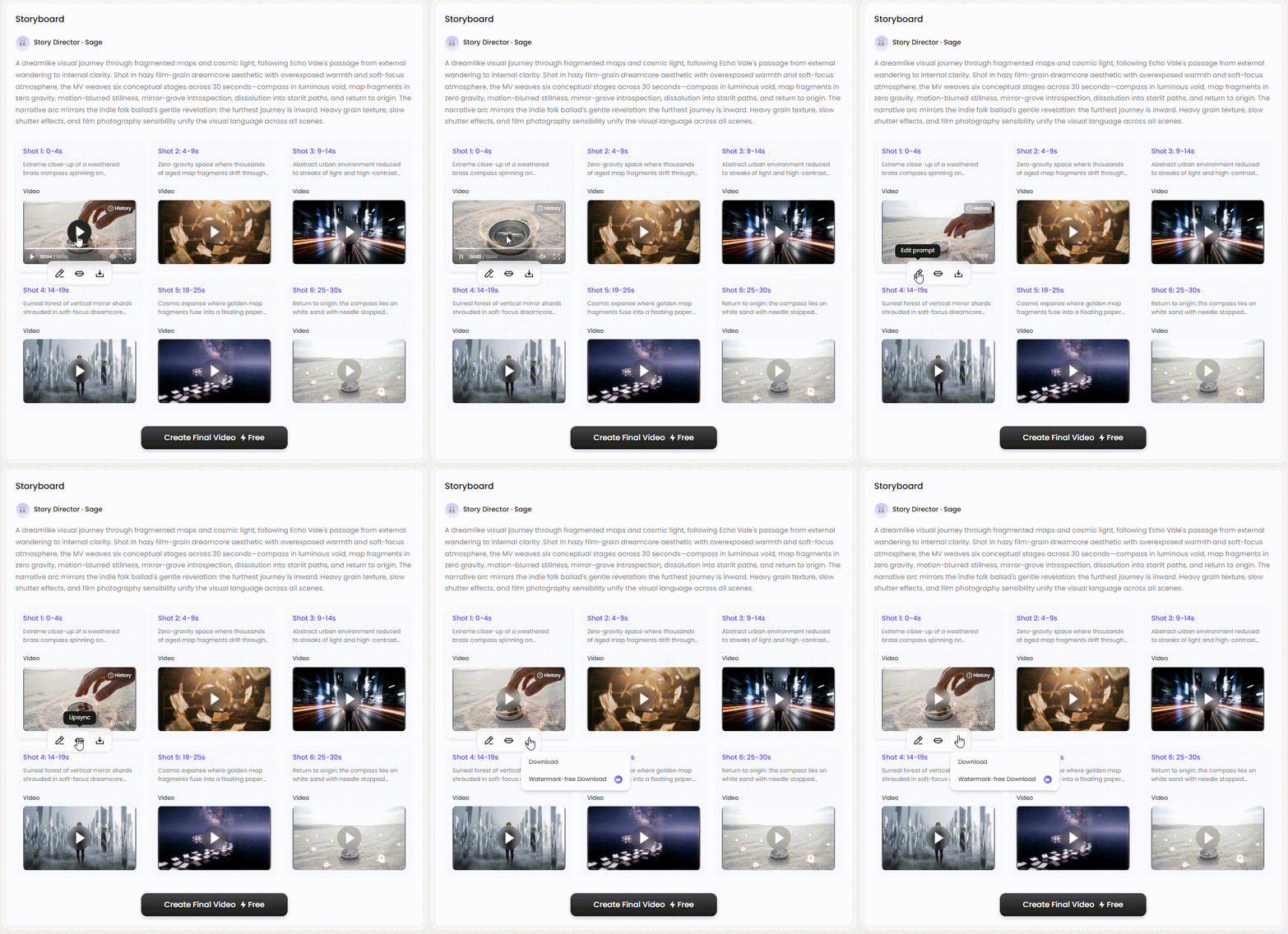
    Story Director Sage cuts the timeline shot-by-shot and renders every format you need.
    Visual Examples

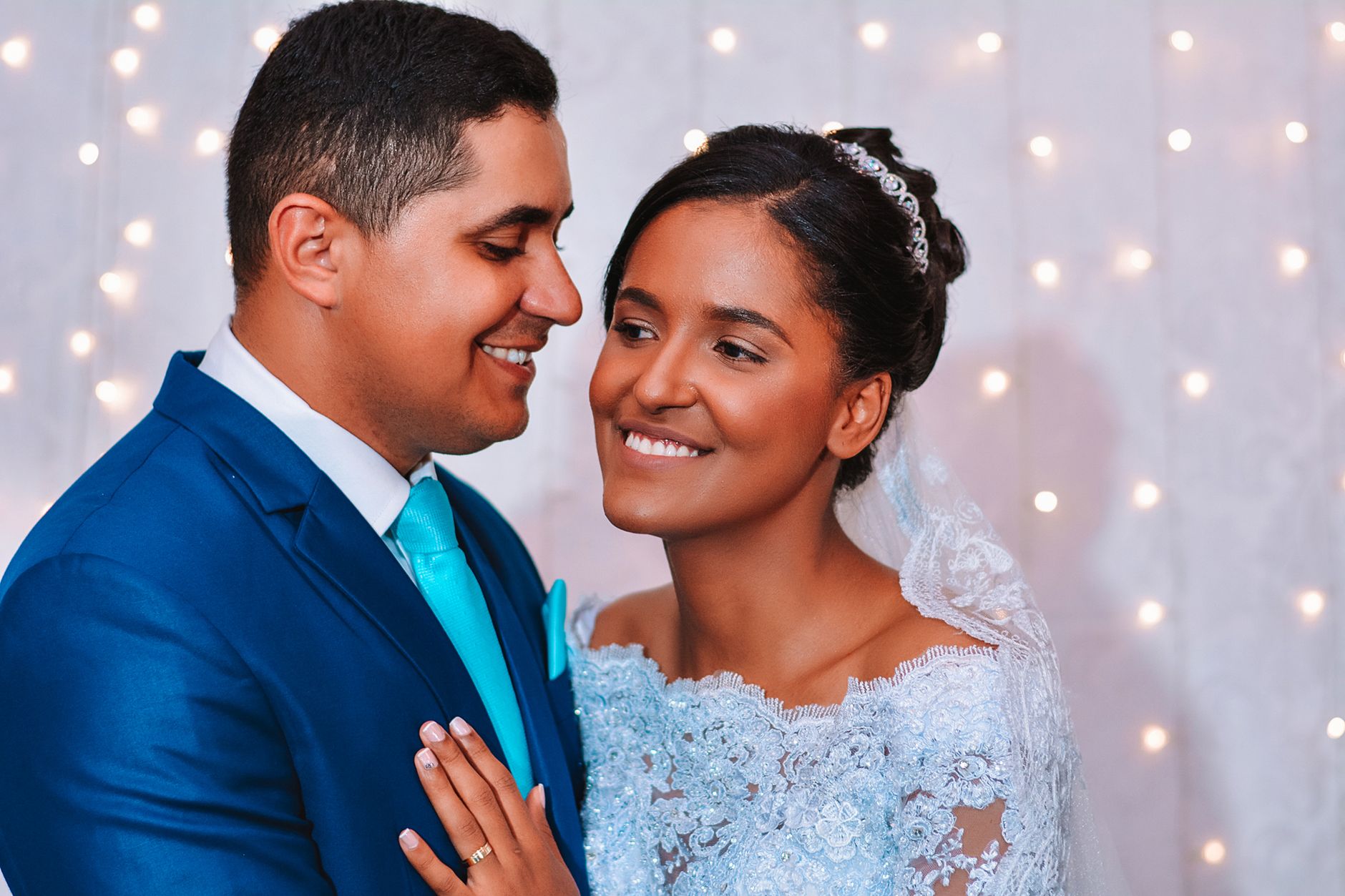
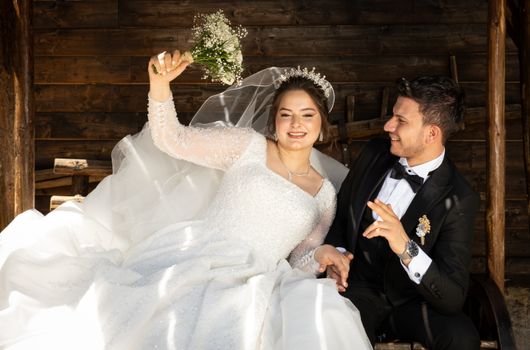
    Frame previews from AI Wedding music videos

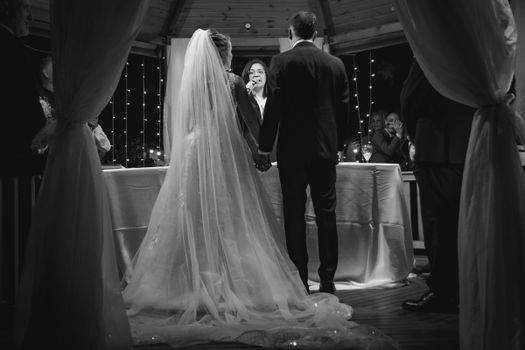
    Single frames pulled from AI-generated music videos — a glimpse of the Wedding visual style Tunee creates from your audio, no camera or crew needed.
    THE WEDDING MV

    Turn your wedding song into a keepsake that doesn't sit in a drawer

    01

    Why a wedding MV beats a slideshow

    Wedding video has a quiet problem: the official film is too long for friends to share, the photographer's reel is too generic to feel personal, and the slideshow your aunt makes is unwatchable past the second slide. A 60–90 second AI music video sits exactly in the gap — short enough to post on Instagram the morning after, scored to your first dance, and visualized around moments that mattered (the ring, the toast, the quiet glance during the vows) rather than stock B-roll.

    02

    The shots that always work

    Wedding videographers know the canon: ring close-up with depth-of-field collapse, dress detail in golden-hour light, the bride's reveal from a parent's POV, the first kiss from the back of the aisle, a long-lens crowd shot during the ovation. Tunee's wedding model knows them too. Drop your processional or first-dance track, mention three of these shots in plain English, and the MV is half-storyboarded before you write another word.

    03

    Make it the gift

    The most useful wedding MV is the one couples figure out a week late: send it to the people who couldn't fly in. A 9:16 vertical of your reception, the song that defined the night, exported the day after, in their inbox before they remember to text congratulations. Tunee renders 9:16, 16:9, and 1:1 from one generation — one prompt, every format the inbox or feed expects.

    How It Works

    How to make a Wedding music video with AI — 3 steps

    No editing software, no camera crew. Just your music and a prompt.

    01 — Upload
    Upload Your Track
    Drop your MP3, WAV, or AAC — Tunee detects tempo, key, and energy automatically.
    02 — Configure
    Describe Your Vision
    Type a prompt or choose One-Click MV — AI generates your storyboard instantly.
    03 — Export
    Export Your Video
    Review, approve, and export up to 4K MP4 in 16:9, 9:16, or 1:1.
    Ready-to-Use Prompts

    Wedding music video prompts — copy & generate

    Each prompt is crafted for Wedding aesthetics. Paste into Tunee, hit generate — your wedding music video is ready in seconds.

    The Hero Moment

    Slow-motion close-up of ceremony moments as the opening notes play. Romantic warmth, soft depth of field. Camera drifts forward to reveal the full wedding scene. First chorus: cut to first dance, emotion visible in every detail. No dialogue — pure feeling.

    Memory Montage

    Quick-cut montage of wedding details — ceremony moments, first dance, vows exchange — each cut on the beat. Sentimental color grade throughout. Bridge slows to a single held frame, then the final chorus opens wide with romantic energy. Ends on a quiet freeze as the last note fades.

    Candid Documentary Style

    Fly-on-the-wall: unscripted wedding moments in natural light. ceremony moments captured candidly, intercutting with close-ups of first dance. Beautiful tone — warm, real, not staged. Wide establishing shot bookends the piece.

    Quick-copy prompts

    A romantic scene with ceremony moments and sweeping camera movements, bathed in dramatic lighting that pulses with the beat

    Wedding scene immersed in first dance, sentimental energy radiating through every frame and cut of the video

    Abstract vows exchange morphing and flowing in slow motion, capturing the romantic essence of the music perfectly

    Close-up shots of ceremony moments dissolving into golden hour portraits, creating a sentimental visual journey that follows the song's rhythm

    Wide establishing shot of a beautiful environment with first dance in the foreground, evoking a deep emotional resonance

    How Creators Use It

    How creators use Tunee's Wedding music video generator

    From release day to full content calendars — real ways people ship wedding music videos with Tunee.

    Personal keepsake
    The memory video
    Upload the song that defined your wedding moment. Describe what happened — Tunee turns it into a cinematic narrative you'll keep forever.
    Meaningful present
    A gift for someone
    Create a personalized music video as a gift. Combine their favorite track with visuals that tell their story — no film crew needed.
    Social & shareable
    Share the moment
    Post a wedding music video before or after the event — as an announcement, thank-you, or highlight that moves.
    Who Uses This

    Who makes this kind of video

    Individuals & Families
    Newlyweds use Wedding music videos to commemorate special moments and create lasting visual memories set to the perfect soundtrack.
    Memory Creators
    Wedding videographers produce Wedding music video content to tell emotional stories, grow their audience, and offer premium video services to clients.
    Event Planners
    Event planners and videographers use Tunee's AI to deliver polished Wedding video packages faster and at a fraction of traditional production costs.
    Celebration Brands
    Brands and advertisers create Wedding-themed content to connect with audiences during key seasonal moments and emotional milestones.
    FAQ

    Wedding music video generator — common questions

    How do I customize the visual style of my Wedding music video?
    You can guide the visuals using text prompts that describe scenes, moods, and settings. Tunee's AI interprets your input and generates ceremony moments-inspired visuals that match your Wedding aesthetic.
    Can I use Tunee's Wedding music video generator for commercial projects?
    Yes. Videos created with Tunee can be used for commercial purposes including streaming releases, brand campaigns, and social media content.
    Does it work with any genre of music, or only Wedding?
    Tunee supports a wide range of genres and visual styles beyond Wedding. You can generate music videos for pop, hip-hop, classical, and dozens of other styles using the same platform.
    How do I add lyrics or subtitles to my Wedding music video?
    Tunee offers built-in lyric and subtitle overlay options. Simply enter your lyrics and choose a text style, and the AI will sync them to your Wedding music video automatically.
    Can I generate multiple versions of a Wedding music video to compare?
    Yes. You can generate several variations of your Wedding music video using different prompts or style settings, then select the version that best fits your vision.

    Ready to create your music video?

    Join thousands of artists creating stunning videos with AI.

    Try It Now