
Make a Christmas Music Video from Your Song
Upload your song, describe the moment, and Tunee turns it into a cinematic Christmas music video — no camera, no crew, no editing skills needed.
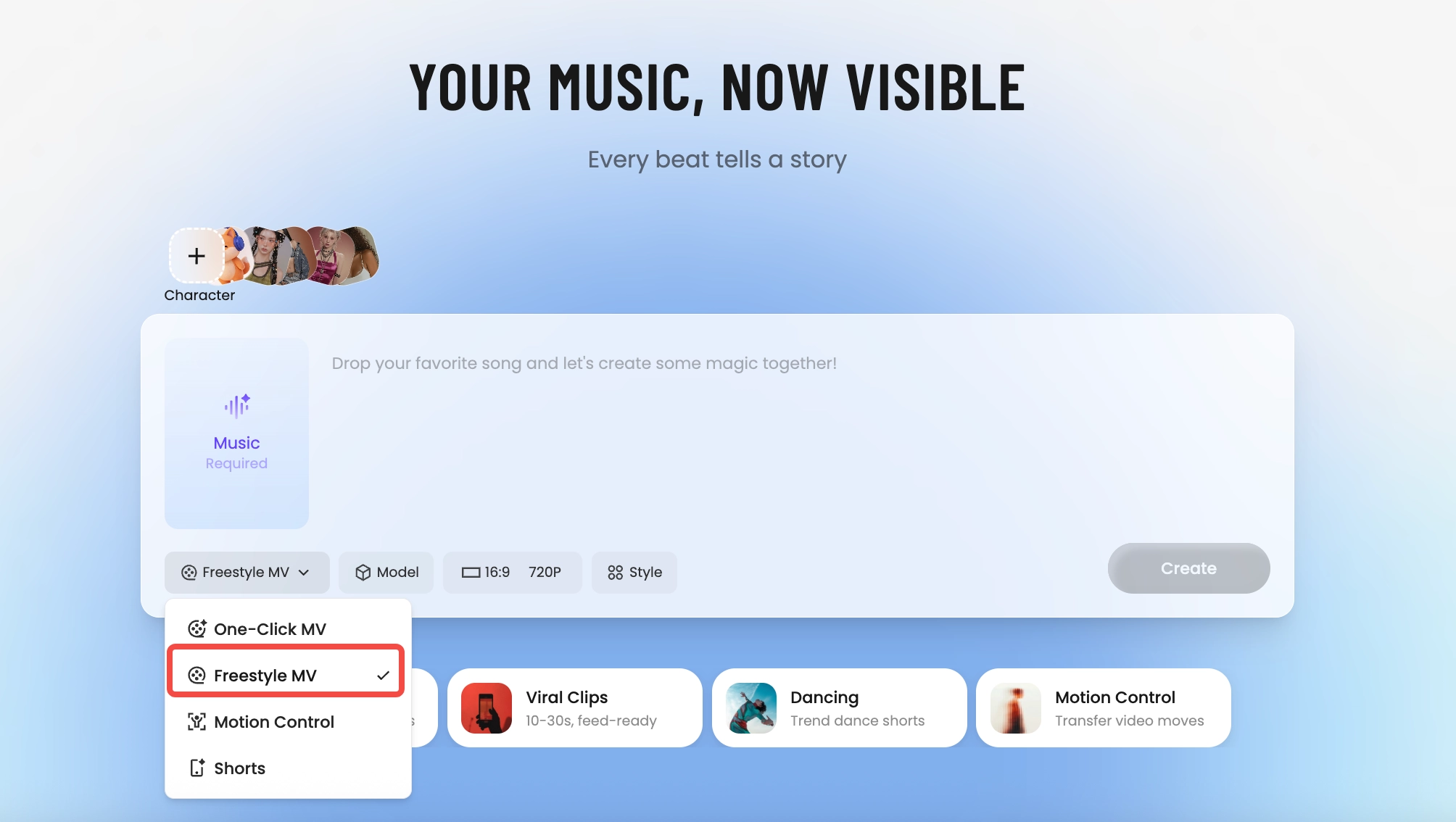
How Tunee's AI music video producer works
Four AI agents collaborate to turn your audio into a finished music video — you pick the moment and the direction, Tunee handles the rest.
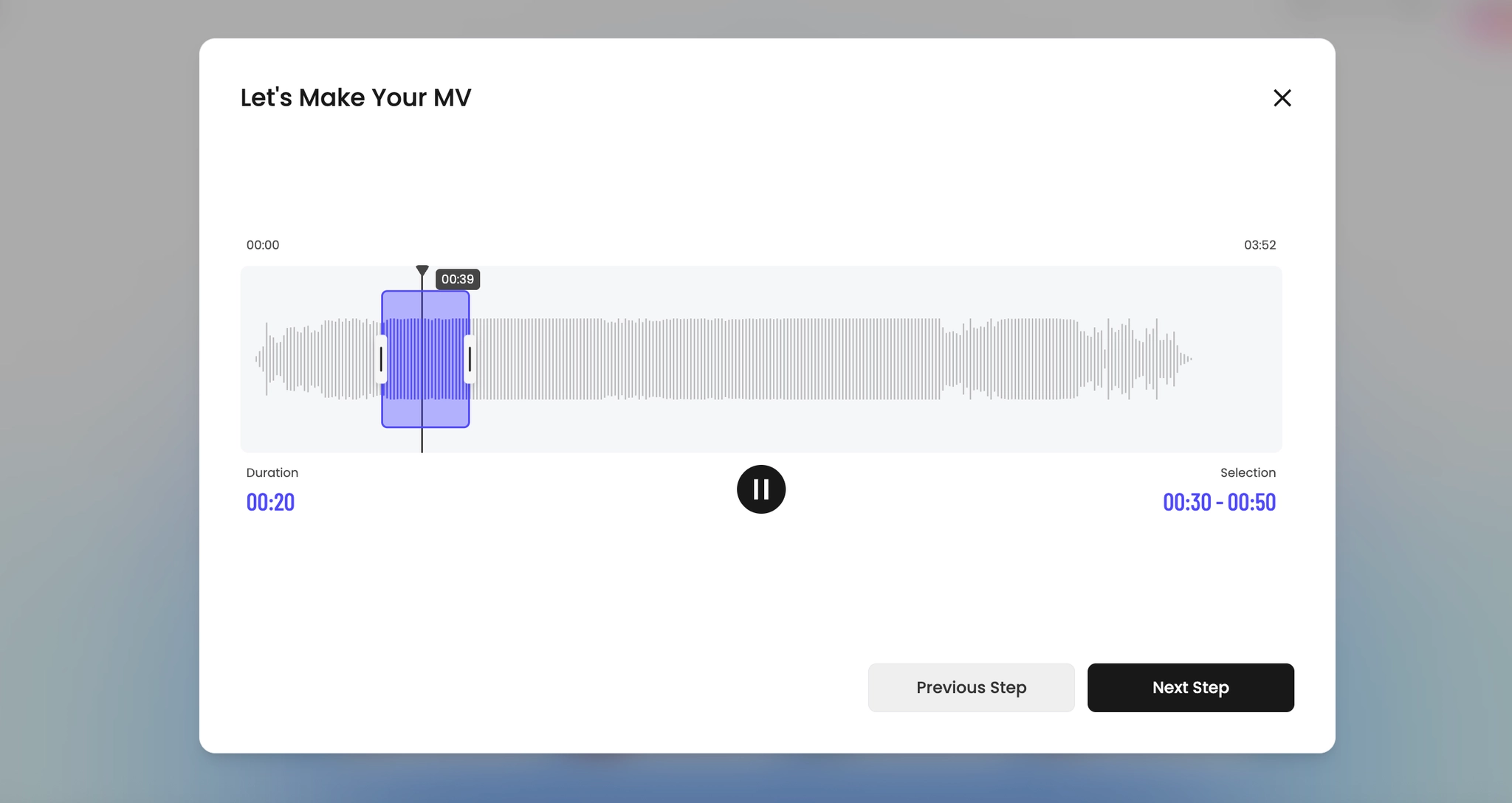
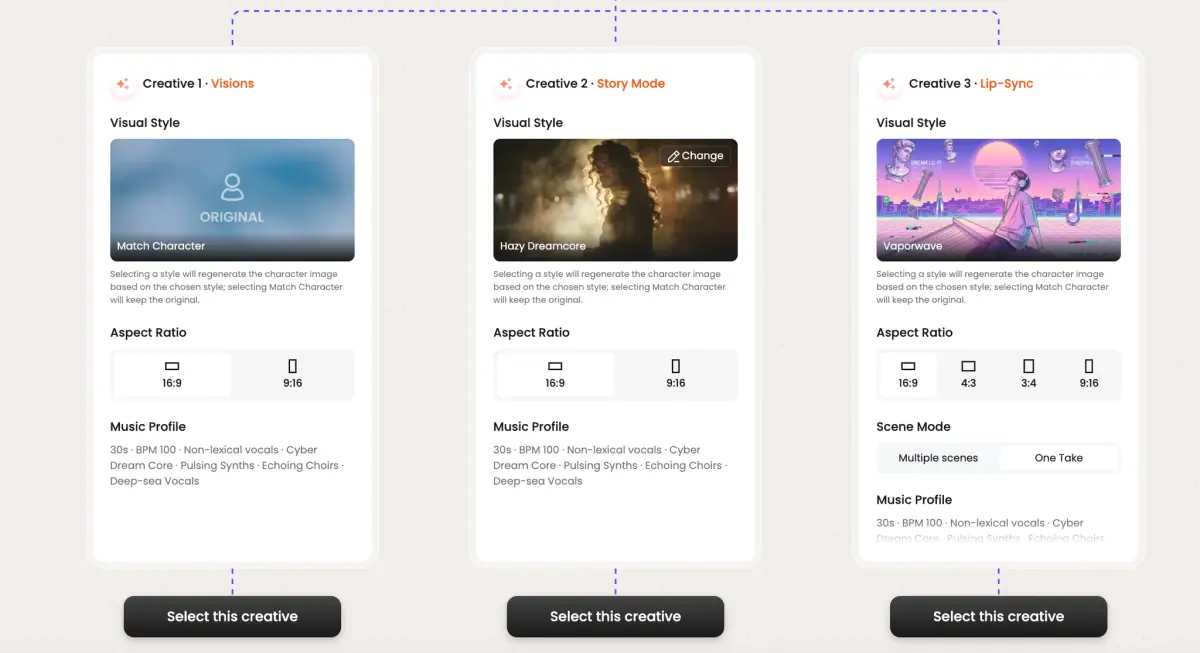
Frame previews from AI Christmas music videos
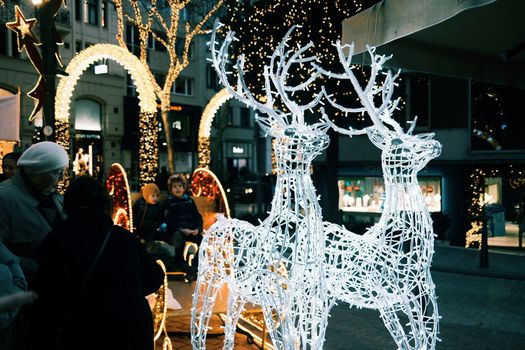
Single frames pulled from AI-generated music videos — a glimpse of the Christmas visual style Tunee creates from your audio, no camera or crew needed.

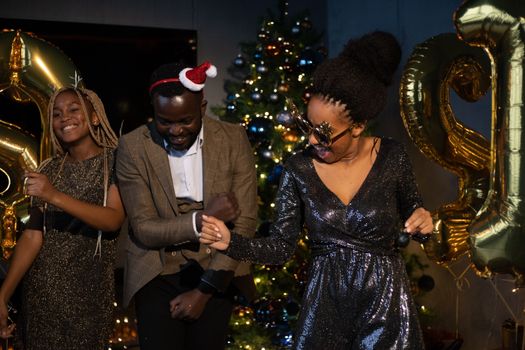
A Christmas video that outlives the wrapping paper
Why a Christmas MV is worth making
The family Christmas video is usually either a 20-minute home movie nobody finishes or a flurry of unconnected phone clips. An MV cut to a single Christmas track — Mariah, Bublé, Wham!, or the carol your grandmother always sang — gives the day a spine. It becomes the artifact you pull up next December to remember who was at the table this year, the year someone got engaged at dessert, or the year the dog opened a present first.
The shots that always work
Christmas has the strongest visual canon of any holiday: tree lights pulled out of focus into bokeh, the morning-of stocking reveal, the hands-passing-a-dish across the table, the snow-through-the-window static, the wrapping paper close-up. The reference shelf is deep - Mariah Carey co-directed her 1994 All I Want for Christmas Is You video with AJ Brown, Wham!'s Last Christmas was shot by Andy Morahan in Saas-Fee, Coca-Cola's Haddon Sundblom Polar Bears campaign defined the global red-and-white palette, John Lewis's Christmas ads from Adam & Eve DDB (the Elton John 'Some Things Last Longer Than Love' spot) set the tear-jerker bar. Warm-tungsten interiors against cool-blue exteriors is the look every Hallmark Channel film leans on. Specify those two color temperatures and your MV will read as Christmas from frame one.
Make it the gift
Send it as your New Year's card. A 60-second MV in a text message lands harder than a paper card with a stock photo. Tunee renders 9:16 for the Story replay, 16:9 for the smart TV at next year's gathering, and 1:1 for the post — one generation covers all three.
Christmas music video prompts — copy & generate
Each prompt is crafted for Christmas aesthetics. Paste into Tunee, hit generate — your christmas music video is ready in seconds.
Slow-motion close-up of Christmas tree as the opening notes play. Festive warmth, soft depth of field. Camera drifts forward to reveal the full christmas scene. First chorus: cut to snow falling, emotion visible in every detail. No dialogue — pure feeling.
Quick-cut montage of christmas details — Christmas tree, snow falling, festive decorations — each cut on the beat. Warm color grade throughout. Bridge slows to a single held frame, then the final chorus opens wide with festive energy. Ends on a quiet freeze as the last note fades.
Fly-on-the-wall: unscripted christmas moments in natural light. Christmas tree captured candidly, intercutting with close-ups of snow falling. Magical tone — warm, real, not staged. Wide establishing shot bookends the piece.
A festive scene with Christmas tree and sweeping camera movements, bathed in dramatic lighting that pulses with the beat
Christmas scene immersed in snow falling, warm energy radiating through every frame and cut of the video
Abstract festive decorations morphing and flowing in slow motion, capturing the festive essence of the music perfectly
Close-up shots of Christmas tree dissolving into carolers, creating a warm visual journey that follows the song's rhythm
Wide establishing shot of a magical environment with snow falling in the foreground, evoking a deep emotional resonance
How creators use Tunee's Christmas music video generator
From release day to full content calendars — real ways people ship christmas music videos with Tunee.