
Make AI Music Videos for Apple Music
Upload your track, pick a style, and Tunee generates a perfectly formatted Apple Music music video — ready to upload in minutes.
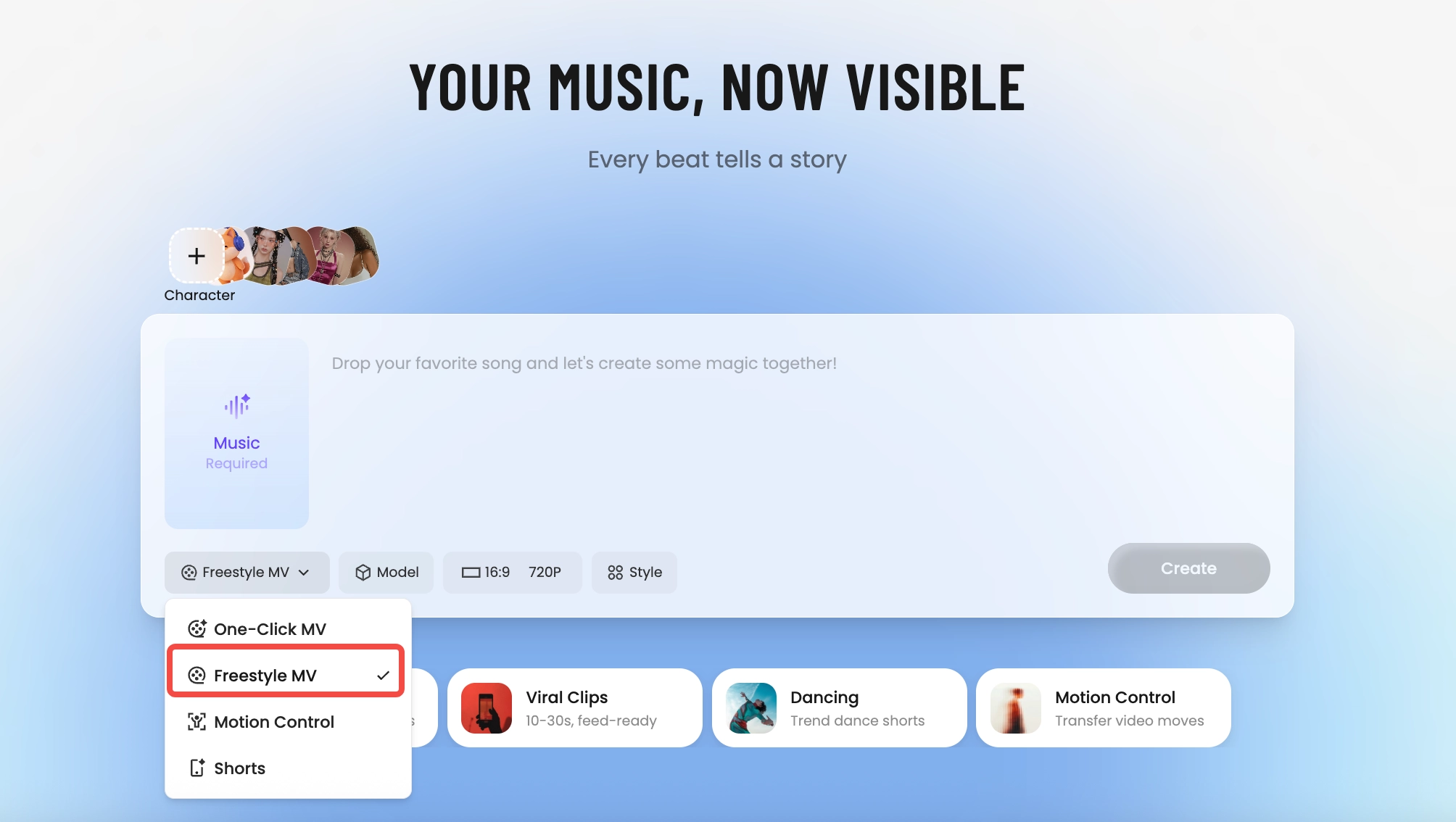
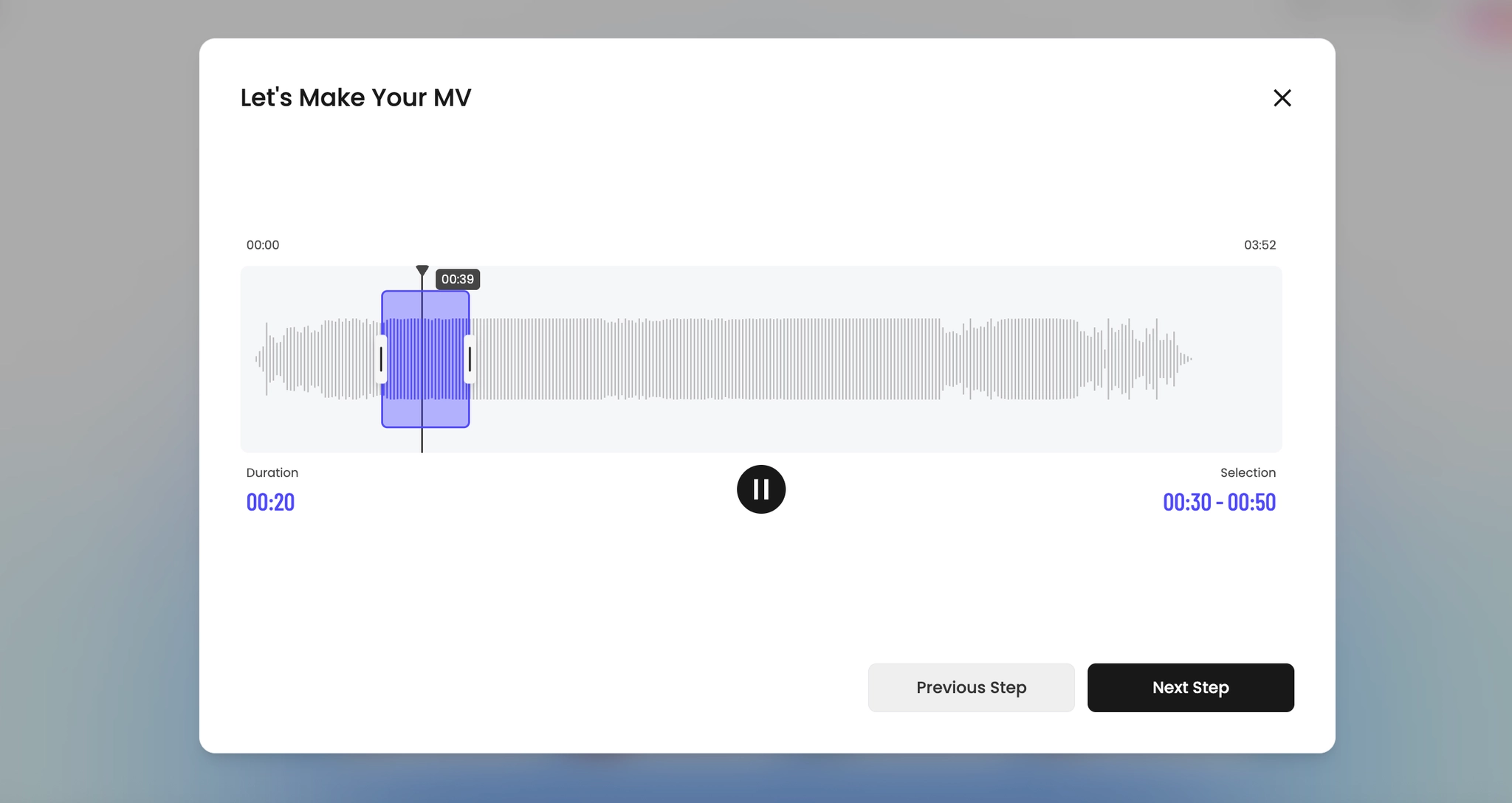
How Tunee's AI music video producer works
Four AI agents collaborate to turn your audio into a finished music video — you pick the moment and the direction, Tunee handles the rest.
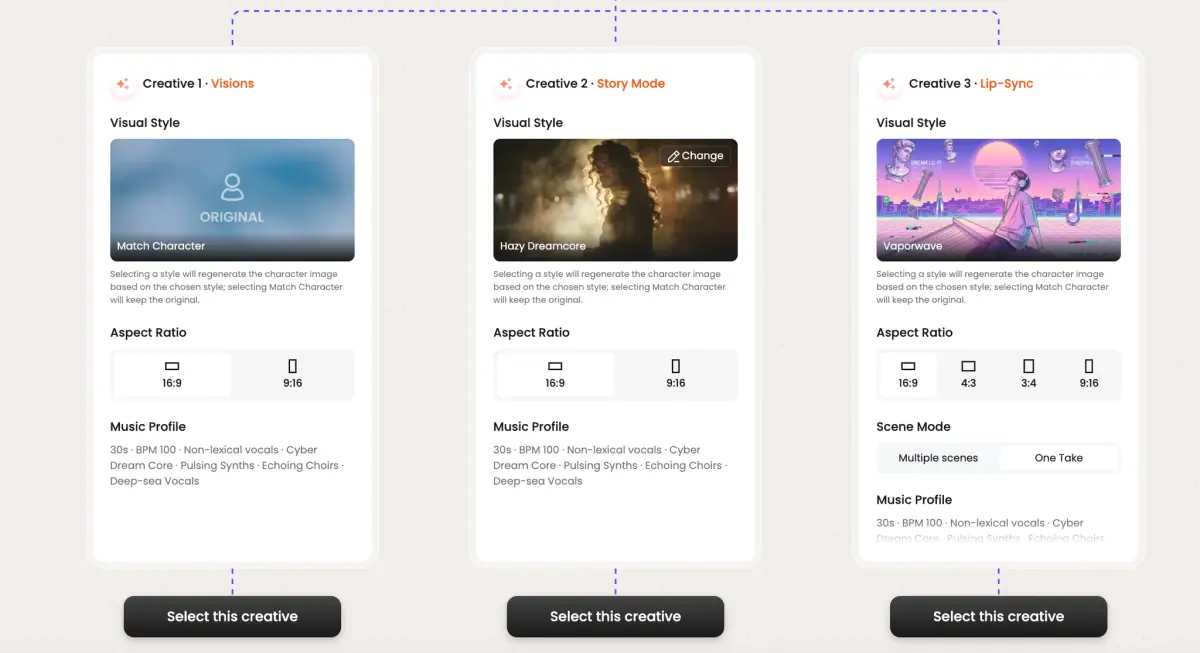
Frame previews from AI Apple Music music videos
Single frames pulled from AI-generated music videos — a glimpse of the Apple Music visual style Tunee creates from your audio, no camera or crew needed.


Apple Music videos are a different format from everything else
What Apple actually asks for
Apple Music has three video surfaces: the standard music video (delivered through the artist's distributor, usually 16:9 1080p or 4K), Motion Lyrics (a vertical lyric-forward format that animates each line as the song plays), and Spatial Video for Vision Pro (3D depth-mapped, 9:16 or 16:9, currently a small but growing surface). The standards are stricter than YouTube's — Apple QC actually rejects videos for technical spec misses.
What Motion Lyrics rewards
Motion Lyrics is the format most labels underuse. It's vertical, it plays full-screen on iPhone, and Apple curates it editorially in playlists. The visual canon is subtle: a single textured background (film grain, gradient, slow particle), lyric text in a typeface that matches the album identity, line-by-line animation that lands on the syllable. Not karaoke-style word highlights — line-level reveals timed to vocal entries.
How Tunee handles Apple's formats
The Apple Music preset outputs three deliverables from one generation: 16:9 4K for the standard MV slot, a 9:16 Motion Lyrics cut with timed line reveals against your chosen background, and a Spatial-ready depth-map MP4 for the Vision Pro surface. All three are spec-compliant for Apple's distributor upload. The lyric timing reuses the alignment Tunee already does for the lyrics-to-MV workflow, so you don't time-tag the song twice.
Apple Music music video prompts — copy & generate
Each prompt is crafted for Apple Music aesthetics. Paste into Tunee, hit generate — your apple music music video is ready in seconds.
16:9 landscape frame. Hook in the first 3 seconds: tight close-up of premium quality, hard cut to the artist on the beat drop. Premium grade, high contrast. Text overlay at the chorus — clean sans-serif, bottom third. Runtime: 30–45 s.
Polished visual style built for Apple Music — album art integration in the background, transitions locked to every 4-beat phrase. Fast cuts on the hook, one slow-motion beat mid-song for emotional impact. Designed to hold watch-time past 50%.
Artist-forward 16:9 landscape — premium quality surrounding the performer, camera movement synced to rhythm. Editorial lighting, no overlays — pure energy. Optimised for full-screen mobile, shareable to Stories and Reels.
A premium scene with premium quality and sweeping camera movements, bathed in dramatic lighting that pulses with the beat
Vertical close-up shot immersed in album art integration, polished energy radiating through every frame and cut of the video
Abstract 16:9 widescreen morphing and flowing in slow motion, capturing the premium essence of the music perfectly
Close-up shots of premium quality dissolving into editorial visual style, creating a polished visual journey that follows the song's rhythm
Wide establishing shot of a editorial environment with album art integration in the foreground, evoking a deep emotional resonance
How creators use Tunee's Apple Music music video generator
From release day to full content calendars — real ways people ship apple music music videos with Tunee.