
AI MV Editor — Your AI Music Video Producer
Tunee is your AI music video producer. Upload a track and our AI handles characters, scenes, storyboard, and shots — every format ready to share in minutes.
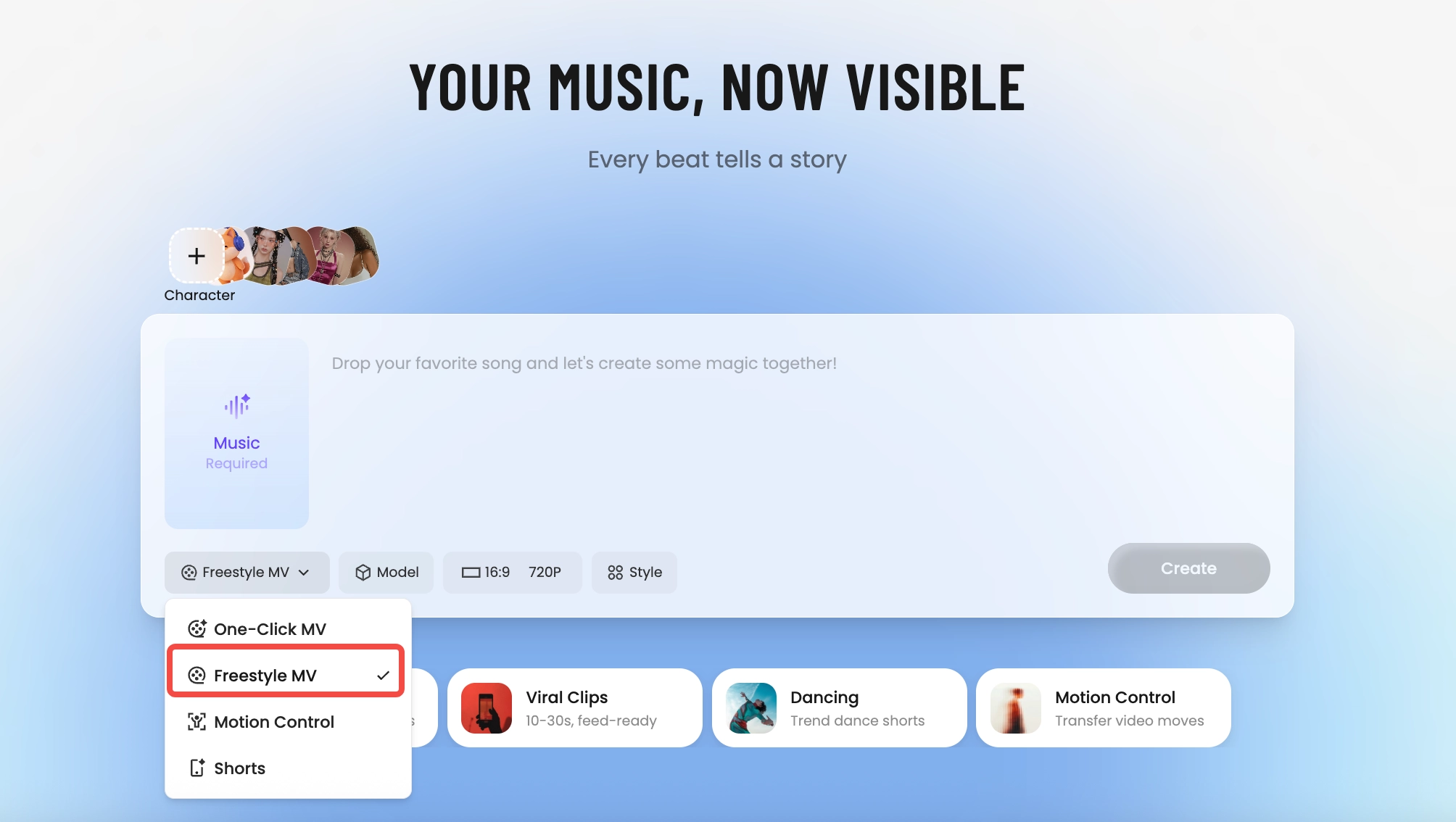
How Tunee's AI music video producer works
Four AI agents collaborate to turn your audio into a finished music video — you pick the moment and the direction, Tunee handles the rest.
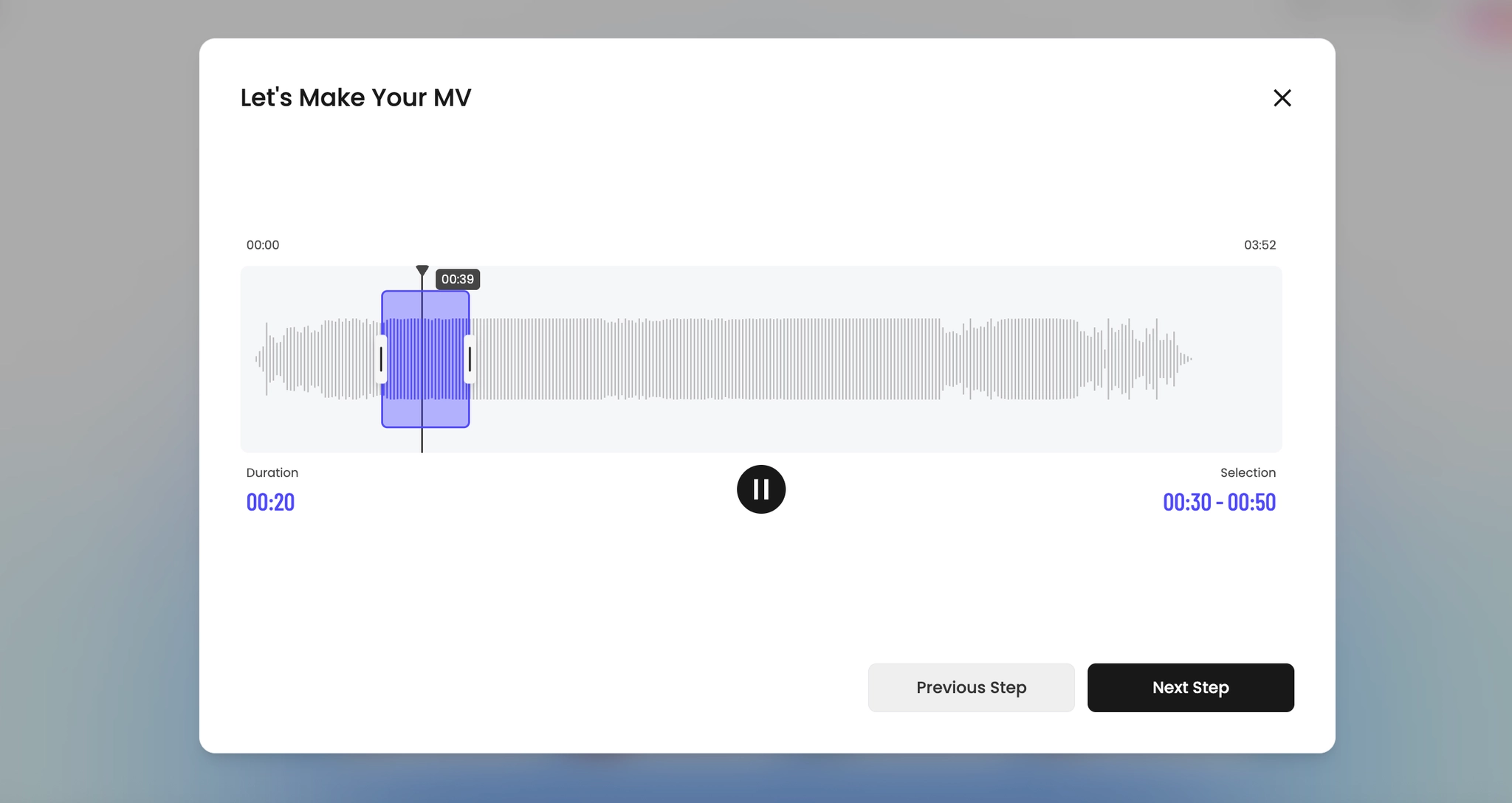
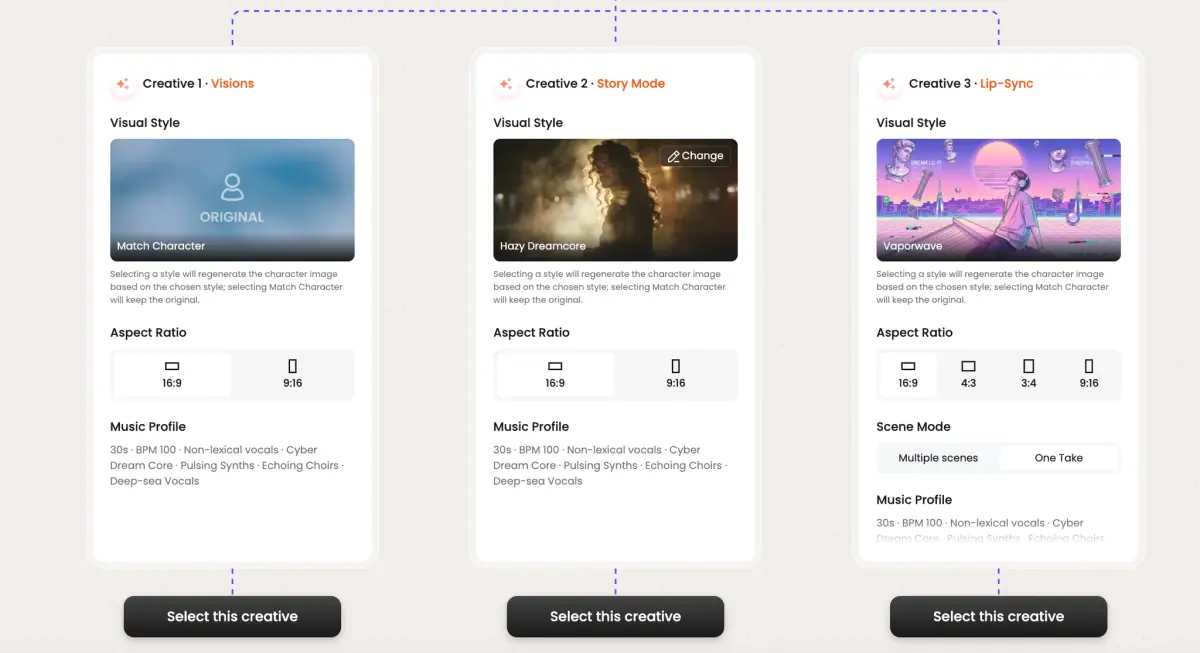
Frame previews from AI AI MV Editor music videos
Single frames pulled from AI-generated music videos — a glimpse of the AI MV Editor visual style Tunee creates from your audio, no camera or crew needed.
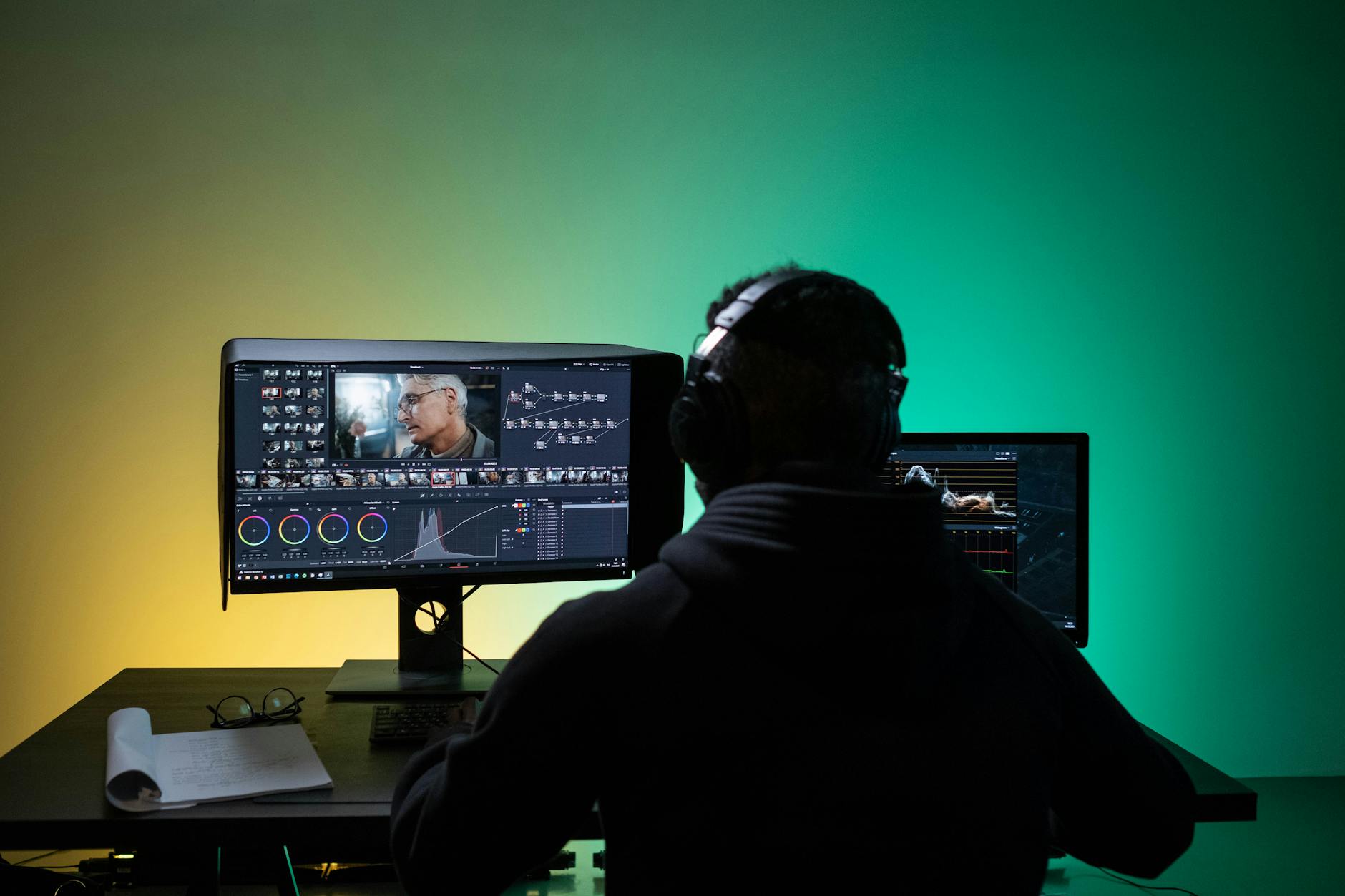
An AI editor that thinks in cuts, not just clips
What an AI MV editor actually replaces
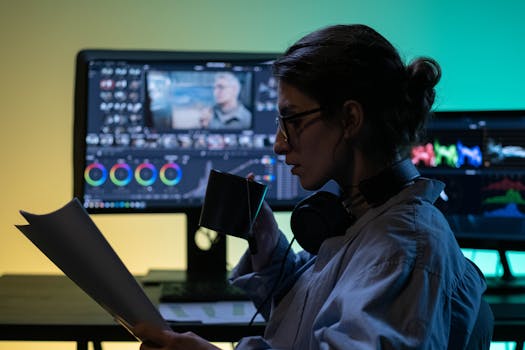
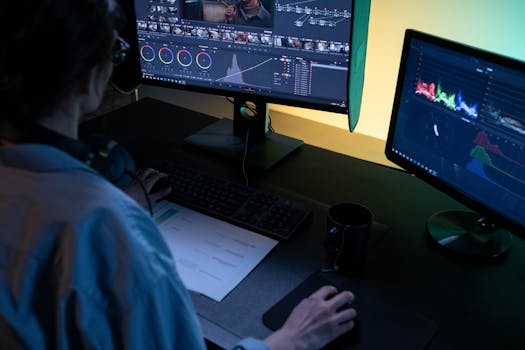
Premiere and DaVinci are built for narrative film — every cut is a manual decision against a waveform. For a music video, that's overkill: 80% of the editing is just matching shot length to beat. An AI MV editor flips that. You drop the track, the system tags downbeats, transient hits, and energy changes, and the timeline arrives pre-cut. You're left doing what actually matters — swapping a weak shot, nudging a transition, choosing which take of the chorus lands harder.
What you can actually do in the editor
Tunee's editor isn't a render-and-pray pipeline. After the first generation, every clip on the timeline is editable: regenerate a single shot with a new prompt, lock a character's appearance across cuts, change the aspect ratio without re-cutting, swap a B-roll plate while keeping the beat sync intact. The waveform sits under every shot so you can see exactly which transient a cut is landing on, and drag it one frame if needed.
Why the cuts land on the beat
Under the hood, the audio analyst agent runs first — tempo grid, downbeat detection, energy envelope, vocal vs instrumental segmentation. Sage, the story director, then snaps shot boundaries to those markers before the renderer touches a frame. That's why Tunee MVs feel cut, not slideshowed: the AI didn't pick durations randomly and hope they synced. It read the song the way an editor reads a track on first listen.
AI MV Editor music video prompts — copy & generate
Each prompt is crafted for AI MV Editor aesthetics. Paste into Tunee, hit generate — your ai mv editor music video is ready in seconds.
Each lyric phrase becomes its own scene — Tunee's AI matches every line to a timeline editing visual. Precise transitions between stanzas (dissolve on the verse, hard cut on the chorus). The final frame mirrors the opening. Built for a tight, narrative-driven music video.
No literal imagery — pure timeline editing and AI scene swap responding to audio energy. Low frequencies shift precise color; highs trigger style transfer particle bursts. The arc mirrors emotion: professional in the verse, explosive flexible at the drop, calm in the outro. Perfect when the song should carry the visual.
Three chapters synced to song structure. Ch.1 (precise): timeline editing wide shot, slow push-in. Ch.2 (professional): medium close-ups of AI scene swap, energy rising. Ch.3 (flexible): full-frame style transfer, maximum intensity. Title card at 0 s, clean credit at the end — release-ready in one render.
A precise scene with timeline editing and sweeping camera movements, bathed in dramatic lighting that pulses with the beat
Artist immersed in AI scene swap, professional energy radiating through every frame and cut of the video
Abstract style transfer morphing and flowing in slow motion, capturing the precise essence of the music perfectly
Close-up shots of timeline editing dissolving into cut adjustment, creating a professional visual journey that follows the song's rhythm
Wide establishing shot of a flexible environment with AI scene swap in the foreground, evoking a deep emotional resonance
How creators use Tunee's AI MV Editor music video generator
From release day to full content calendars — real ways people ship ai mv editor music videos with Tunee.