
Make a Baby Music Video from Your Song
Upload your song, describe the moment, and Tunee turns it into a cinematic Baby music video — no camera, no crew, no editing skills needed.
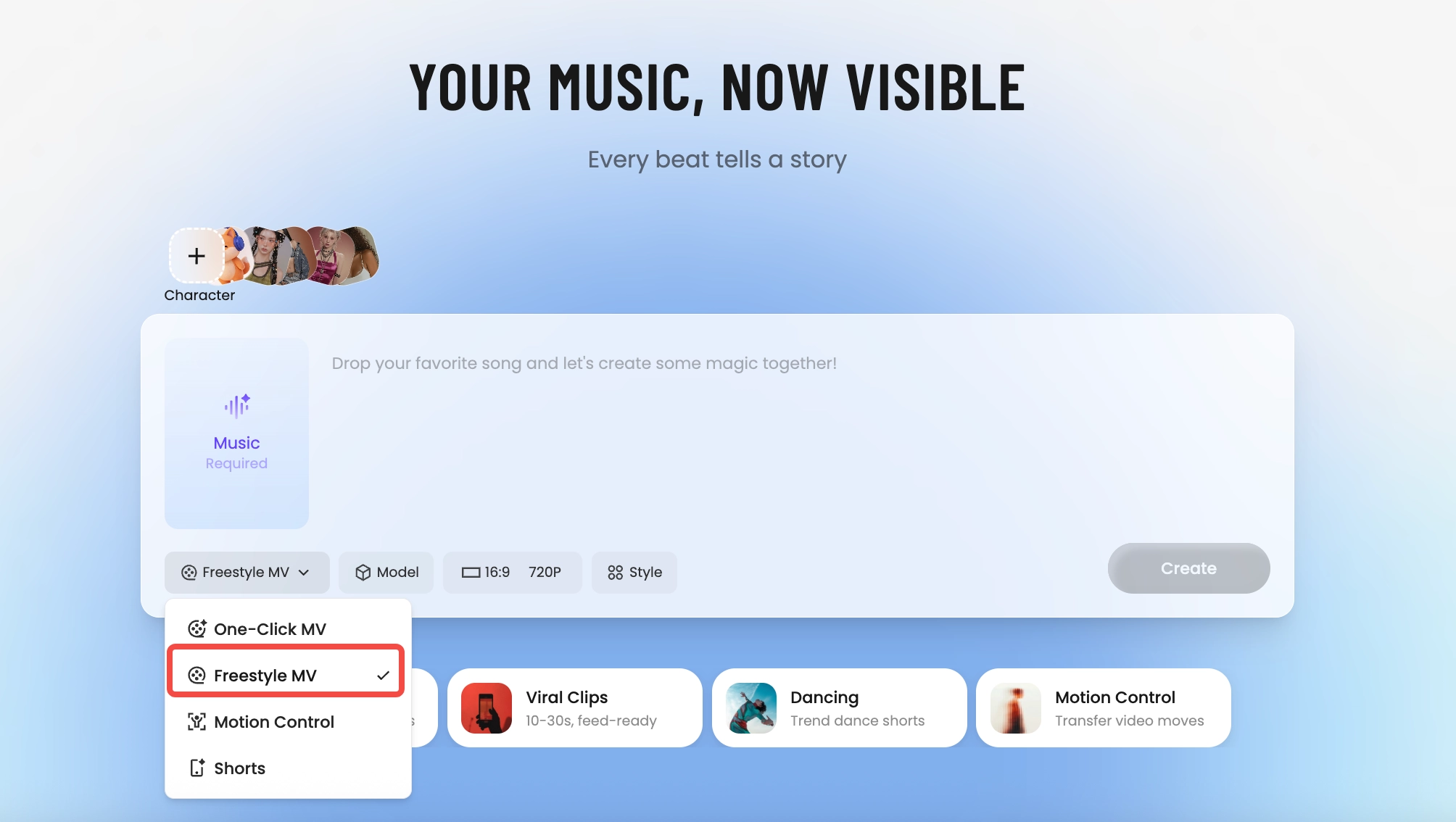
How Tunee's AI music video producer works
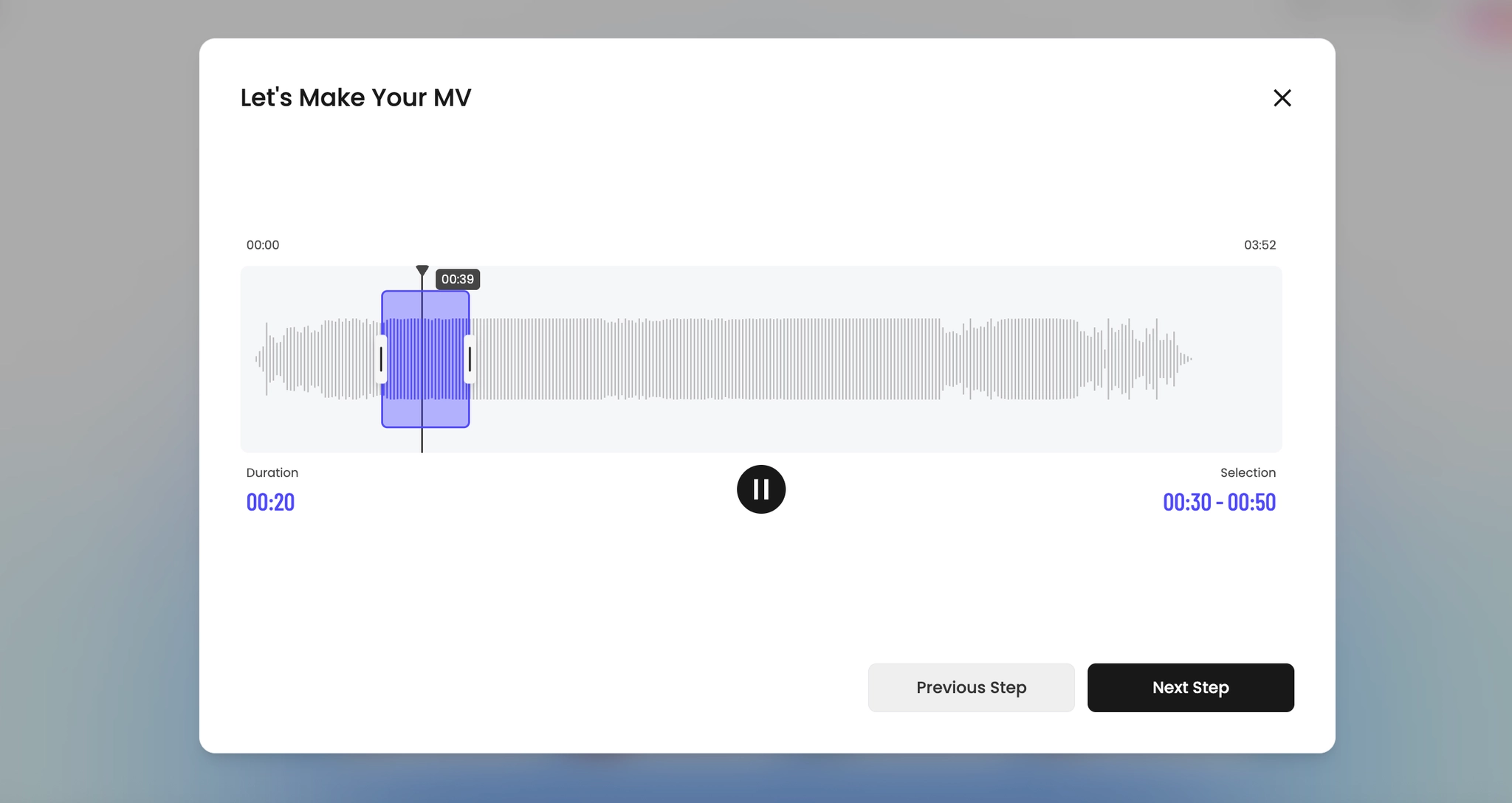
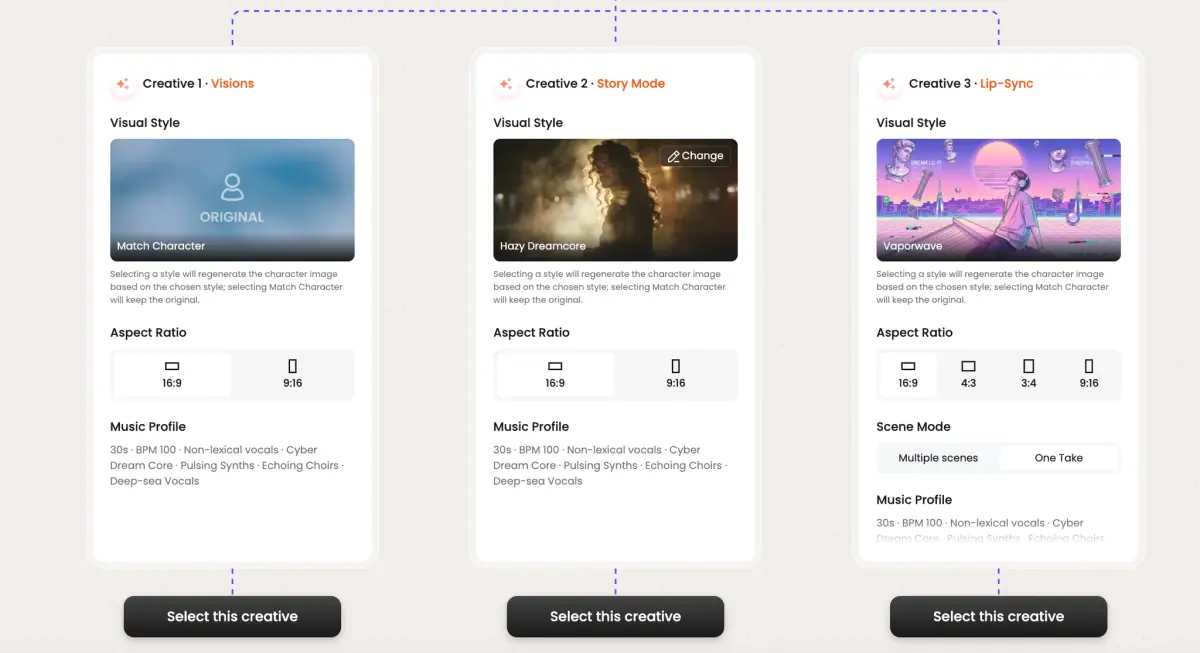
Four AI agents collaborate to turn your audio into a finished music video — you pick the moment and the direction, Tunee handles the rest.
Frame previews from AI Baby music videos
Single frames pulled from AI-generated music videos — a glimpse of the Baby visual style Tunee creates from your audio, no camera or crew needed.

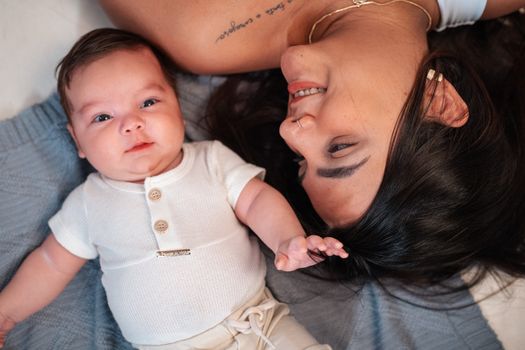
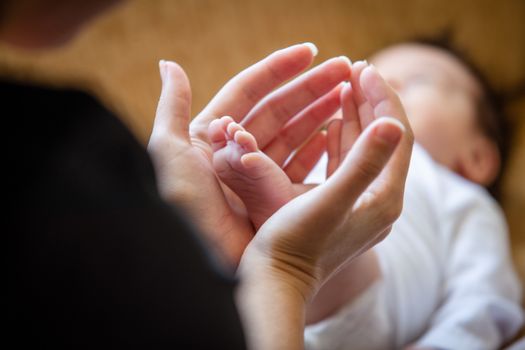
Turn the first year into something more than a camera roll
Why a baby MV beats another phone album
Every parent ends year one with two thousand near-identical photos and no time to sort them. A 60-90 second MV is the format that actually gets watched — short enough for grandparents to replay, scored to a lullaby or the song that was playing during the first ultrasound. It compresses the messy abundance of newborn footage into something with a beginning, a middle, and an end, instead of a Google Photos folder no one opens.
The shots that always work
Newborn photographers like Anne Geddes and Carrie Sandoval shoot the same canon for a reason: tiny hand wrapped around an adult finger, feet against a parent's palm, the wrinkle of a sleeping eyebrow, the first bath, the first laugh caught on accident. The Pinterest milestone-photo tradition, the viral pregnancy-announcement reel, the Huggies and Pampers commercial language - they all rest on Sally Mann's quieter family photography. Soft window light, shallow focus, warm whites - the visual grammar is already there to lean into. Drop your track, mention three of these moments in plain English, and the MV is half-storyboarded. Even Pete Docter's Up opening borrowed a single newborn-shoes shot to anchor an entire montage.
Make it the gift
The most useful baby MV is the one sent to relatives who haven't met the baby yet. Tunee renders 9:16 for Stories, 16:9 for the family group chat TV, and 1:1 for the print-and-frame version, all from one generation.
Baby music video prompts — copy & generate
Each prompt is crafted for Baby aesthetics. Paste into Tunee, hit generate — your baby music video is ready in seconds.
Slow-motion close-up of baby first moments as the opening notes play. Adorable warmth, soft depth of field. Camera drifts forward to reveal the full baby scene. First chorus: cut to nursery setting, emotion visible in every detail. No dialogue — pure feeling.
Quick-cut montage of baby details — baby first moments, nursery setting, first steps — each cut on the beat. Heartwarming color grade throughout. Bridge slows to a single held frame, then the final chorus opens wide with adorable energy. Ends on a quiet freeze as the last note fades.
Fly-on-the-wall: unscripted baby moments in natural light. baby first moments captured candidly, intercutting with close-ups of nursery setting. Tender tone — warm, real, not staged. Wide establishing shot bookends the piece.
A adorable scene with baby first moments and sweeping camera movements, bathed in dramatic lighting that pulses with the beat
Baby scene immersed in nursery setting, heartwarming energy radiating through every frame and cut of the video
Abstract first steps morphing and flowing in slow motion, capturing the adorable essence of the music perfectly
Close-up shots of baby first moments dissolving into cute baby expressions, creating a heartwarming visual journey that follows the song's rhythm
Wide establishing shot of a tender environment with nursery setting in the foreground, evoking a deep emotional resonance
How creators use Tunee's Baby music video generator
From release day to full content calendars — real ways people ship baby music videos with Tunee.