
Create Dubstep Music Videos with AI
Upload your audio and Tunee generates Dubstep-style music videos with robotic visuals — no design tools, no rendering software needed.
Frame previews from AI Dubstep music videos
Single frames pulled from AI-generated music videos — a glimpse of the Dubstep visual style Tunee creates from your audio, no camera or crew needed.
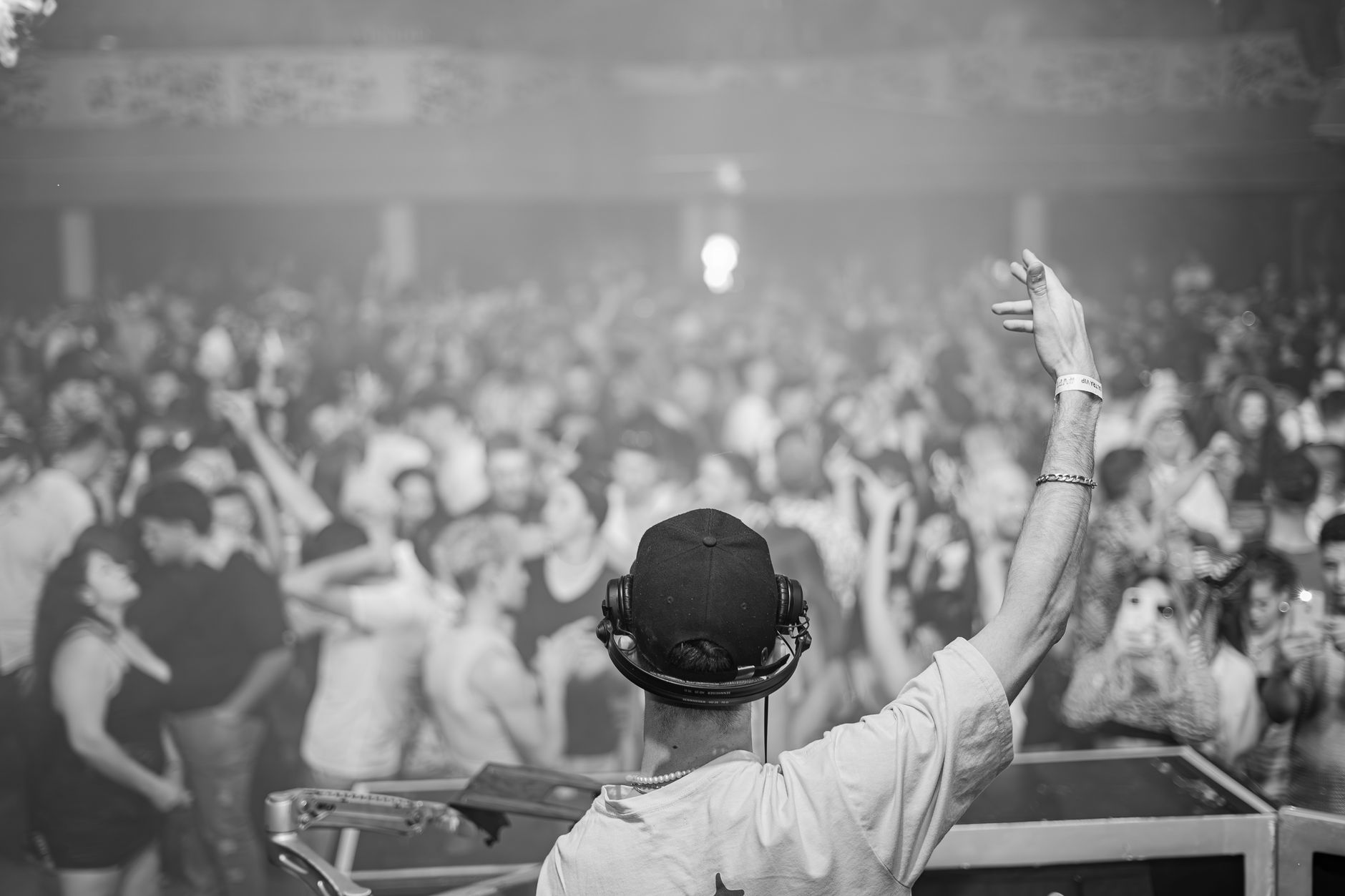
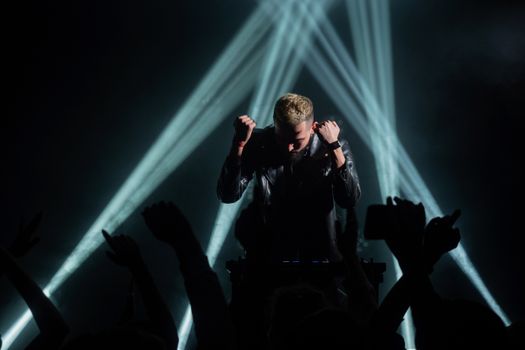
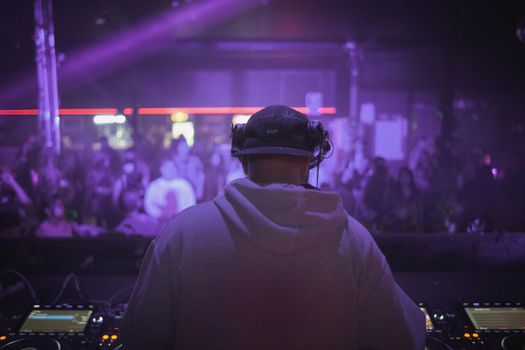
Dubstep MVs are built around the drop — everything serves the bass
What dubstep looks like
Dubstep video is structured around a single event: the drop. Everything before is build-up, everything after is reaction. The visual signatures: glitch and datamosh effects synced to wobbles, hard cuts on the drop (never crossfades), heavy lens distortion at peak frequencies, hyper-saturated neon (electric blue, toxic green, ultraviolet), strobe inserts, frame-skipping, and digital decay textures. Real-world shots are often overlaid with abstract distortion rather than presented clean.
Reference points that actually work
Reference points: Skrillex's 'First of the Year (Equinox)' directed by Tony Truand which defined the cinematic-meets-glitch template, 'Bangarang' featuring Sirah, Excision's Lost Lands festival livestream visuals which set the production-scale benchmark, Virtual Self's 'Ghost Voices' rollout, Zomboy's animated clips, Datsik's stage-design films, and Rusko's 'Woo Boost'. The lineage runs back to Chris Cunningham's videos for Aphex Twin ('Come to Daddy', 'Windowlicker') and Squarepusher — the genre's relationship to digital decay is older than dubstep itself. Tunee's dubstep model handles hard cuts and effect stacking.
Prompting tip for Tunee
Build the prompt around the drop, not the song. Describe the pre-drop frame ('static wide on empty warehouse, low-fi grade'), the drop event ('hard cut to RGB-split, datamosh frames, strobe overlay'), and the post-drop continuation. Tunee syncs cuts to the beat — if you give it a tempo and the drop position, the edits land where the bass does.
Dubstep music video prompts — copy & generate
Each prompt is crafted for Dubstep aesthetics. Paste into Tunee, hit generate — your dubstep music video is ready in seconds.
Dubstep DJ dropping bass cannon at festival, crowd going wild, glitch visual effects, green laser grid, massive speakers. Wide establishing shot, slow push-in. Aggressive lighting — golden edges, deep contrast centre. Robotic visuals fills the background. Beat drop triggers a hard cut to a new angle.
Live energy: artist surrounded by wub waveform. Aggressive atmosphere. Jump-cut on every beat — fast in the hook, slow in the bridge. End frame: single spotlight, robotic visuals fading to black.
Time-lapse: wub waveform evolves raw→refined over the track. Visual pace mirrors energy. Futuristic tones warm to aggressive by the outro. One continuous morph — no cuts.
A aggressive scene with robotic visuals and sweeping camera movements, bathed in dramatic lighting that pulses with the beat
Artist immersed in wub waveform, bass-heavy energy radiating through every frame and cut of the video
Abstract festival crowd morphing and flowing in slow motion, capturing the aggressive essence of the music perfectly
Close-up shots of robotic visuals dissolving into bass cannon, creating a bass-heavy visual journey that follows the song's rhythm
Wide establishing shot of a futuristic environment with wub waveform in the foreground, evoking a deep emotional resonance
How creators use Tunee's Dubstep music video generator
From release day to full content calendars — real ways people ship dubstep music videos with Tunee.