
Lyrics to MV — Your AI Music Video Producer
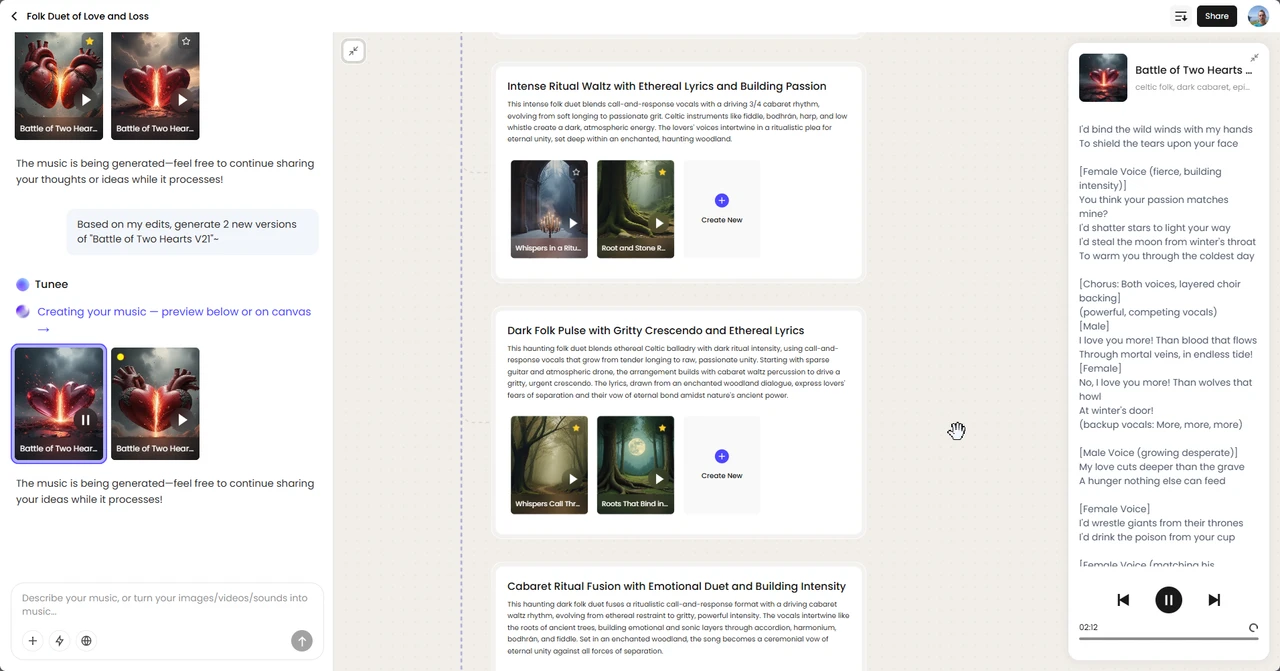
Tunee is your AI music video producer. Upload a track and our AI handles characters, scenes, storyboard, and shots — every format ready to share in minutes.
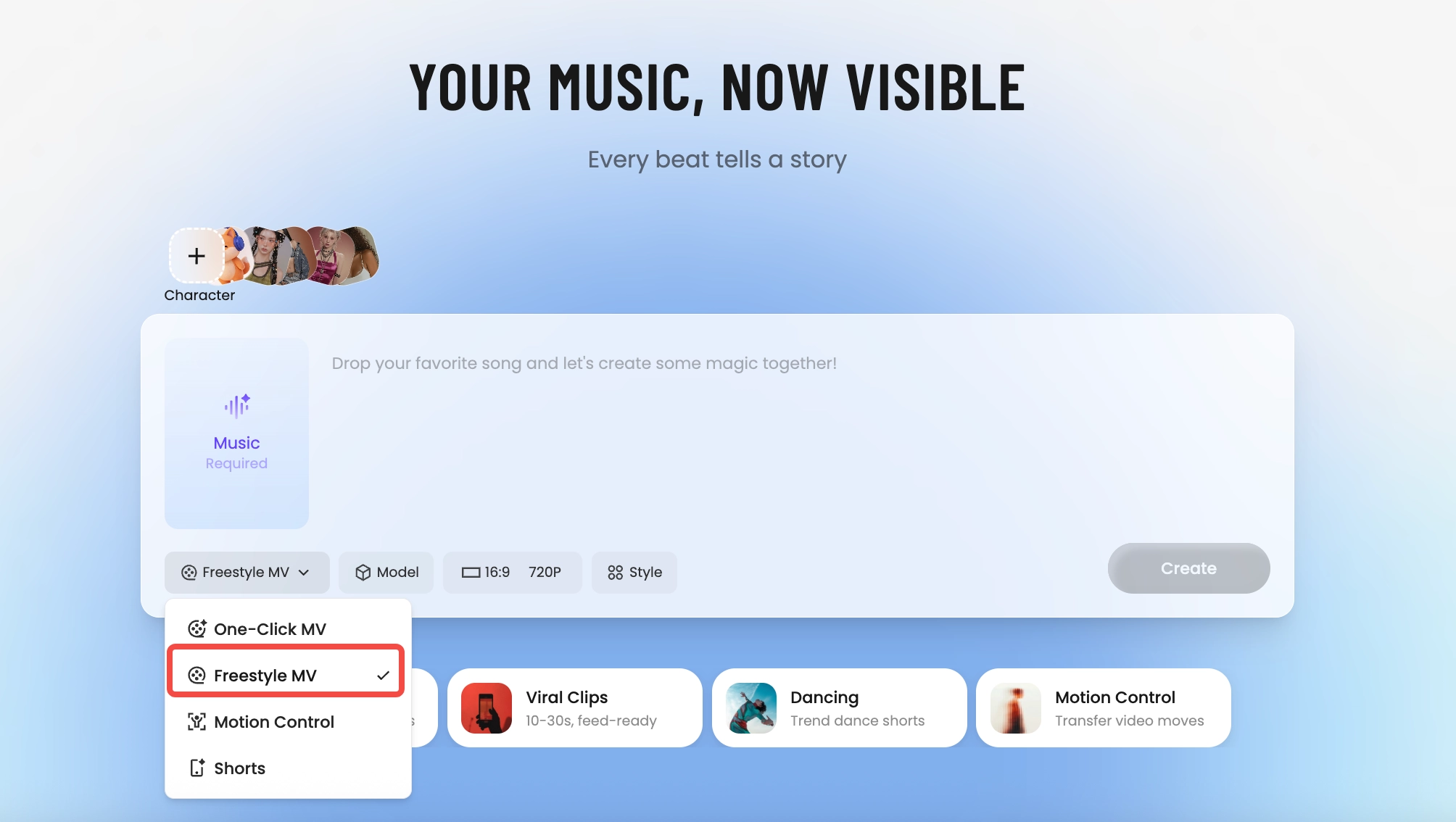
How Tunee's AI music video producer works
Four AI agents collaborate to turn your audio into a finished music video — you pick the moment and the direction, Tunee handles the rest.
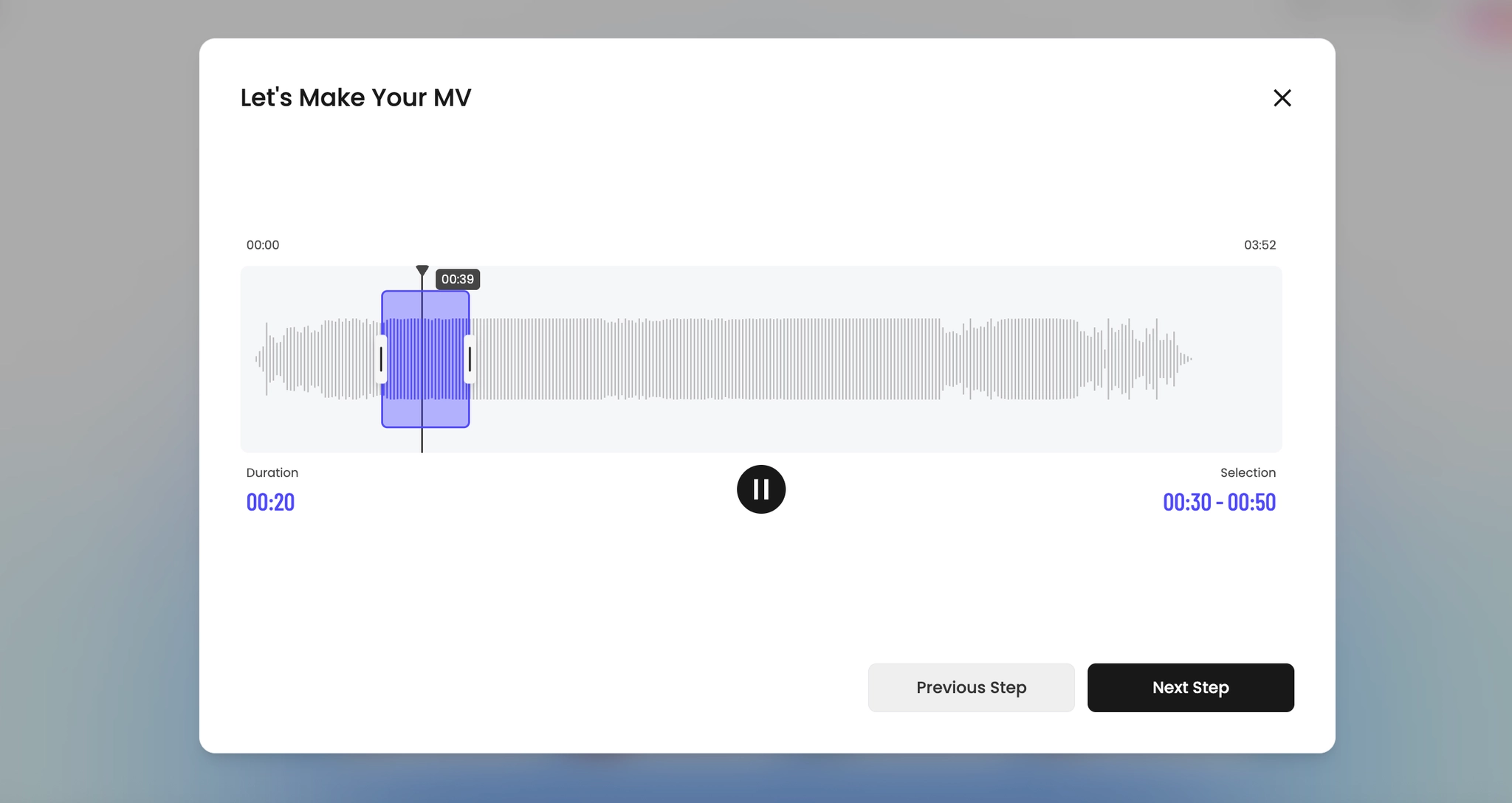
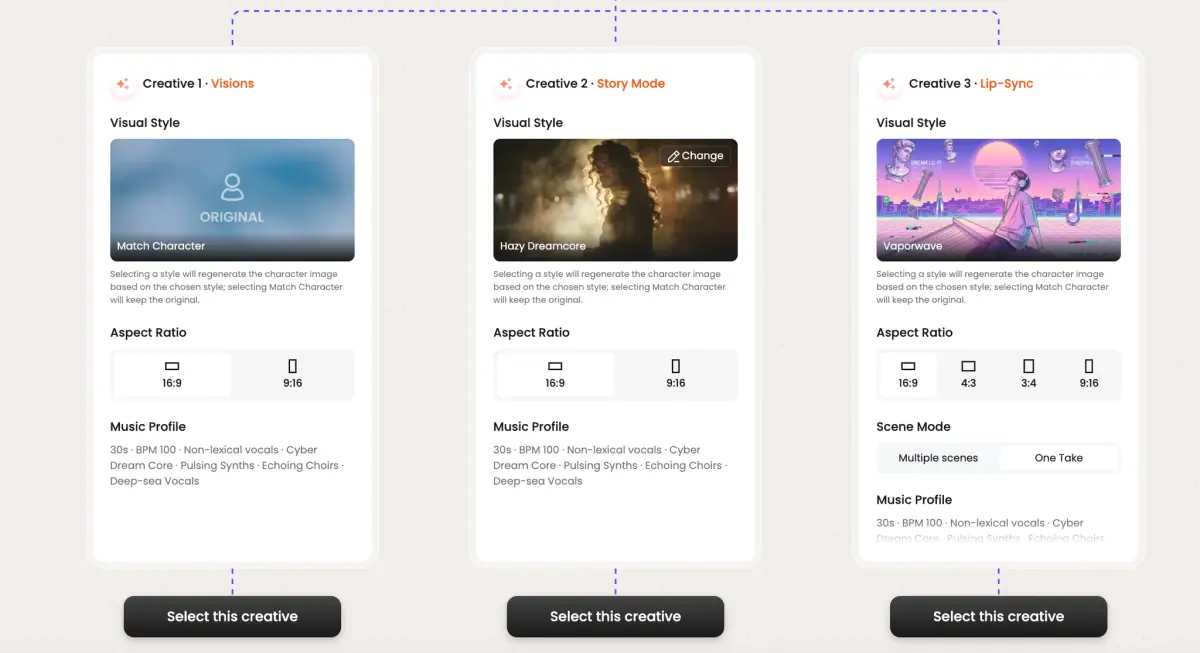
Frame previews from AI Lyrics to MV music videos
Single frames pulled from AI-generated music videos — a glimpse of the Lyrics to MV visual style Tunee creates from your audio, no camera or crew needed.
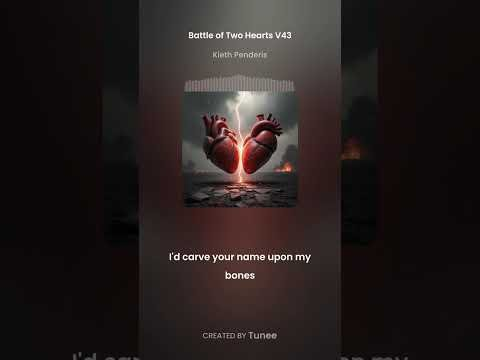
When the lyrics are the script, the video writes itself
Why the lyric IS the storyboard
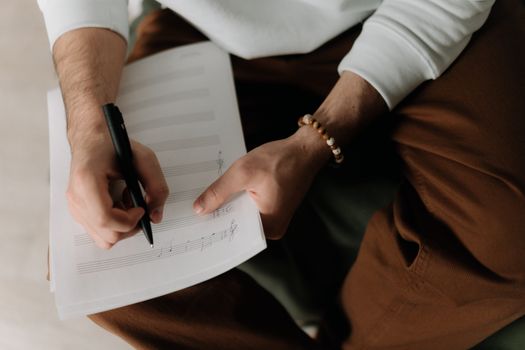
Songwriters already know this — a good lyric is shot-listed before it's a song. 'I drove through the desert in a car with no name' is a wide. 'She turned around slow' is a medium with a head-turn. Lyric videos that just float text over an abstract background ignore the fact that every line is already a visual instruction. A lyrics-to-MV pipeline should read those instructions, not paste the words on a gradient.
What Tunee does with your lyric sheet
Paste lyrics with rough timestamps (or just the full text — Tunee aligns it to the audio automatically) and Sage maps each line to a shot. Concrete nouns become establishing visuals, action verbs become camera moves, repeated chorus lines reuse the hero plate so the chorus reads as a chorus visually. You can still get on-screen typography if you want it — but the typography sits inside a scene, not on top of one.
The prompting tip that changes the output
Don't paraphrase your lyrics into a separate prompt. The lyric is already specific; the prompt should be the aesthetic frame around it. Try this: lyrics in the lyric field, then one prompt line for world ('1970s Tokyo, rainy, neon reflections in puddles'), one for camera ('handheld, 35mm, shallow depth'), one for character ('mid-30s, leather jacket, never shown full-face'). Tunee handles the line-by-line cuts; you handle the look.
Lyrics to MV music video prompts — copy & generate
Each prompt is crafted for Lyrics to MV aesthetics. Paste into Tunee, hit generate — your lyrics to mv music video is ready in seconds.
Each lyric phrase becomes its own scene — Tunee's AI matches every line to a lyric text input visual. Narrative transitions between stanzas (dissolve on the verse, hard cut on the chorus). The final frame mirrors the opening. Built for a tight, narrative-driven music video.
No literal imagery — pure lyric text input and scene interpretation responding to audio energy. Low frequencies shift narrative color; highs trigger word-to-visual particle bursts. The arc mirrors emotion: text-driven in the verse, explosive creative at the drop, calm in the outro. Perfect when the song should carry the visual.
Three chapters synced to song structure. Ch.1 (narrative): lyric text input wide shot, slow push-in. Ch.2 (text-driven): medium close-ups of scene interpretation, energy rising. Ch.3 (creative): full-frame word-to-visual, maximum intensity. Title card at 0 s, clean credit at the end — release-ready in one render.
A narrative scene with lyric text input and sweeping camera movements, bathed in dramatic lighting that pulses with the beat
Artist immersed in scene interpretation, text-driven energy radiating through every frame and cut of the video
Abstract word-to-visual morphing and flowing in slow motion, capturing the narrative essence of the music perfectly
Close-up shots of lyric text input dissolving into lyric video overlay, creating a text-driven visual journey that follows the song's rhythm
Wide establishing shot of a creative environment with scene interpretation in the foreground, evoking a deep emotional resonance
How creators use Tunee's Lyrics to MV music video generator
From release day to full content calendars — real ways people ship lyrics to mv music videos with Tunee.