
Make AI Music Videos for Record Labels
Upload your track, pick a style, and Tunee generates a perfectly formatted Record Labels music video — ready to upload in minutes.
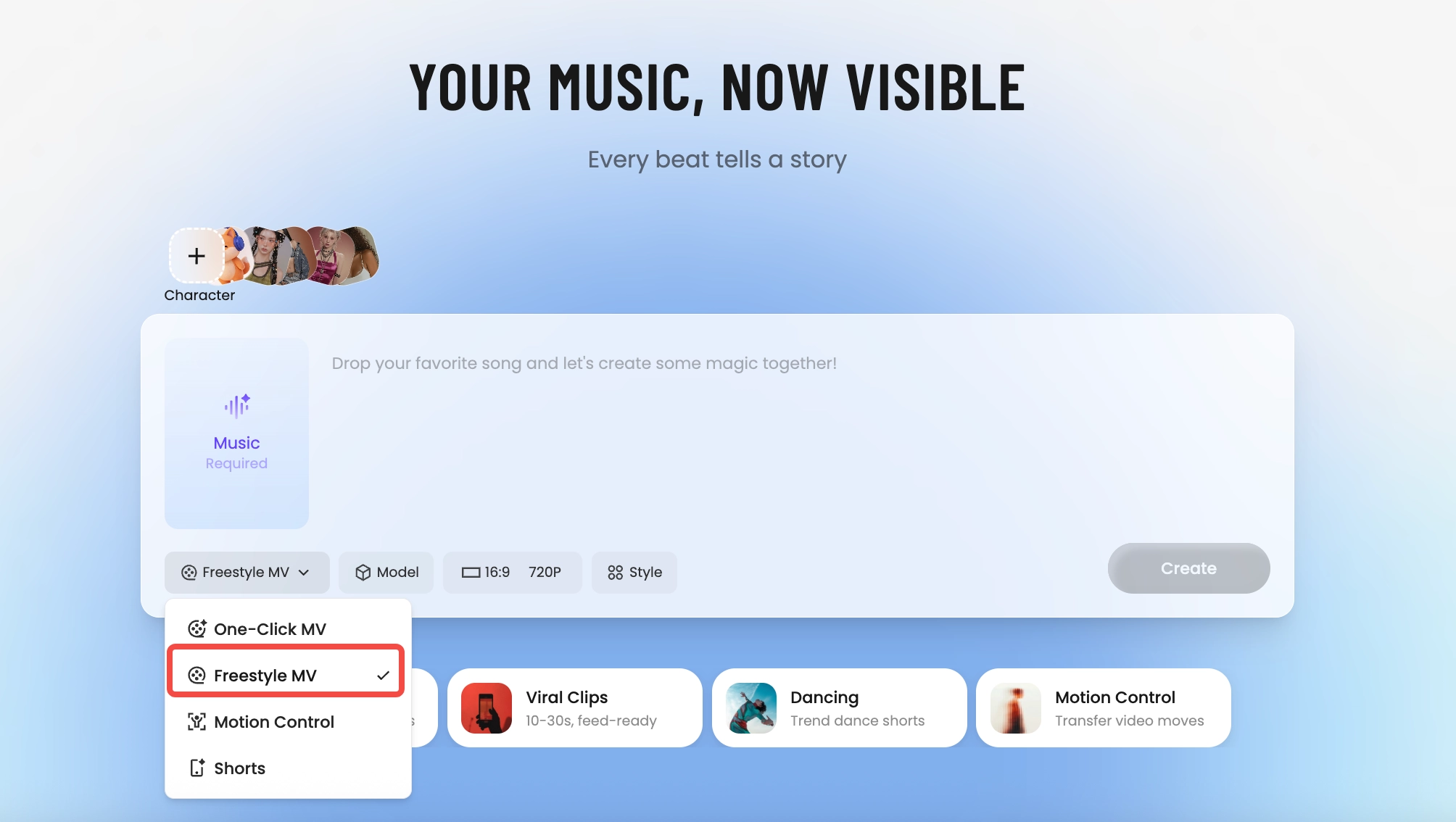
How Tunee's AI music video producer works
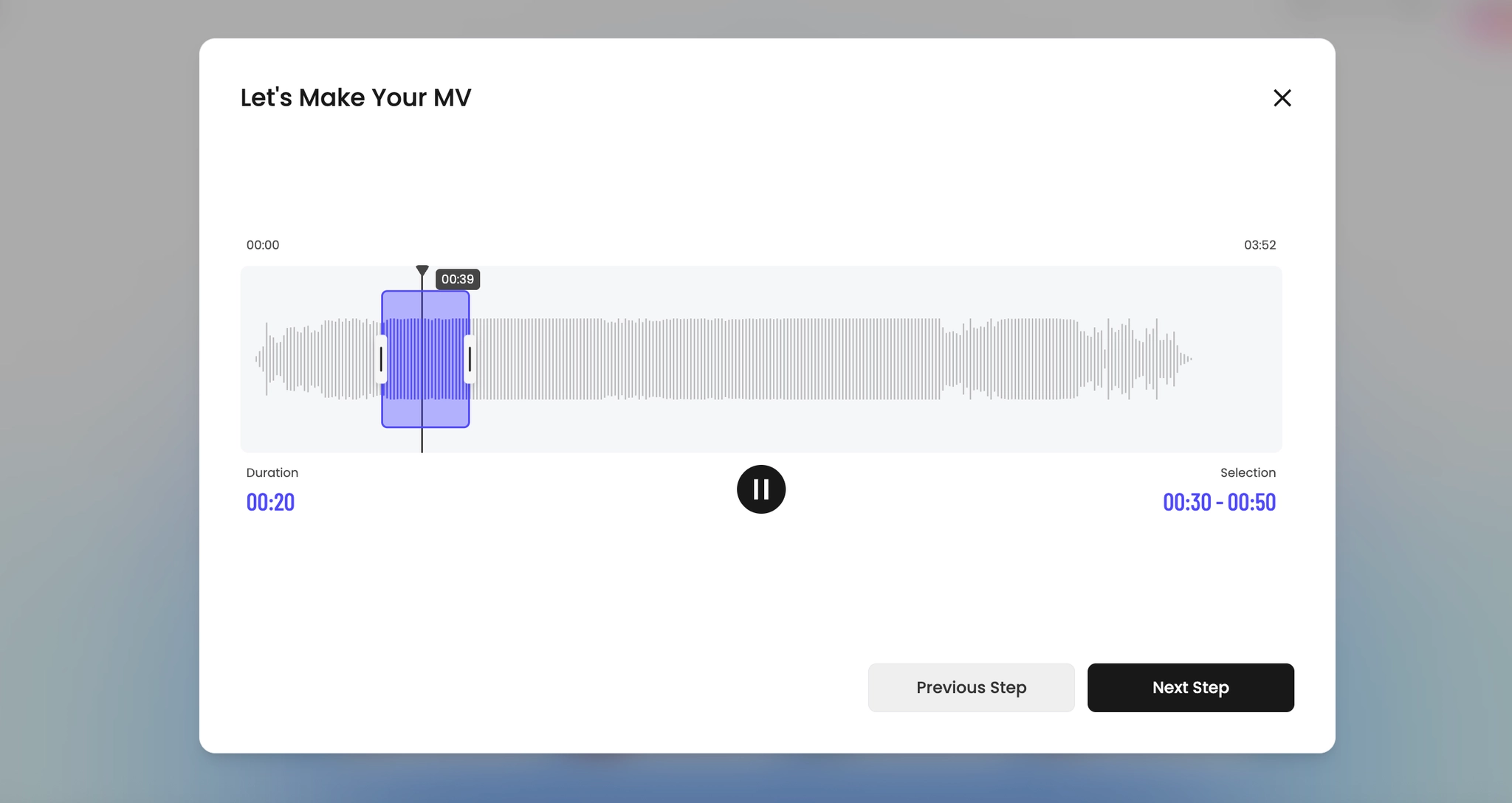
Four AI agents collaborate to turn your audio into a finished music video — you pick the moment and the direction, Tunee handles the rest.
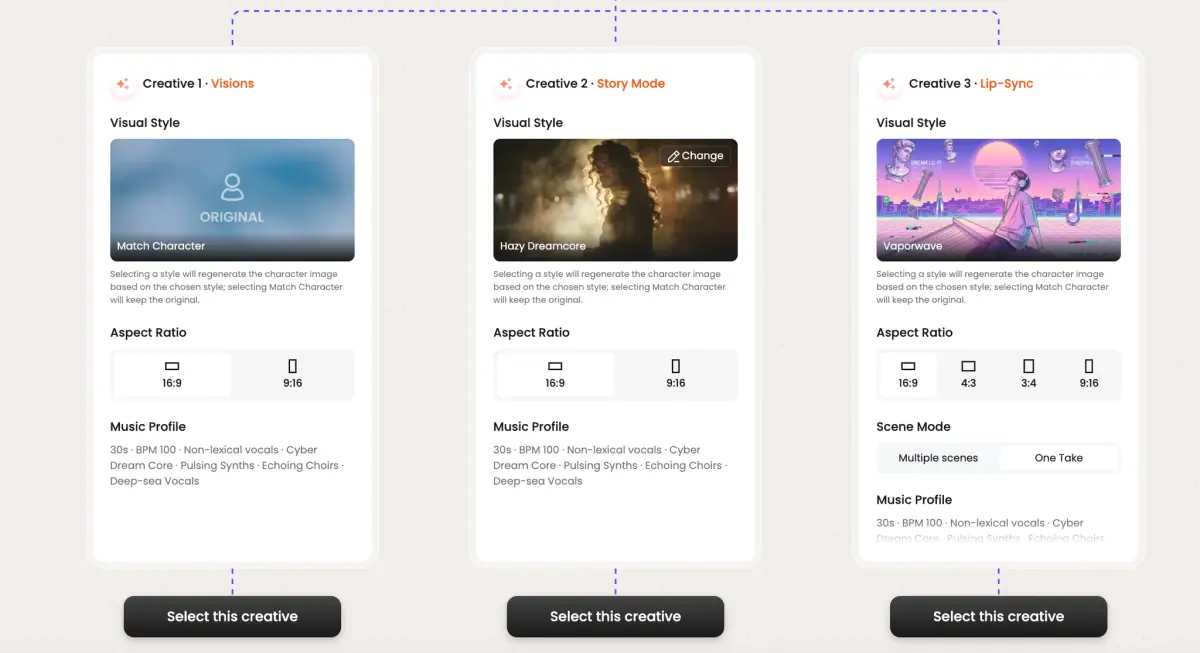
Frame previews from AI Record Labels music videos
Single frames pulled from AI-generated music videos — a glimpse of the Record Labels visual style Tunee creates from your audio, no camera or crew needed.

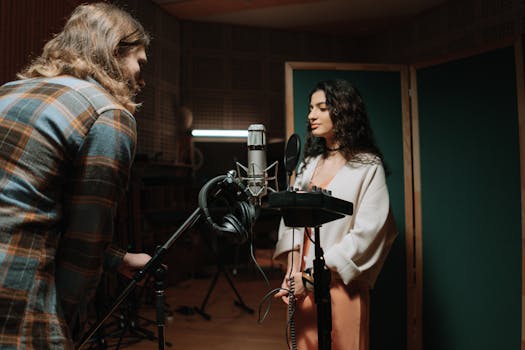
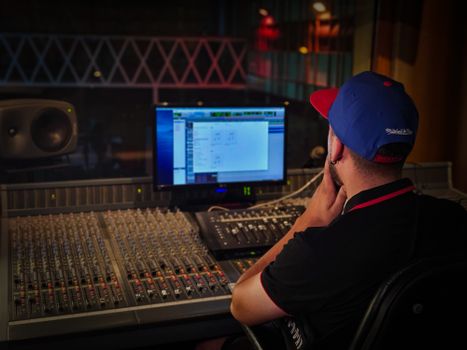
Labels need visual content at album-rollout volume, not single-video pace
The actual label-side problem
A modern album rollout needs 30 to 50 video assets: the lead single's MV, 11 lyric videos for the album tracks, 11 Spotify Canvases, vertical cuts of every chorus for TikTok promo, a tour announcement piece, behind-the-scenes content, interview cutdowns. Even a mid-size indie label has 8 to 12 artists on roster running this cycle simultaneously. The video team's bandwidth is the bottleneck — not the budget, the calendar. Most labels just don't deliver the assets, and the algorithm penalizes accordingly.
What labels can actually delegate to AI
The lead single's primary MV — still a directed shoot. Everything else — the supplementary content layer — is exactly what AI MV pipelines are built for. Lyric videos with the album's visual identity, Spotify Canvases that match the artwork, TikTok cuts that re-use the directed MV's color palette, animated tour posters. The album's visual identity (set by the lead-single shoot) becomes a prompt template that produces the other 49 assets in days, not months.
How Tunee fits a label's pipeline
Upload the album's color reference and key visuals, lock the artist's character consistency across the roster, and Tunee generates the supplementary asset stack per release. The team controls the directed MV and the visual identity; Tunee delivers the long tail. For a mid-size label running 15 releases a year, that's the difference between full visual rollouts on every artist and the current reality of half the roster going dark between singles.
Record Labels music video prompts — copy & generate
Each prompt is crafted for Record Labels aesthetics. Paste into Tunee, hit generate — your record labels music video is ready in seconds.
16:9 landscape frame. Hook in the first 3 seconds: tight close-up of high production value, hard cut to the artist on the beat drop. Commercial grade, high contrast. Text overlay at the chorus — clean sans-serif, bottom third. Runtime: 30–45 s.
Polished visual style built for Record Labels — multi-artist roster in the background, transitions locked to every 4-beat phrase. Fast cuts on the hook, one slow-motion beat mid-song for emotional impact. Designed to hold watch-time past 50%.
Artist-forward 16:9 landscape — high production value surrounding the performer, camera movement synced to rhythm. Industry-grade lighting, no overlays — pure energy. Optimised for full-screen mobile, shareable to Stories and Reels.
A commercial scene with high production value and sweeping camera movements, bathed in dramatic lighting that pulses with the beat
Vertical close-up shot immersed in multi-artist roster, polished energy radiating through every frame and cut of the video
Abstract label branding morphing and flowing in slow motion, capturing the commercial essence of the music perfectly
Close-up shots of high production value dissolving into commercial quality, creating a polished visual journey that follows the song's rhythm
Wide establishing shot of a industry-grade environment with multi-artist roster in the foreground, evoking a deep emotional resonance
How creators use Tunee's Record Labels music video generator
From release day to full content calendars — real ways people ship record labels music videos with Tunee.