
Make AI Music Videos for YouTube
Upload your track, pick a style, and Tunee generates a perfectly formatted YouTube music video — ready to upload in minutes.
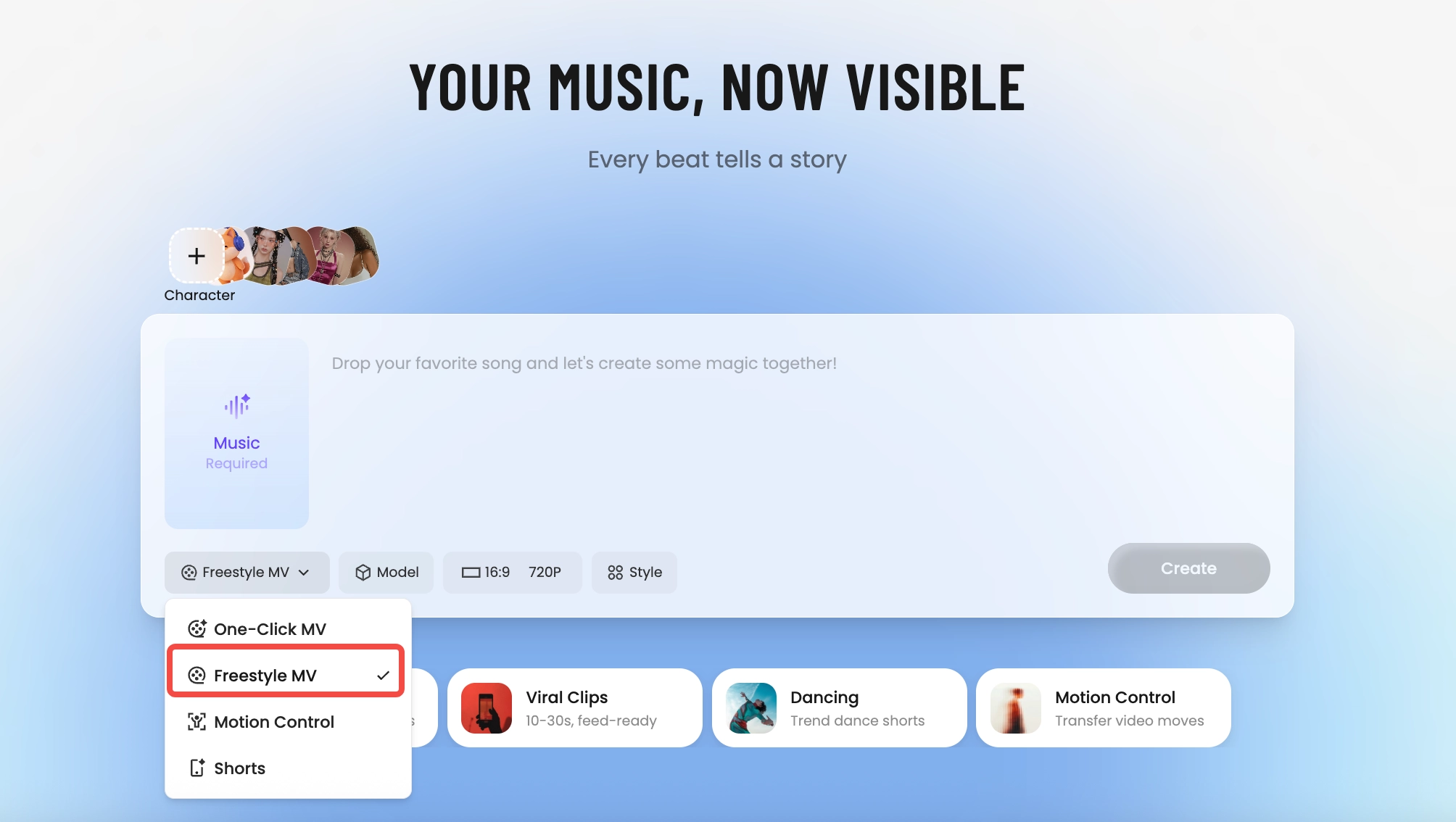
How Tunee's AI music video producer works
Four AI agents collaborate to turn your audio into a finished music video — you pick the moment and the direction, Tunee handles the rest.
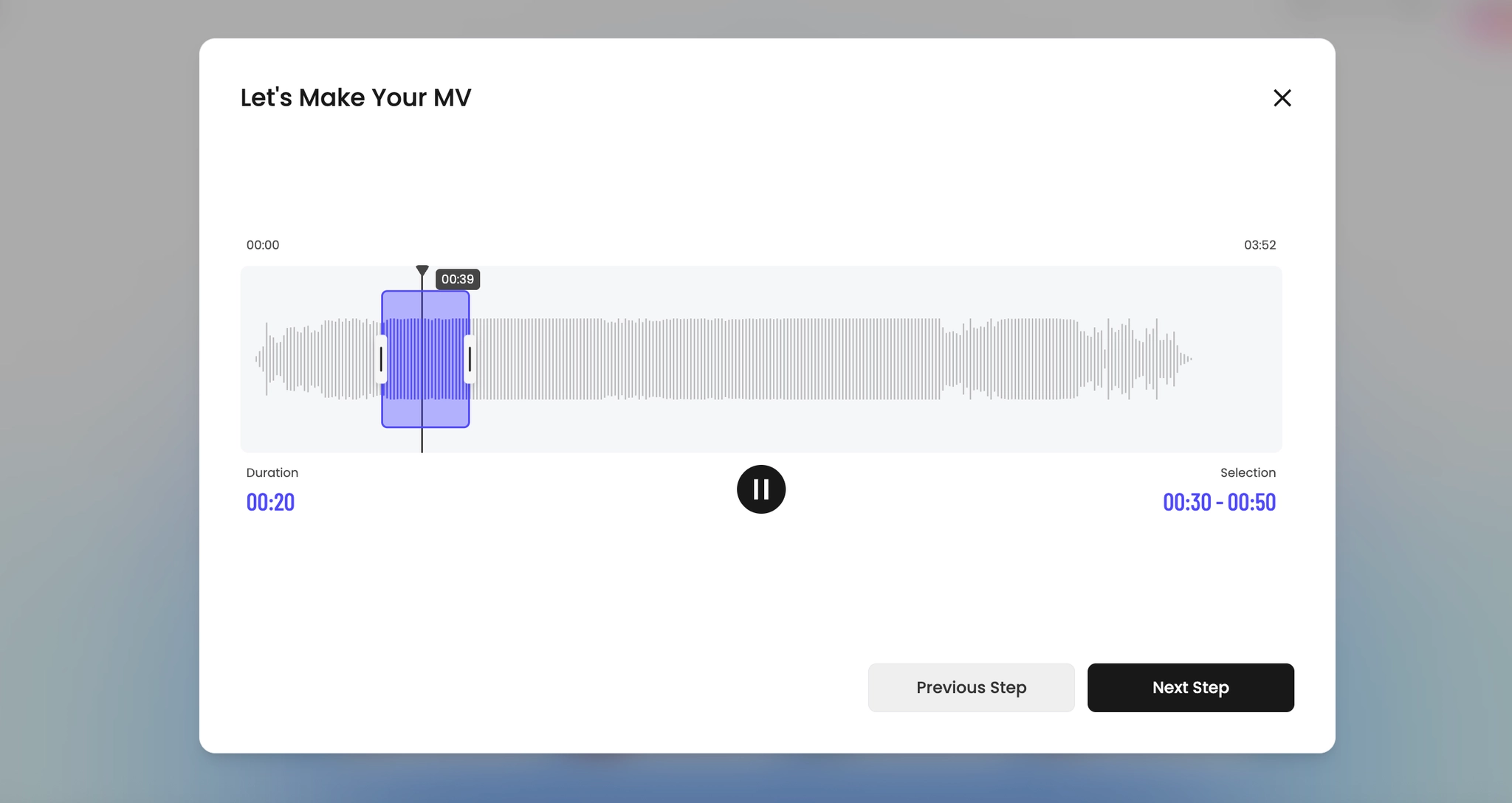
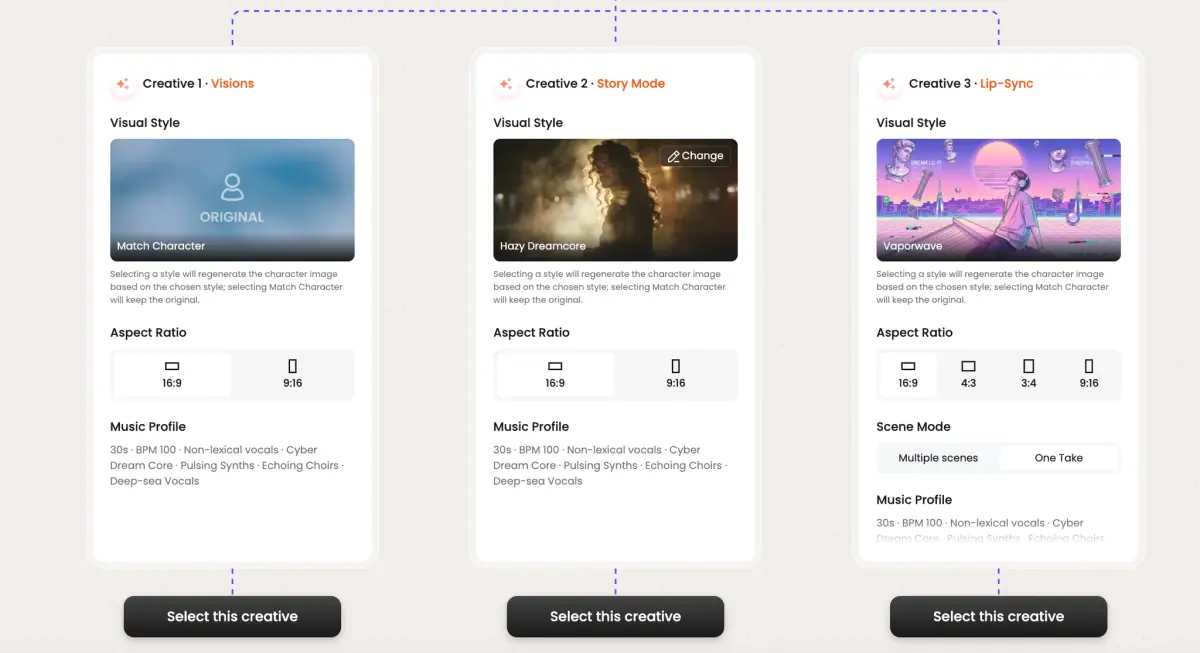
Frame previews from AI YouTube music videos
Single frames pulled from AI-generated music videos — a glimpse of the YouTube visual style Tunee creates from your audio, no camera or crew needed.


YouTube is the one platform where the full-length MV still wins
Why 16:9 and longer-form still matter here
Outside YouTube, the music video has been compressed into vertical 60-second clips. On YouTube, the original format is still the dominant one — 16:9, 3-to-5 minutes, watched on a TV or laptop in the background. The platform's algorithm rewards watch time in minutes, not retention in seconds, which means a 4-minute MV that holds 60% is worth more than ten 30-second cuts that hold 90%. The math favors letting the song breathe.
What the YouTube MV canon looks like
Open with a cold intro (Hiro Murai's Childish Gambino videos, Dave Meyers' 21 Savage cuts, anything Cole Bennett directs for Lyrical Lemonade) — 5 to 15 seconds of scene-setting before the first downbeat. Hold establishing wides longer than you would on TikTok. Earn the close-up. End with a tag, an outro card, or a smash cut to credits — the YouTube viewer is conditioned to watch through the end card.
Tunee's YouTube preset, specifically
Pick YouTube and the renderer outputs 16:9 at 4K, with a longer intro window, slower average cut length (1.8 seconds versus 0.9 for the TikTok preset), and a chaptered timeline if your song has clear sections. Upload-ready MP4, H.264, audio at 320 kbps AAC. Thumbnail-frame grabs at the visual peaks are auto-generated so you're not scrubbing the timeline trying to find the moment that sells the click.
YouTube music video prompts — copy & generate
Each prompt is crafted for YouTube aesthetics. Paste into Tunee, hit generate — your youtube music video is ready in seconds.
16:9 landscape frame. Hook in the first 3 seconds: tight close-up of 16:9 widescreen, hard cut to the artist on the beat drop. Engaging grade, high contrast. Text overlay at the chorus — clean sans-serif, bottom third. Runtime: 30–45 s.
Shareable visual style built for YouTube — YouTube thumbnail in the background, transitions locked to every 4-beat phrase. Fast cuts on the hook, one slow-motion beat mid-song for emotional impact. Designed to hold watch-time past 50%.
Artist-forward 16:9 landscape — 16:9 widescreen surrounding the performer, camera movement synced to rhythm. High-quality lighting, no overlays — pure energy. Optimised for full-screen mobile, shareable to Stories and Reels.
A engaging scene with 16:9 widescreen and sweeping camera movements, bathed in dramatic lighting that pulses with the beat
Vertical close-up shot immersed in YouTube thumbnail, shareable energy radiating through every frame and cut of the video
Abstract mid-roll safe zones morphing and flowing in slow motion, capturing the engaging essence of the music perfectly
Close-up shots of 16:9 widescreen dissolving into HD 1080p quality, creating a shareable visual journey that follows the song's rhythm
Wide establishing shot of a high-quality environment with YouTube thumbnail in the foreground, evoking a deep emotional resonance
How creators use Tunee's YouTube music video generator
From release day to full content calendars — real ways people ship youtube music videos with Tunee.