
Make AI Music Videos for Musicians
Upload your track, pick a style, and Tunee generates a perfectly formatted Musicians music video — ready to upload in minutes.
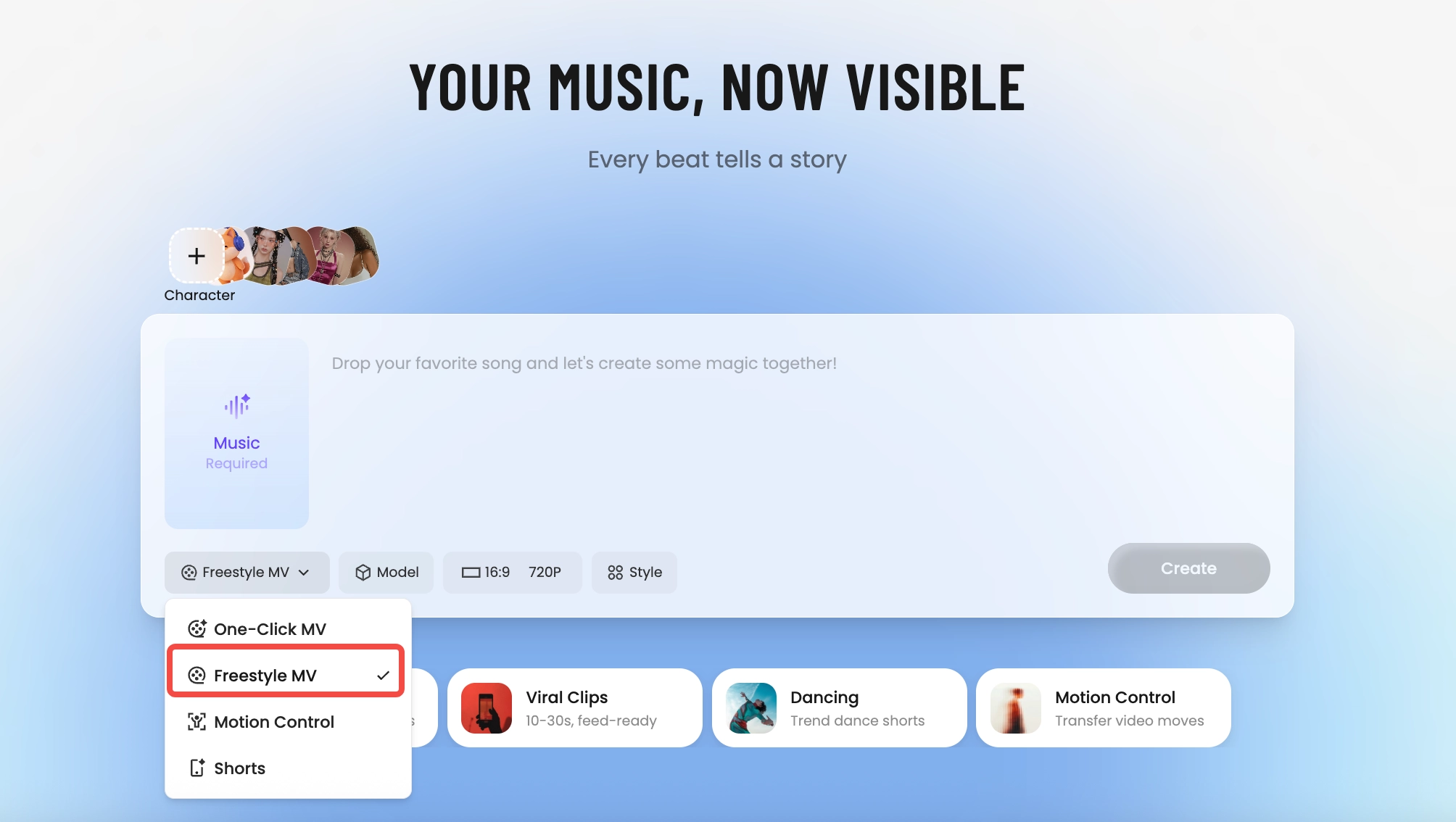
How Tunee's AI music video producer works
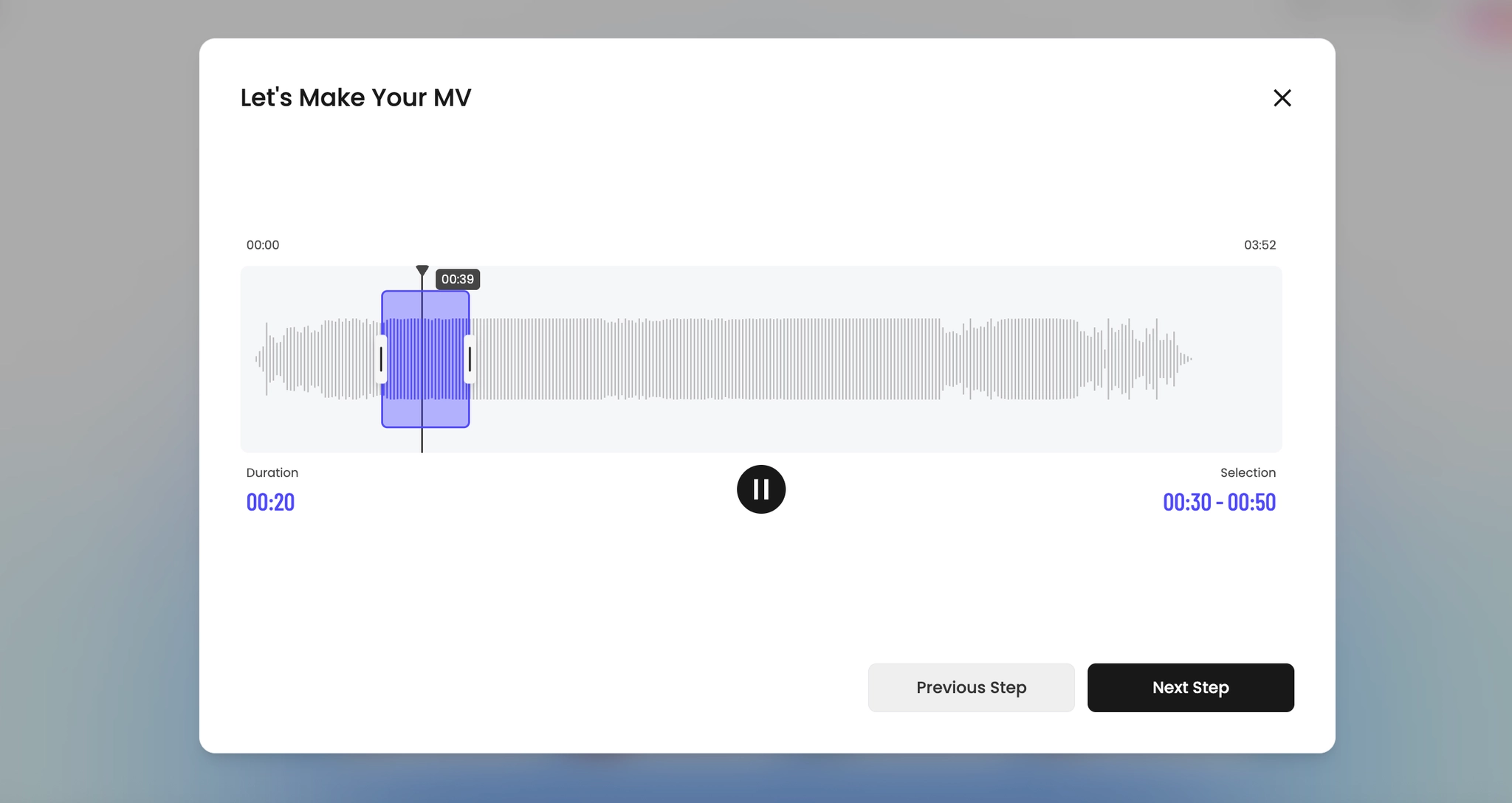
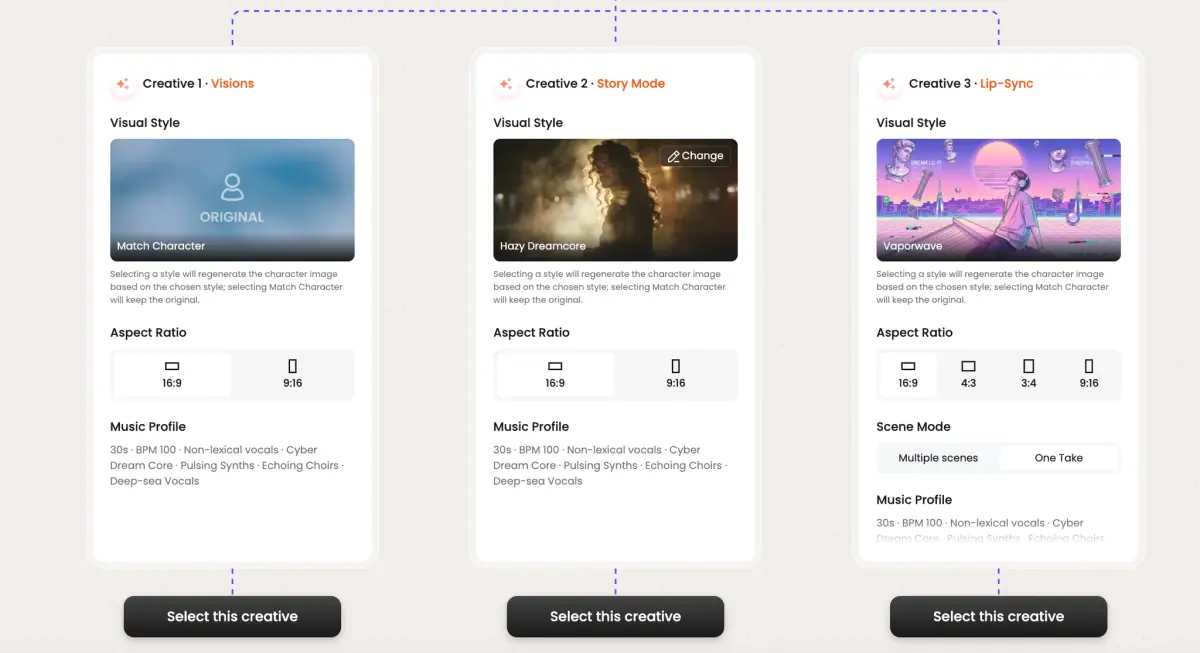
Four AI agents collaborate to turn your audio into a finished music video — you pick the moment and the direction, Tunee handles the rest.
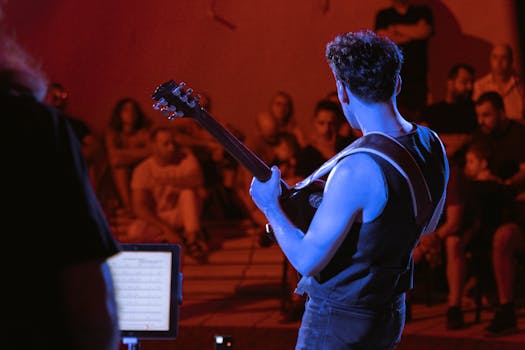
Frame previews from AI Musicians music videos
Single frames pulled from AI-generated music videos — a glimpse of the Musicians visual style Tunee creates from your audio, no camera or crew needed.

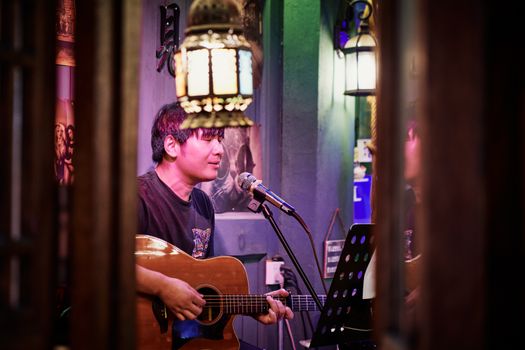
The singer-songwriter MV has its own quiet canon
Why this category isn't 'just music videos'
A singer-songwriter MV isn't a band performance video and isn't a pop video — it's a third thing. The visual canon is intimate: Phoebe Bridgers' Kyoto, Bon Iver's Holocene, Sufjan Stevens' Should Have Known Better. One performer, often alone in frame, low color saturation, long takes, a landscape or interior that says something about the song's emotional weight. The artist is the subject and the location is the second character. There's almost no editing pyrotechnics.
Shots that always work for the format
A close-up on the vocalist that holds through an entire chorus without a cut. A wide that places the artist small in a landscape (a beach, a field, an empty highway). A single-take walking shot, handheld, following the artist from behind. A static frame on hands at a piano or guitar. The audience is there for the song first and the visual atmosphere second — restraint is the aesthetic, not a budget compromise.
Where Tunee fits a working musician's release
Independent singer-songwriters typically can't fund a real video for every track — they can fund one per album, maybe two. Tunee fills the rest of the rollout: lyric videos with the same color palette as the main video, vertical cuts for Reels and TikTok, Spotify Canvases for every track, a tour-poster animated to a verse of the song. The visual identity stays cohesive across 12 tracks without 12 shoot days.
Musicians music video prompts — copy & generate
Each prompt is crafted for Musicians aesthetics. Paste into Tunee, hit generate — your musicians music video is ready in seconds.
16:9 landscape frame. Hook in the first 3 seconds: tight close-up of artist performance, hard cut to the artist on the beat drop. Professional grade, high contrast. Text overlay at the chorus — clean sans-serif, bottom third. Runtime: 30–45 s.
Branded visual style built for Musicians — studio setup in the background, transitions locked to every 4-beat phrase. Fast cuts on the hook, one slow-motion beat mid-song for emotional impact. Designed to hold watch-time past 50%.
Artist-forward 16:9 landscape — artist performance surrounding the performer, camera movement synced to rhythm. Authentic lighting, no overlays — pure energy. Optimised for full-screen mobile, shareable to Stories and Reels.
A professional scene with artist performance and sweeping camera movements, bathed in dramatic lighting that pulses with the beat
Vertical close-up shot immersed in studio setup, branded energy radiating through every frame and cut of the video
Abstract music promotion morphing and flowing in slow motion, capturing the professional essence of the music perfectly
Close-up shots of artist performance dissolving into artist branding, creating a branded visual journey that follows the song's rhythm
Wide establishing shot of a authentic environment with studio setup in the foreground, evoking a deep emotional resonance
How creators use Tunee's Musicians music video generator
From release day to full content calendars — real ways people ship musicians music videos with Tunee.