
Text to MV — Your AI Music Video Producer
Tunee is your AI music video producer. Upload a track and our AI handles characters, scenes, storyboard, and shots — every format ready to share in minutes.
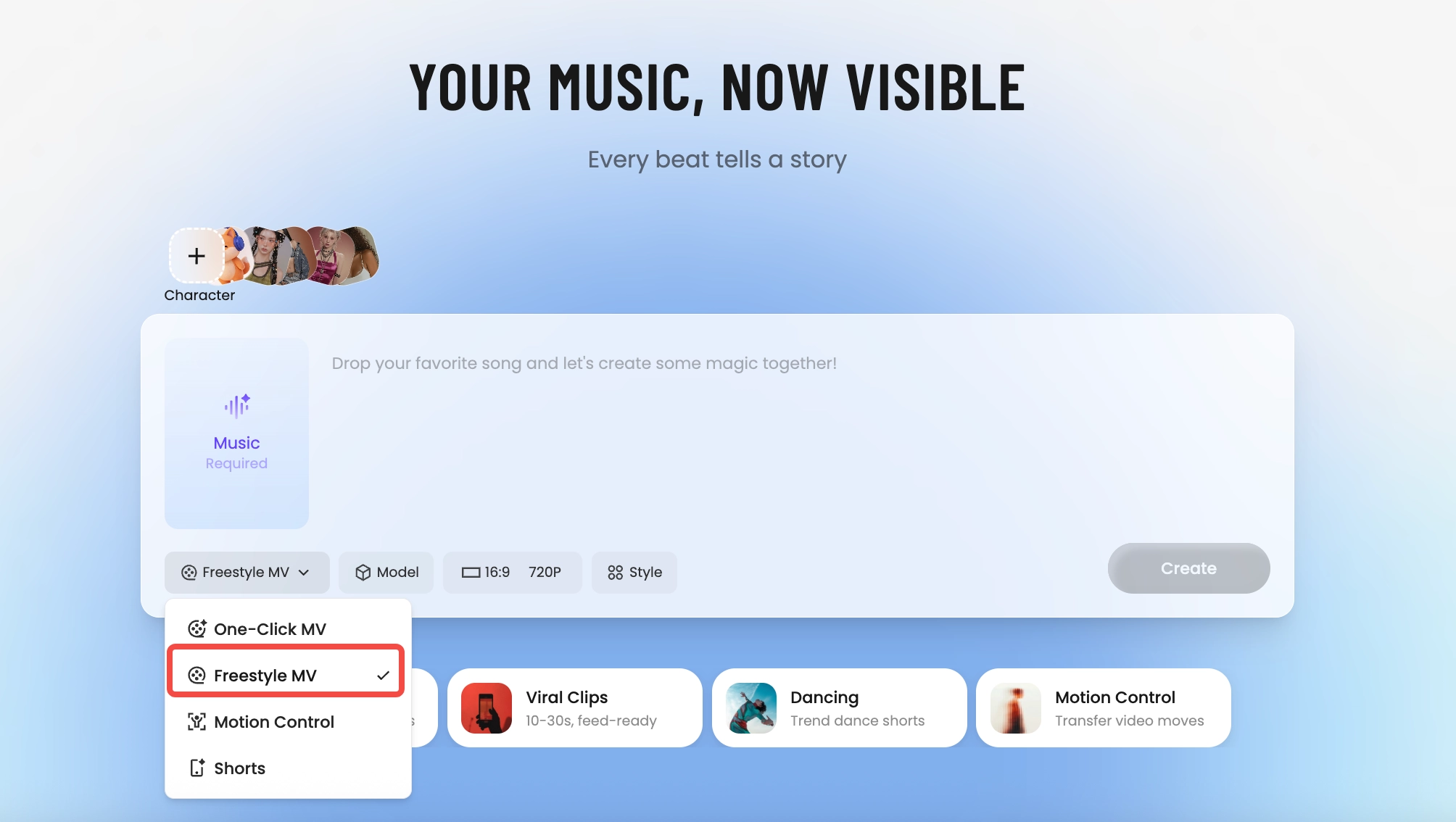
How Tunee's AI music video producer works
Four AI agents collaborate to turn your audio into a finished music video — you pick the moment and the direction, Tunee handles the rest.
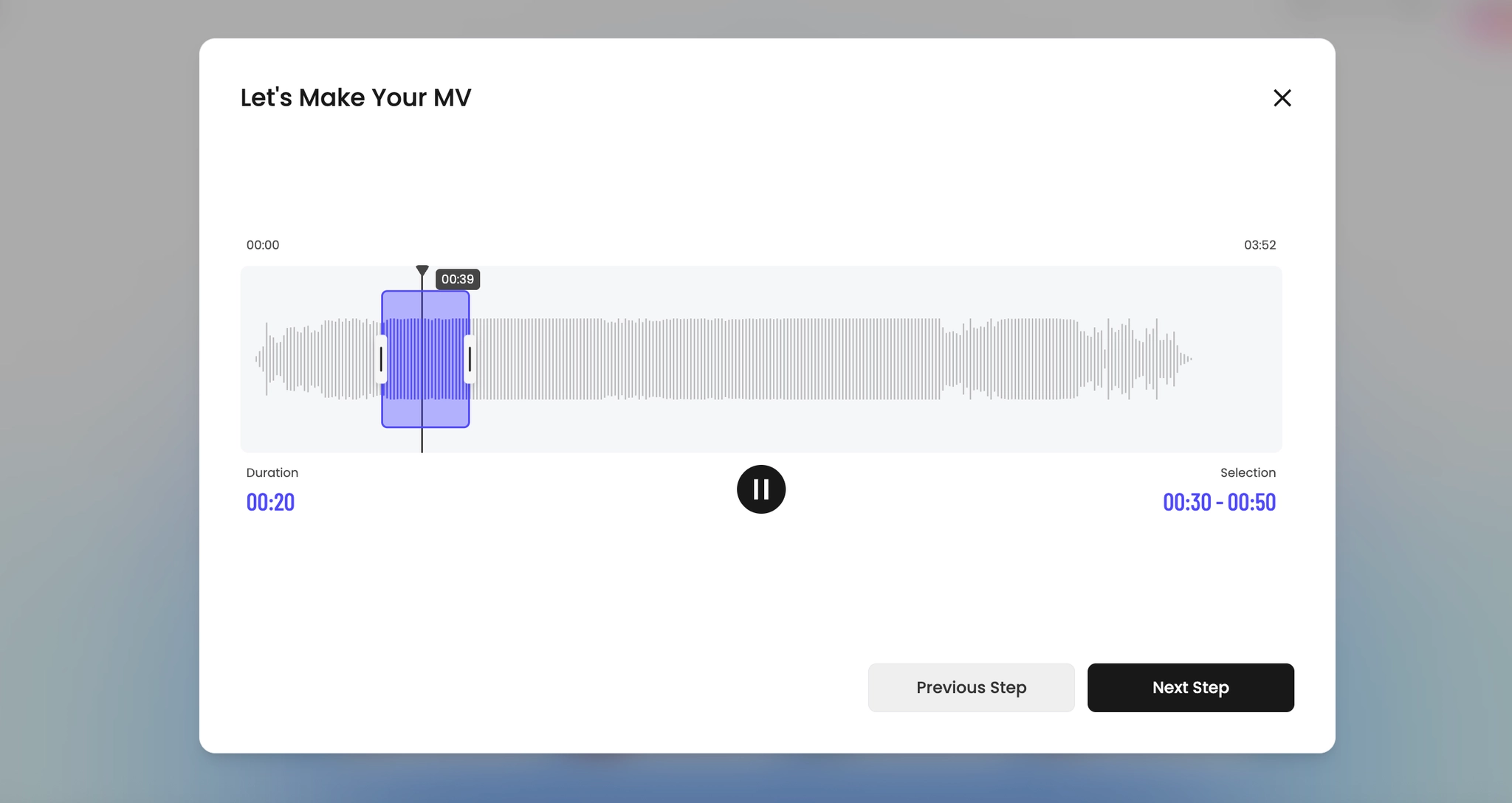
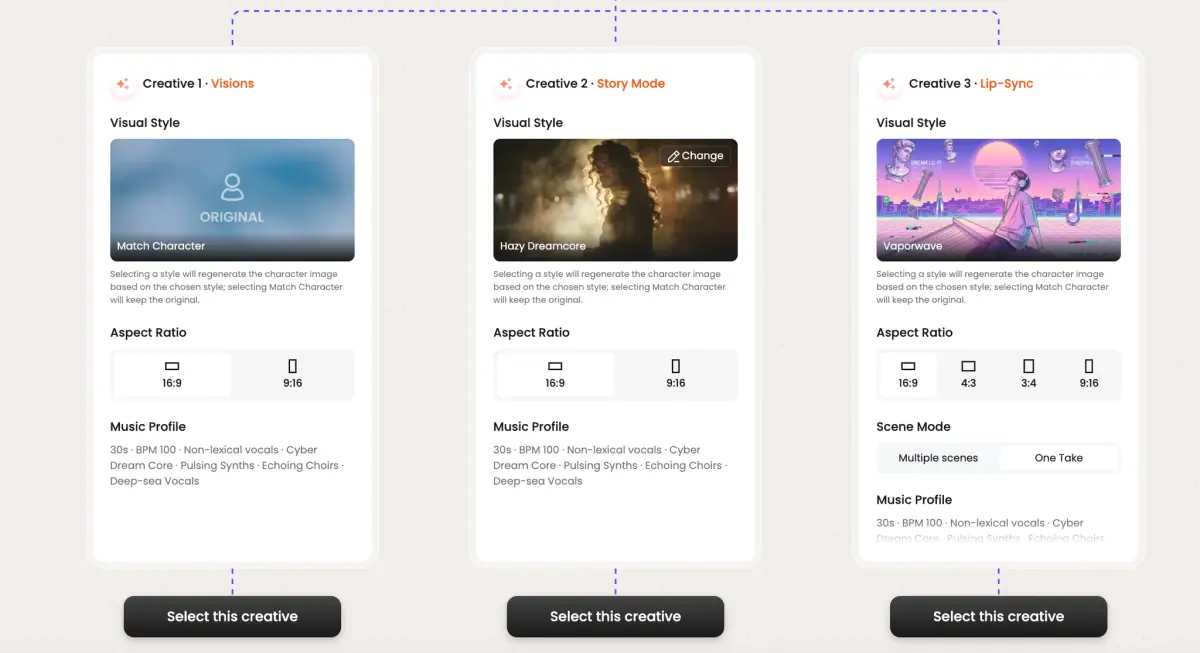
Frame previews from AI Text to MV music videos
Single frames pulled from AI-generated music videos — a glimpse of the Text to MV visual style Tunee creates from your audio, no camera or crew needed.


Type a sentence. Get a music video with a song that didn't exist five minutes ago
What text-to-MV is actually doing
Two AI systems running back to back. The first is a music generator — your text prompt produces an original instrumental or vocal track at the length and BPM you specify. The second is the MV pipeline, fed both the prompt and the just-generated audio. The interesting part is that the video model sees the prompt before the audio exists, so the visual world and the musical world are designed to match instead of the video being retrofitted to a song.
What Tunee gives you from one prompt
A single text input — 'a slow shoegaze track about driving home in the rain, female vocals, 80 BPM' — returns an audio track, a 60-second cut video, and a downloadable stem of just the music. You can regenerate the audio without re-rendering the video, or vice versa. Useful when the song lands but the visuals miss, or the visuals nail it but the chorus needs a second pass. Most text-to-MV tools couple the two outputs; Tunee deliberately keeps them separable.
Where text-to-MV beats upload-to-MV
Two scenarios. First, prototyping: you have a video concept but no song yet, and licensing a placeholder is more friction than generating one. Second, content velocity: a brand running a 30-day campaign needs 30 distinct short videos and 30 distinct soundtracks, and licensing math doesn't survive that. For one-off artist videos, upload-your-song is still the right route. For everything else, text-to-MV is shorter path to first frame.
Text to MV music video prompts — copy & generate
Each prompt is crafted for Text to MV aesthetics. Paste into Tunee, hit generate — your text to mv music video is ready in seconds.
Each lyric phrase becomes its own scene — Tunee's AI matches every line to a prompt input visual. Creative transitions between stanzas (dissolve on the verse, hard cut on the chorus). The final frame mirrors the opening. Built for a tight, narrative-driven music video.
No literal imagery — pure prompt input and scene description responding to audio energy. Low frequencies shift creative color; highs trigger natural language particle bursts. The arc mirrors emotion: prompt-driven in the verse, explosive fast at the drop, calm in the outro. Perfect when the song should carry the visual.
Three chapters synced to song structure. Ch.1 (creative): prompt input wide shot, slow push-in. Ch.2 (prompt-driven): medium close-ups of scene description, energy rising. Ch.3 (fast): full-frame natural language, maximum intensity. Title card at 0 s, clean credit at the end — release-ready in one render.
A creative scene with prompt input and sweeping camera movements, bathed in dramatic lighting that pulses with the beat
Artist immersed in scene description, prompt-driven energy radiating through every frame and cut of the video
Abstract natural language morphing and flowing in slow motion, capturing the creative essence of the music perfectly
Close-up shots of prompt input dissolving into text prompt, creating a prompt-driven visual journey that follows the song's rhythm
Wide establishing shot of a fast environment with scene description in the foreground, evoking a deep emotional resonance
How creators use Tunee's Text to MV music video generator
From release day to full content calendars — real ways people ship text to mv music videos with Tunee.