
Make AI Music Videos for Kids
Upload your track, pick a style, and Tunee generates a perfectly formatted Kids music video — ready to upload in minutes.
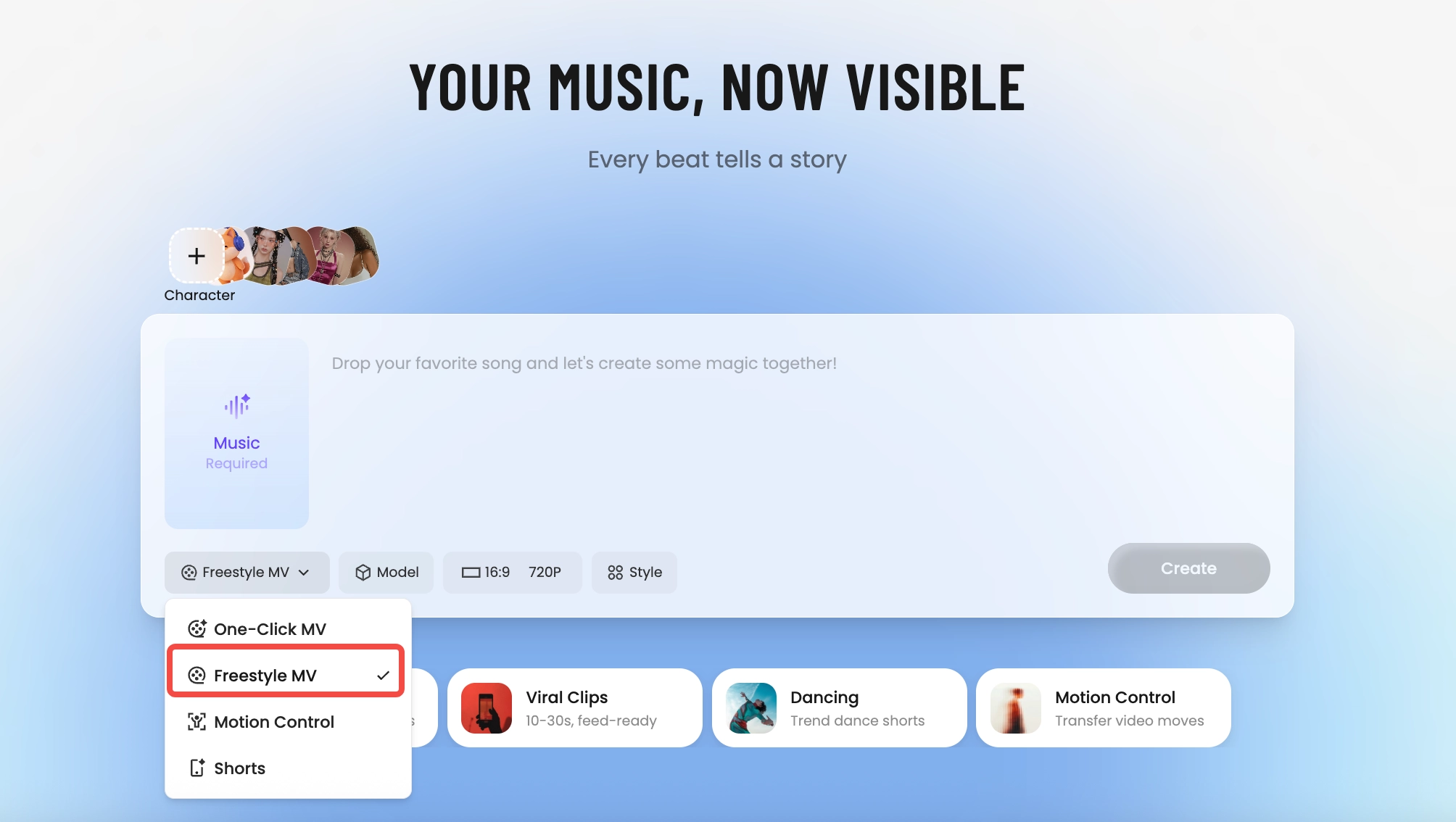
How Tunee's AI music video producer works
Four AI agents collaborate to turn your audio into a finished music video — you pick the moment and the direction, Tunee handles the rest.
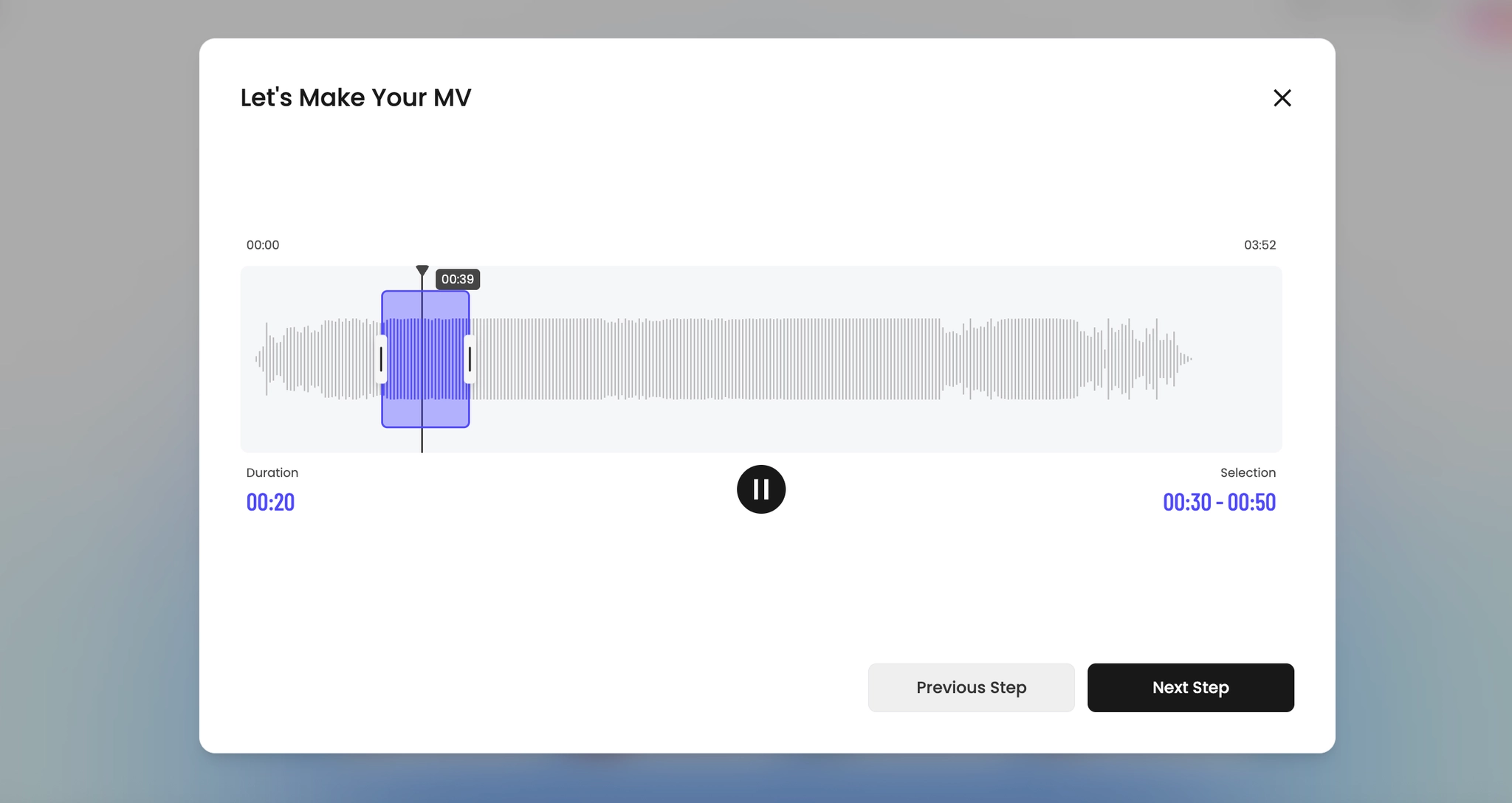
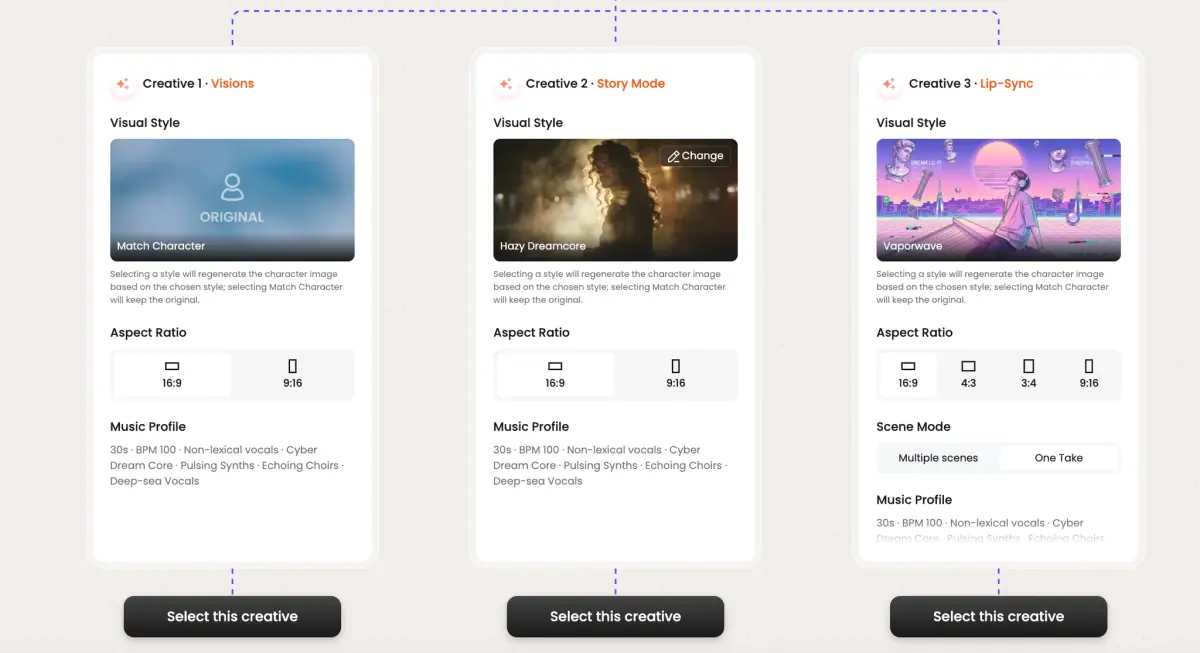
Frame previews from AI Kids music videos
Single frames pulled from AI-generated music videos — a glimpse of the Kids visual style Tunee creates from your audio, no camera or crew needed.

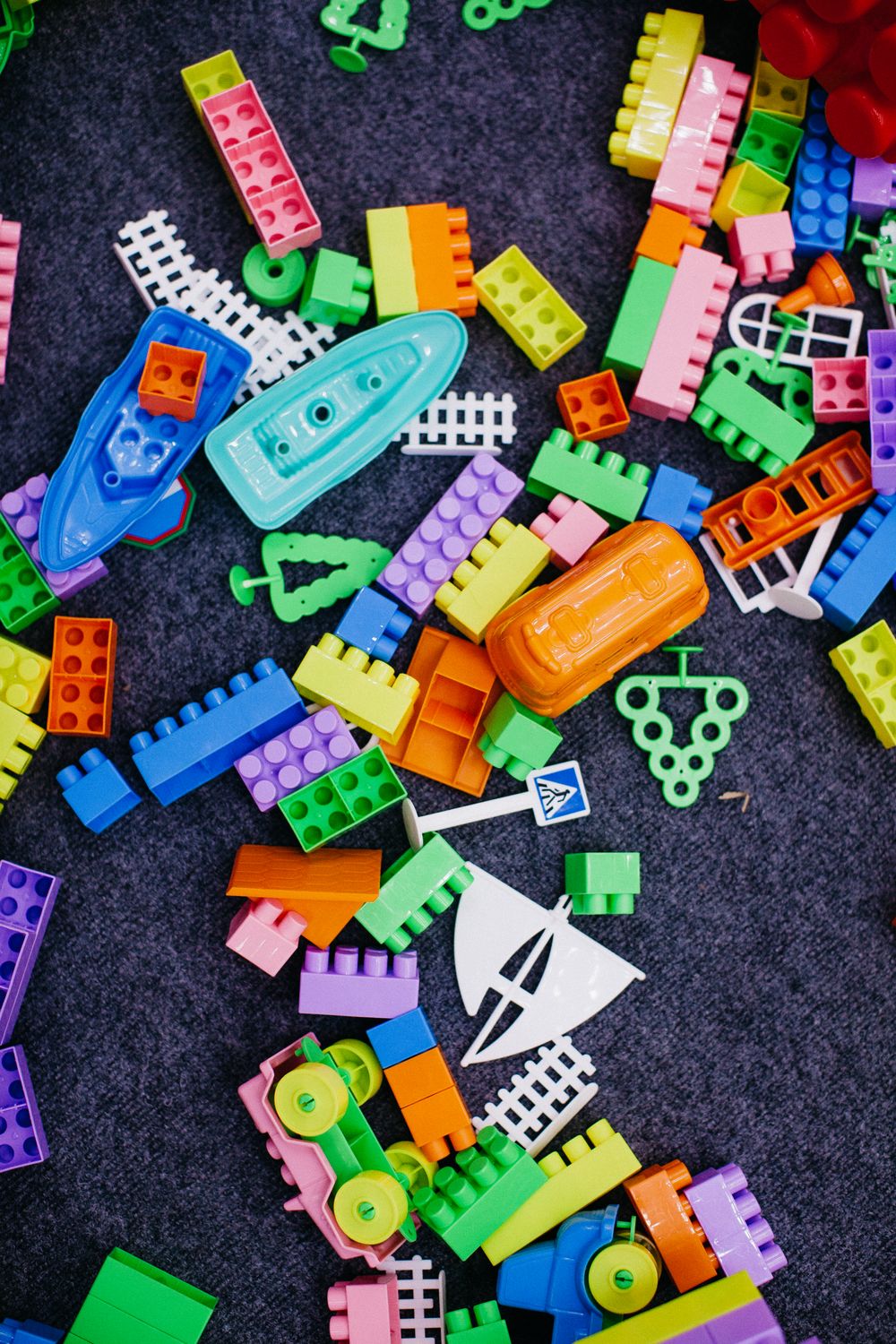

Kids' music videos have rules adult MVs don't — bright, simple, safe
What 'kids music video' actually requires
The category is dominated by Cocomelon, Pinkfong, Super Simple Songs — and they all share a visual language: saturated primary colors, rounded character design, simple looping environments, lyrics sung clearly with visual literal reinforcement (the word 'banana' on screen when the word 'banana' is sung). YouTube Kids' algorithm and COPPA both enforce specific content rules: no fast strobing, no scary imagery, no ambiguous moods. The constraints are tighter than any adult MV format.
What works for the under-7 audience
Repetition is a feature, not a bug. The chorus visual should be the same plate every time so the child anticipates it. Characters should stay model-consistent across cuts (a different-looking lead each verse confuses pre-readers). Cut frequency should be slower than adult MVs — 2-to-3 seconds per shot, not 0.8. Counting, colors, animals, vehicles, and simple narratives (going to bed, eating breakfast, visiting the zoo) dominate the content canon.
How Tunee handles the kids preset
The Kids preset locks character consistency hard (a generated character stays visually identical across every shot), enforces a slower cut tempo, restricts the palette to high-saturation primary and secondary colors, and routes the output through a content safety filter that flags anything ambiguous before render. Output is YouTube Kids-spec — 16:9 1080p, COPPA-safe metadata, no startle moments. The same generation also exports a 9:16 cut for the YouTube Kids vertical feed.
Kids music video prompts — copy & generate
Each prompt is crafted for Kids aesthetics. Paste into Tunee, hit generate — your kids music video is ready in seconds.
16:9 landscape frame. Hook in the first 3 seconds: tight close-up of colorful characters, hard cut to the artist on the beat drop. Playful grade, high contrast. Text overlay at the chorus — clean sans-serif, bottom third. Runtime: 30–45 s.
Safe visual style built for Kids — simple animation in the background, transitions locked to every 4-beat phrase. Fast cuts on the hook, one slow-motion beat mid-song for emotional impact. Designed to hold watch-time past 50%.
Artist-forward 16:9 landscape — colorful characters surrounding the performer, camera movement synced to rhythm. Educational lighting, no overlays — pure energy. Optimised for full-screen mobile, shareable to Stories and Reels.
A playful scene with colorful characters and sweeping camera movements, bathed in dramatic lighting that pulses with the beat
Vertical close-up shot immersed in simple animation, safe energy radiating through every frame and cut of the video
Abstract child-safe imagery morphing and flowing in slow motion, capturing the playful essence of the music perfectly
Close-up shots of colorful characters dissolving into playful movement, creating a safe visual journey that follows the song's rhythm
Wide establishing shot of a educational environment with simple animation in the foreground, evoking a deep emotional resonance
How creators use Tunee's Kids music video generator
From release day to full content calendars — real ways people ship kids music videos with Tunee.