
Make AI Music Videos for Spotify Canvas
Upload your track, pick a style, and Tunee generates a perfectly formatted Spotify Canvas music video — ready to upload in minutes.
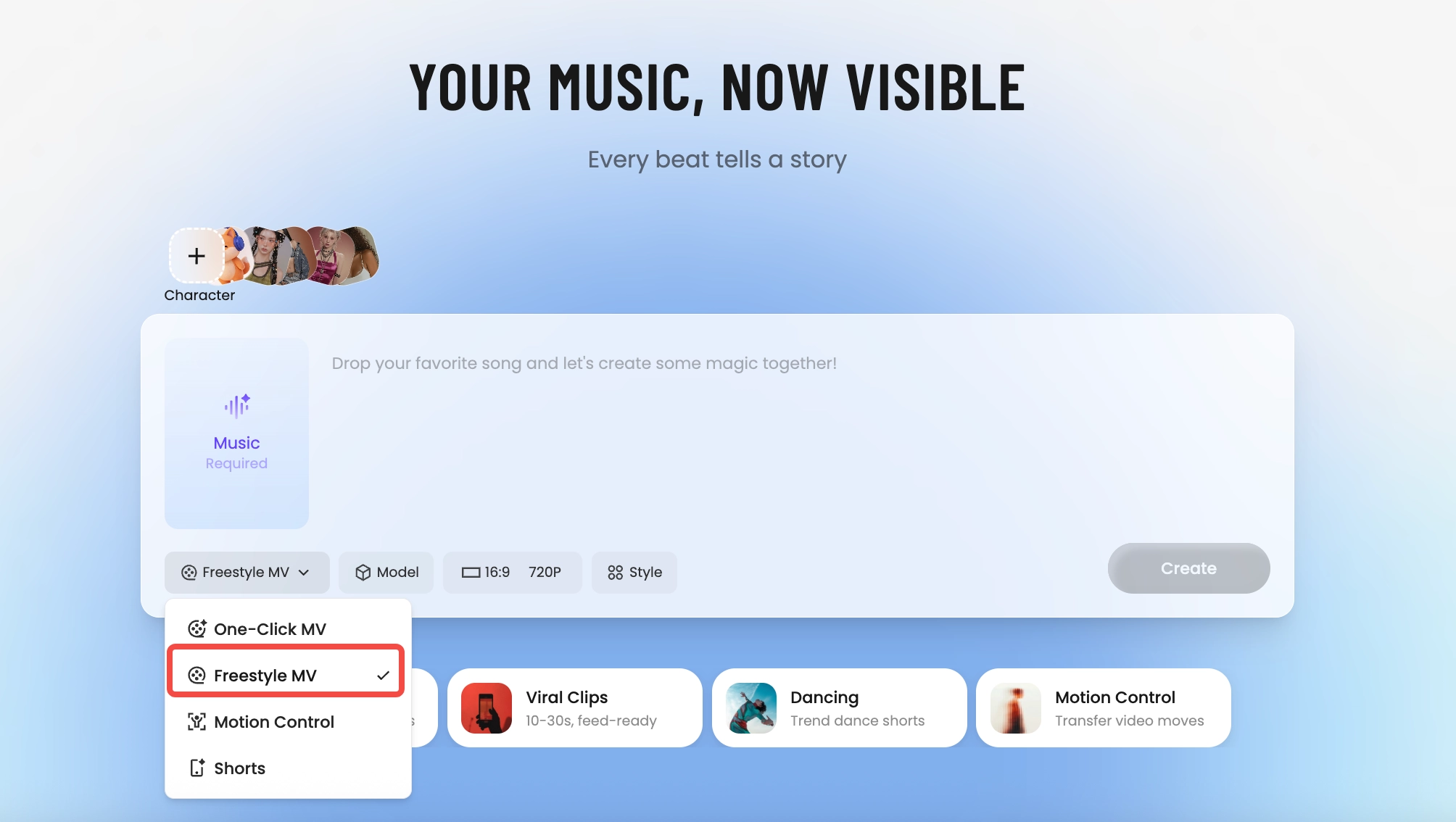
How Tunee's AI music video producer works
Four AI agents collaborate to turn your audio into a finished music video — you pick the moment and the direction, Tunee handles the rest.
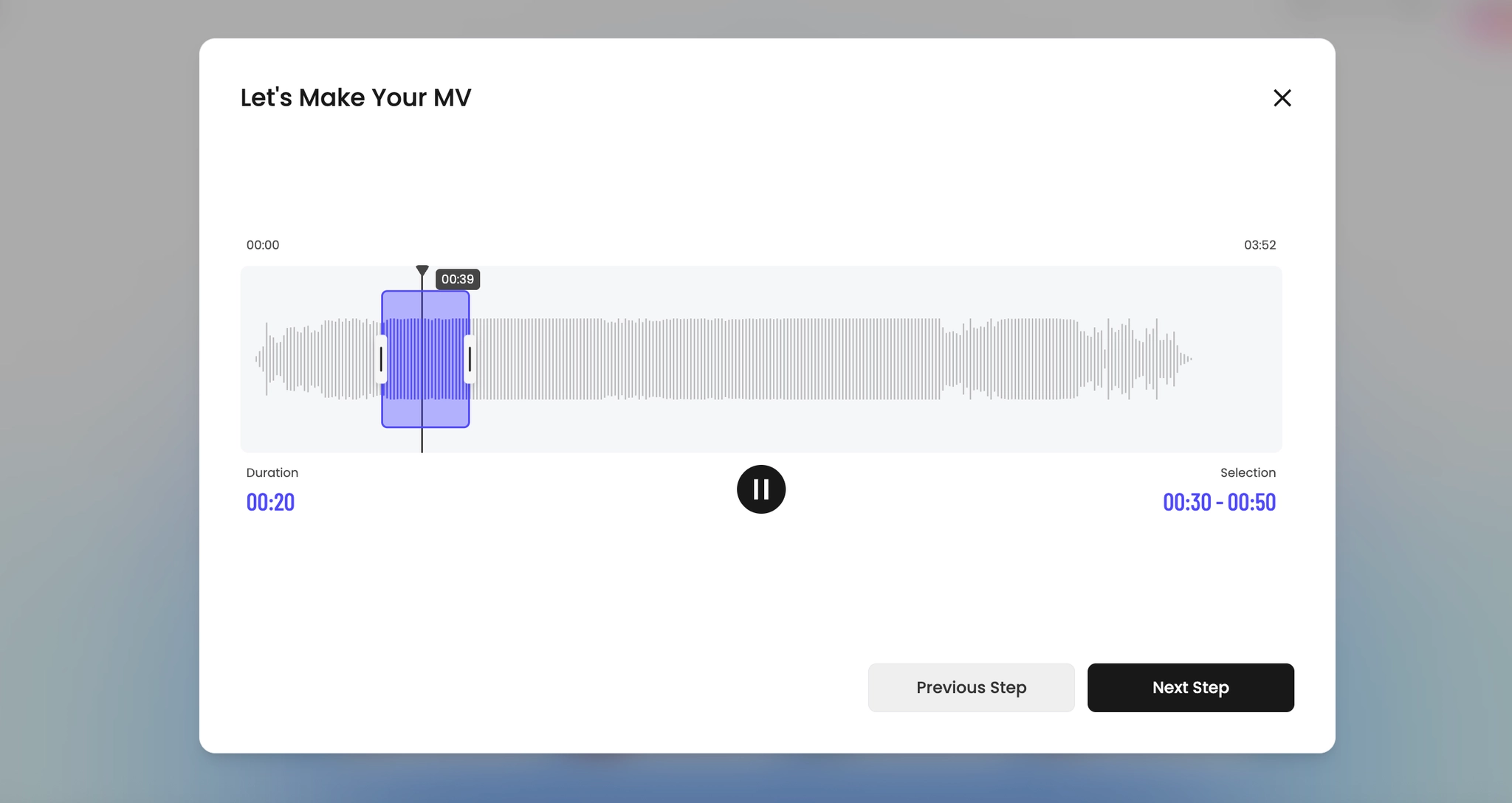
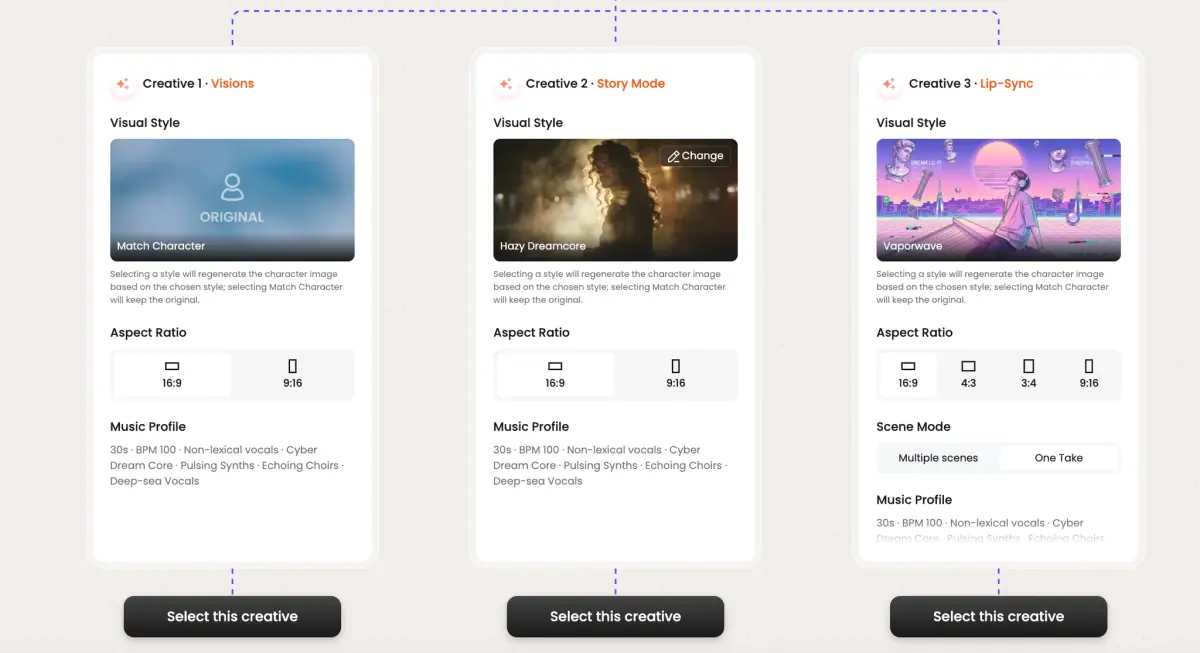
Frame previews from AI Spotify Canvas music videos
Single frames pulled from AI-generated music videos — a glimpse of the Spotify Canvas visual style Tunee creates from your audio, no camera or crew needed.
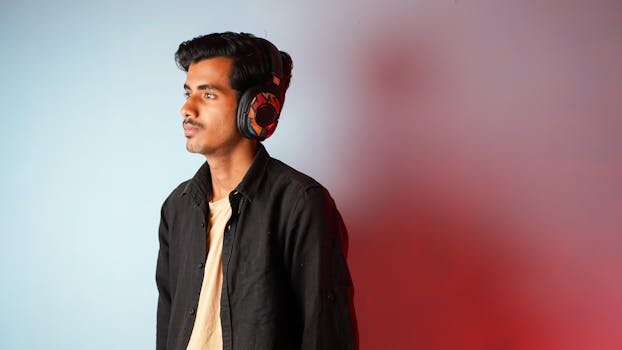
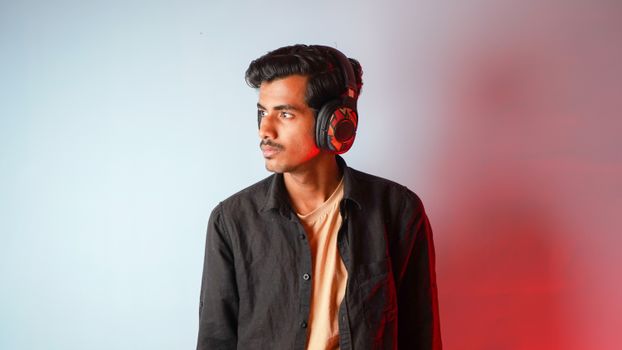
Canvas is 3 to 8 seconds. It has to loop. And it can't have audio of its own
What Canvas actually is
Spotify Canvas is the looping vertical video that plays behind a track on the Now Playing screen — 3 to 8 seconds, 9:16, no native audio (the song is the audio). The format is a loop, which means the first and last frame need to match cleanly or the user sees a hard cut every 8 seconds. Most labels still upload a static album cover because nailing a seamless 8-second loop without an editor is more work than they want to do.
What works in 8 seconds
Three formats dominate: a slow-motion portrait that loops on a held expression, an abstract texture (smoke, water, ink in milk) where the loop point is invisible, or a single repeating motion (a record spinning, a hand drumming, a curtain breathing) that's already cyclical. Anything narrative is wrong for the format — the viewer has no audio context and only 8 seconds. Mood, not story.
How Tunee renders for Canvas
Pick the Canvas preset and the generator constrains itself to a single coherent shot, 8 seconds max, with the first and last frame forced to match. No cuts inside the clip. Output is 9:16 at 720p (Canvas spec), MP4, under 8MB. The same source generation produces a static album-cover frame grab so you can update the artwork alongside the Canvas in one upload to Spotify for Artists.
Spotify Canvas music video prompts — copy & generate
Each prompt is crafted for Spotify Canvas aesthetics. Paste into Tunee, hit generate — your spotify canvas music video is ready in seconds.
16:9 landscape frame. Hook in the first 3 seconds: tight close-up of 3-8 second loop, hard cut to the artist on the beat drop. Atmospheric grade, high contrast. Text overlay at the chorus — clean sans-serif, bottom third. Runtime: 30–45 s.
Looping visual style built for Spotify Canvas — vertical 9:16 in the background, transitions locked to every 4-beat phrase. Fast cuts on the hook, one slow-motion beat mid-song for emotional impact. Designed to hold watch-time past 50%.
Artist-forward 16:9 landscape — 3-8 second loop surrounding the performer, camera movement synced to rhythm. Ambient lighting, no overlays — pure energy. Optimised for full-screen mobile, shareable to Stories and Reels.
A atmospheric scene with 3-8 second loop and sweeping camera movements, bathed in dramatic lighting that pulses with the beat
Vertical close-up shot immersed in vertical 9:16, looping energy radiating through every frame and cut of the video
Abstract abstract motion morphing and flowing in slow motion, capturing the atmospheric essence of the music perfectly
Close-up shots of 3-8 second loop dissolving into atmospheric mood, creating a looping visual journey that follows the song's rhythm
Wide establishing shot of a ambient environment with vertical 9:16 in the foreground, evoking a deep emotional resonance
How creators use Tunee's Spotify Canvas music video generator
From release day to full content calendars — real ways people ship spotify canvas music videos with Tunee.