
Make a Valentine's Music Video from Your Song
Upload your song, describe the moment, and Tunee turns it into a cinematic Valentine's music video — no camera, no crew, no editing skills needed.
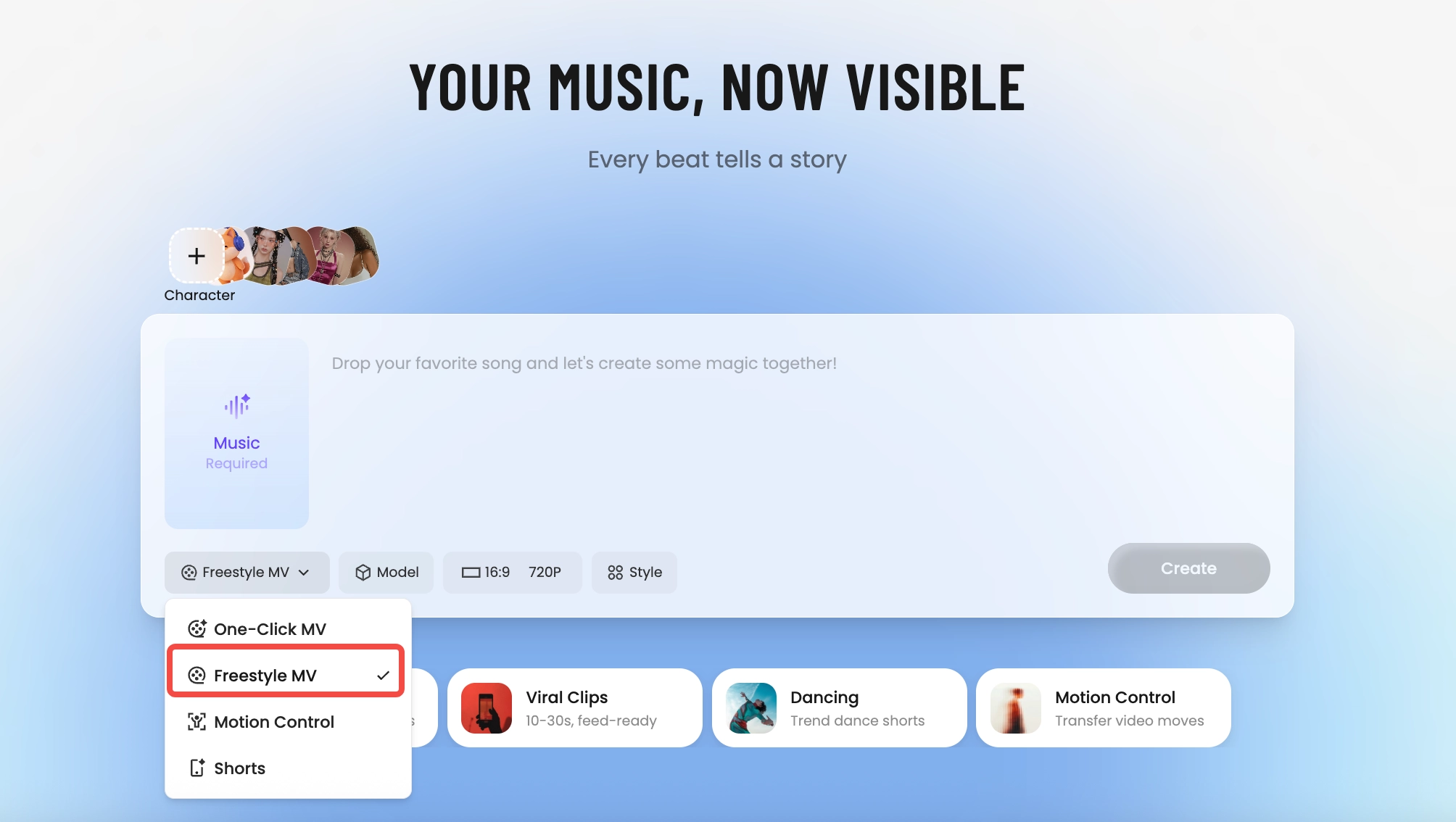
How Tunee's AI music video producer works
Four AI agents collaborate to turn your audio into a finished music video — you pick the moment and the direction, Tunee handles the rest.
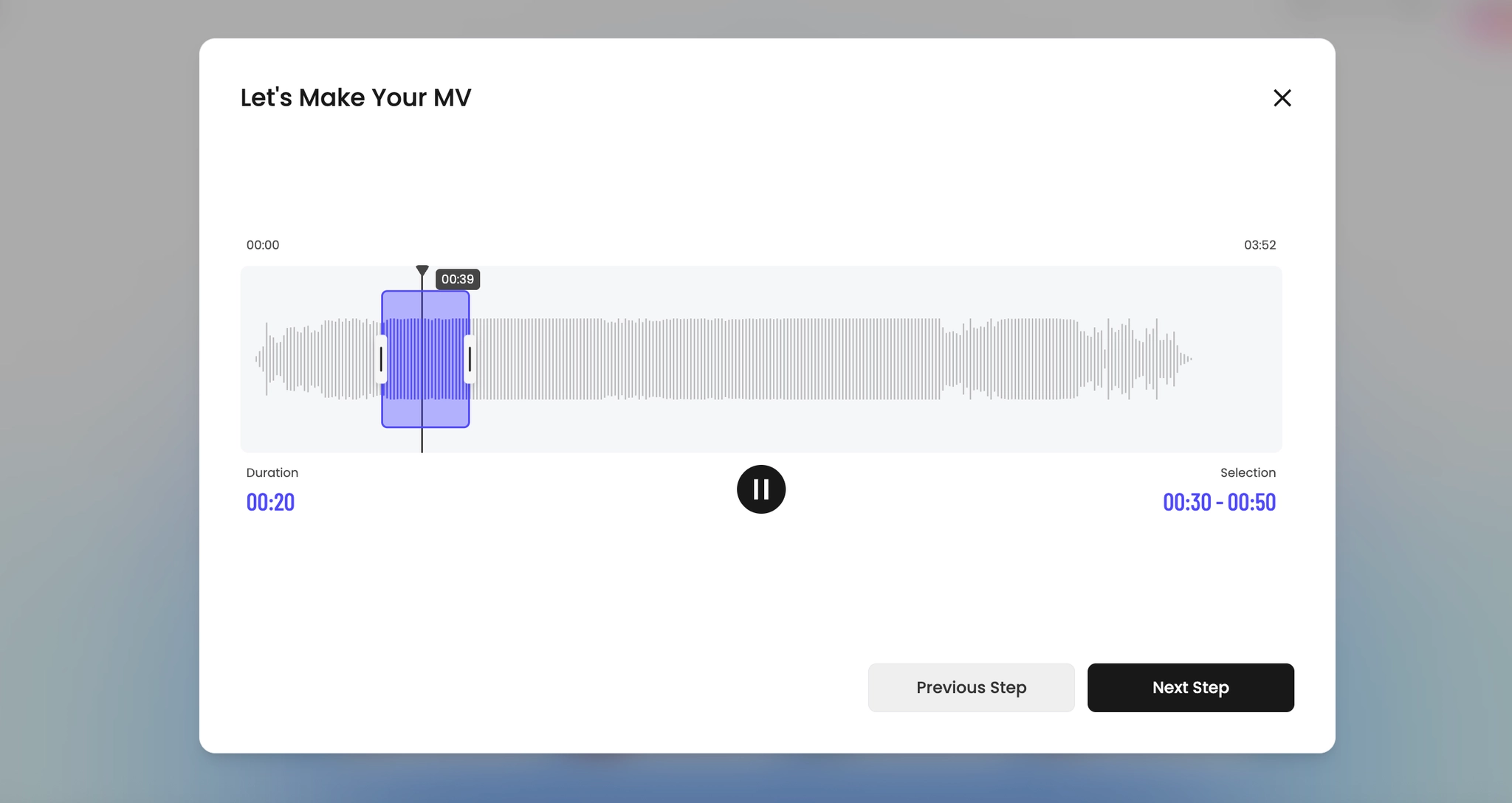
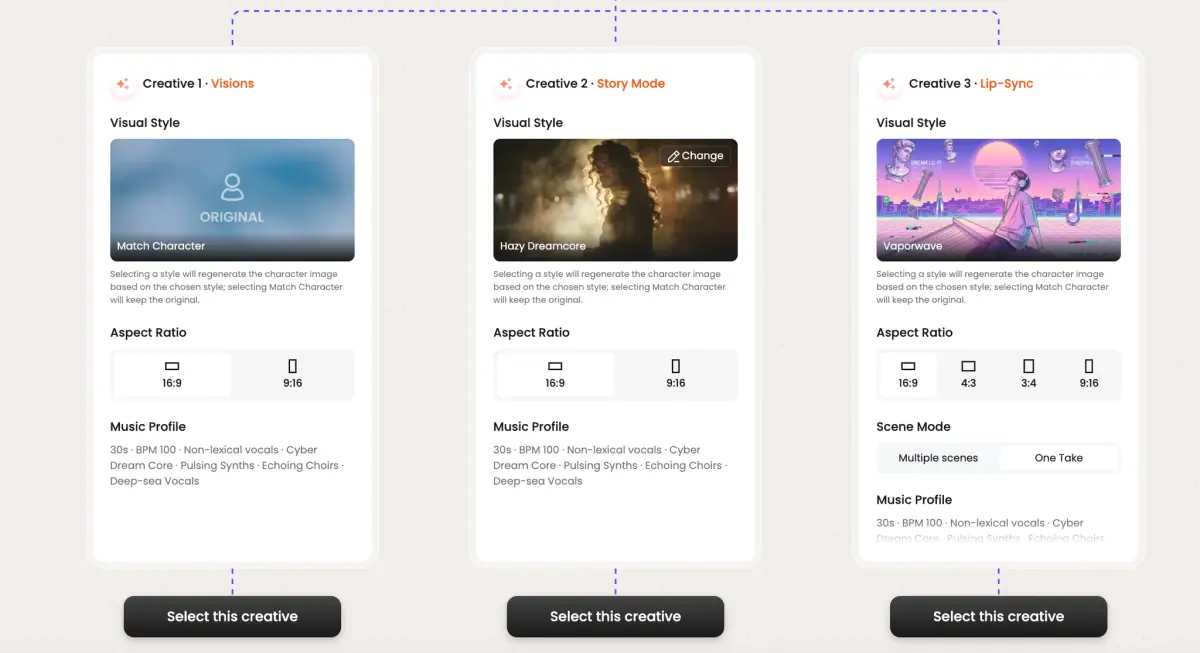
Frame previews from AI Valentine's music videos
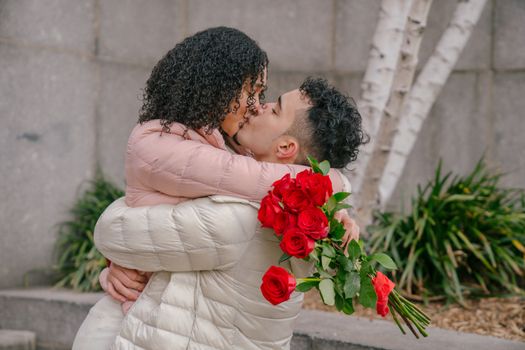
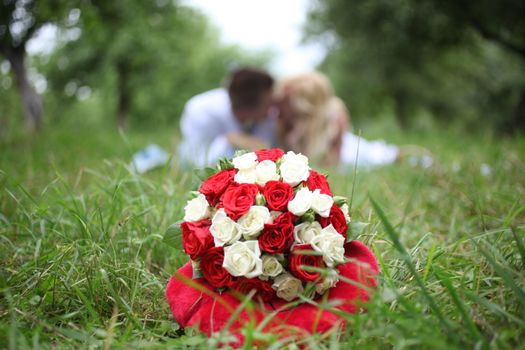
Single frames pulled from AI-generated music videos — a glimpse of the Valentine's visual style Tunee creates from your audio, no camera or crew needed.
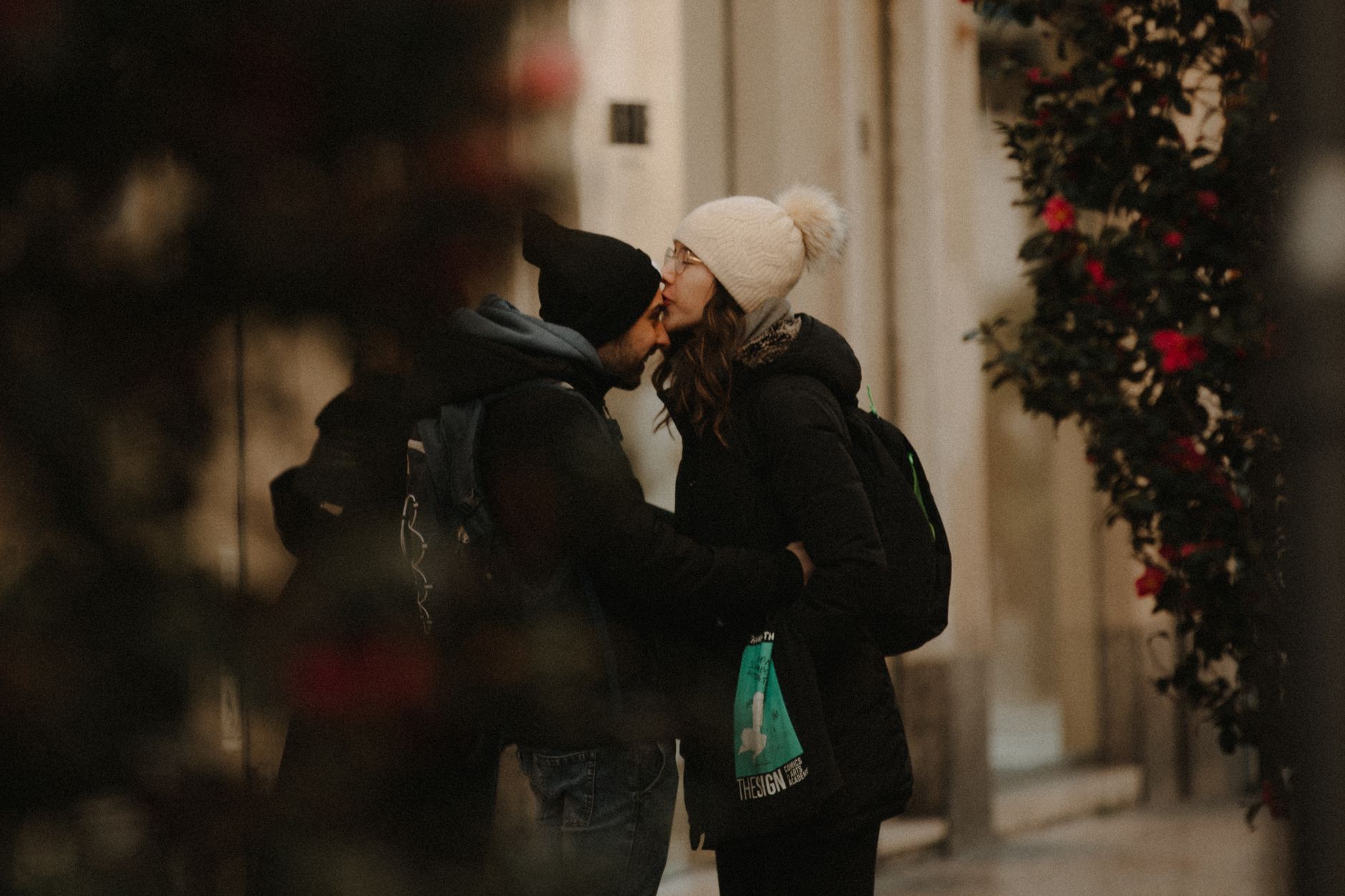
A Valentine's video that isn't a card with a worse photo
Why a Valentine's MV out-performs flowers
The Valentine's gift economy is fatigued — flowers, chocolate, dinner reservation, repeat. A 60-second MV scored to your shared song breaks that pattern without being expensive or showy. It's the gift that gets re-watched in March, sent again on the anniversary, and saved to a private folder rather than thrown out with the wrapping. For long-distance couples it's especially strong — it does the work of being there when you can't.
The shots that always work
Romantic videographers stick to a small vocabulary: hands meeting across a table, the back-lit silhouette in a window, the half-eaten breakfast in bed wide, the handwritten-note close-up, the slow-zoom on a smile mid-laugh. The cinematic touchstones: Spike Jonze's warm-orange Her aesthetic shot by Hoyte van Hoytema, Richard Curtis's Notting Hill floor-of-flowers ending, Pete Docter's UP first-act marriage montage at Pixar, Wong Kar-wai's In the Mood for Love noodle-shop framing, Hallmark Channel's Valentine films. The cliche shots (red roses, candles, hearts) work better when peripheral - the candle is in the bokeh, not the subject. Specify that hierarchy and the MV reads as intimate rather than greeting-card.
Make it the gift
Send it at 6am on February 14th, before the day starts crowding in with deliveries and reservations. Tunee renders vertical for the morning text, square for the optional public post, and widescreen for the eventual living-room rewatch on the anniversary.
Valentine's music video prompts — copy & generate
Each prompt is crafted for Valentine's aesthetics. Paste into Tunee, hit generate — your valentine's music video is ready in seconds.
Slow-motion close-up of rose petals as the opening notes play. Romantic warmth, soft depth of field. Camera drifts forward to reveal the full valentine's scene. First chorus: cut to candlelit dinner, emotion visible in every detail. No dialogue — pure feeling.
Quick-cut montage of valentine's details — rose petals, candlelit dinner, heart imagery — each cut on the beat. Passionate color grade throughout. Bridge slows to a single held frame, then the final chorus opens wide with romantic energy. Ends on a quiet freeze as the last note fades.
Fly-on-the-wall: unscripted valentine's moments in natural light. rose petals captured candidly, intercutting with close-ups of candlelit dinner. Loving tone — warm, real, not staged. Wide establishing shot bookends the piece.
A romantic scene with rose petals and sweeping camera movements, bathed in dramatic lighting that pulses with the beat
Valentine's scene immersed in candlelit dinner, passionate energy radiating through every frame and cut of the video
Abstract heart imagery morphing and flowing in slow motion, capturing the romantic essence of the music perfectly
Close-up shots of rose petals dissolving into couple moments, creating a passionate visual journey that follows the song's rhythm
Wide establishing shot of a loving environment with candlelit dinner in the foreground, evoking a deep emotional resonance
How creators use Tunee's Valentine's music video generator
From release day to full content calendars — real ways people ship valentine's music videos with Tunee.